
lewissmith9
Participant
September 15, 2021
Question

Help with Lighting on 3D subjects

  • September 15, 2021
  • 2 replies
  • 85 views

Hey all,

I am creating a model pack of computing assets (phone, monitor etc) and I am using the built in C4D renderer in AE 2020. However when i try to add lighting, it creates a black fill over the whole composition and it doesn't matter the size of the radius etc or positioning of the camera as it always does this. The colour also doesn't change an effect on the lighting.

Linked below is an image of the problem.
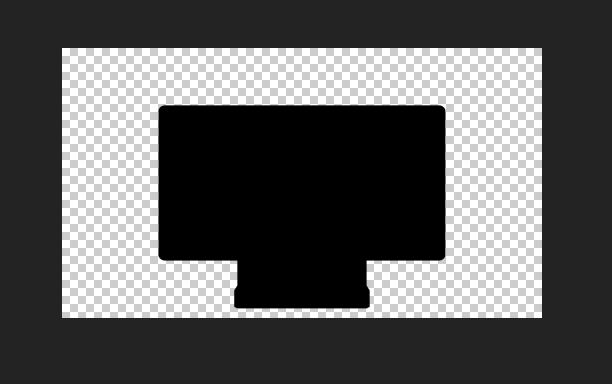
- Problem
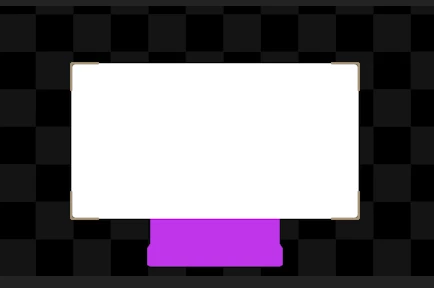
- Main


This topic has been closed for replies.

2 replies

Jose Panadero
Community Expert
Community Expert
September 16, 2021

Probably the light is behind the monitor. The light's z position must be in a negative value lower than the monitor's z position. Also check that your light is not have its intensity in a lower value too. Anyway as Mylenium says it would be great that you gave us more info about what is in your composition with revealed modified properties and screen captures of your complete composition panel.

Mylenium
Legend
September 16, 2021

Cropped screenshots tell us nothing. We can't even see the light widgets. You need to provide full screenshots - timeline, full comp viewer and all that with the relevant properties revealed.


Mylenium