
Known Participant
September 18, 2022
Question

Help with sourcerectatTime?

  • September 18, 2022
  • 2 replies
  • 216 views

Hello, 


I am trying to create a message-like animation in After Effetcs. This is what the "message" looks like : 
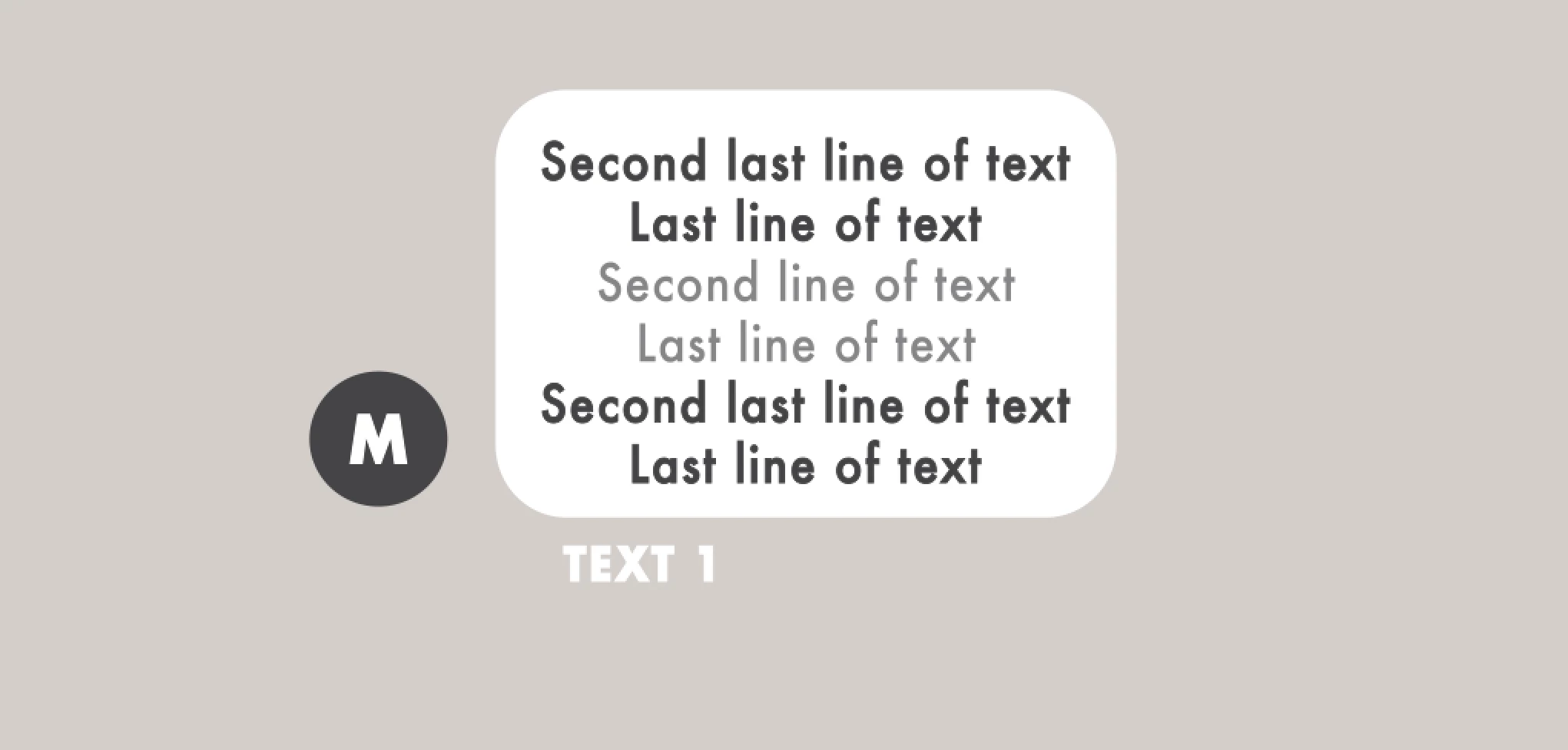


I have a s.sourceRectAtTime expression that changes the box width and height depending on how long the text is. However, the two other icons (the circle with an M inside of it and the text that reads "TEXT 1") do not move along with it, and end up looking something like this : 
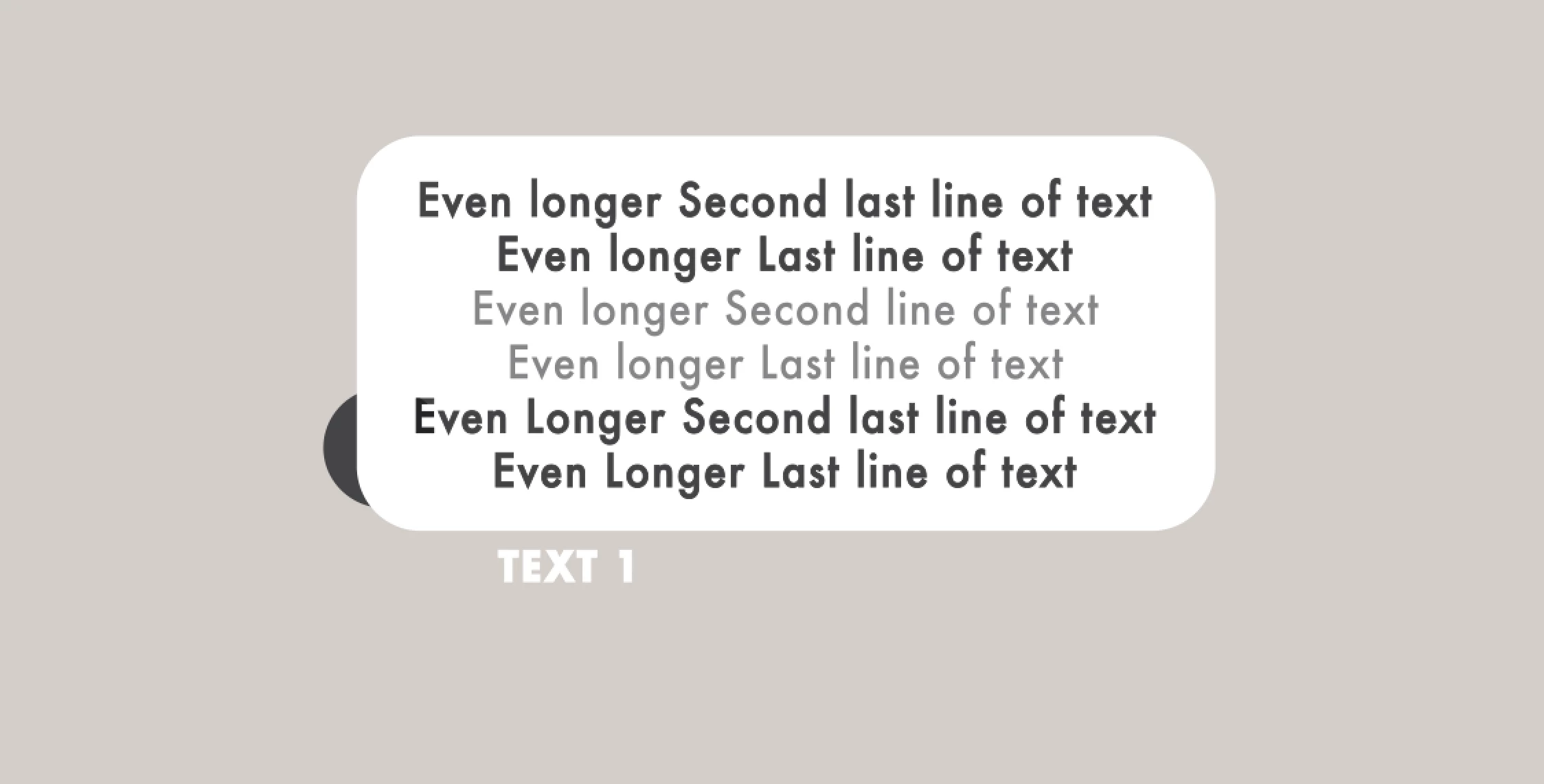


As you can see, the text gets longer, and the box gets longer with it. However, I want the circle with the letter in it and the text that reads "TEXT 1" to move accordingly with the box width, like this :
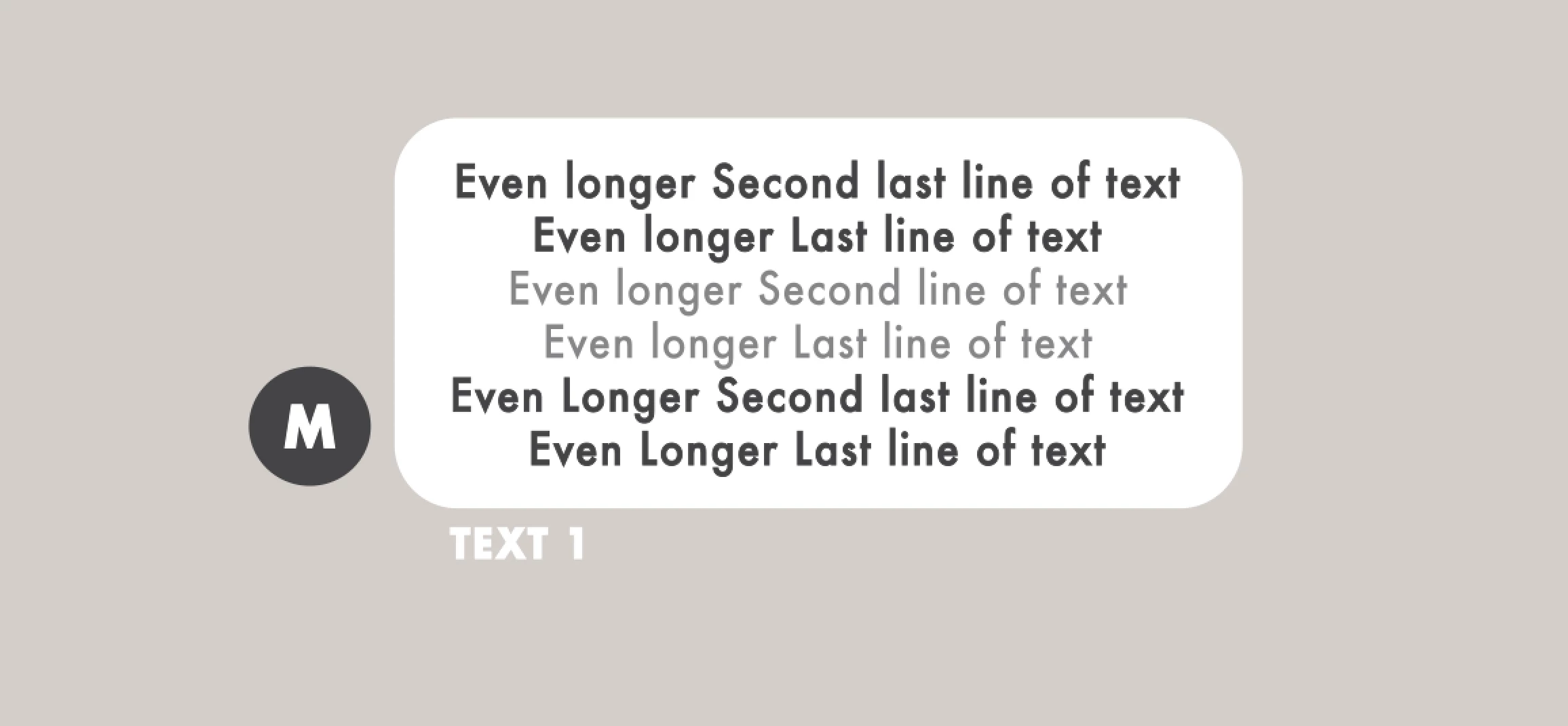


The problem is, to get it to move like this I need to manually move the two icons, and it's a bit time consuming. I don't know too much about expressions, but if there was one to help with this, it would be greatly appreciated, thanks!

This topic has been closed for replies.

2 replies

Mylenium
Legend
September 18, 2022

Change the line for Y position to something like that:

Y=mPos[1]+mRec.height*0.5+mPad;

Mylenium

Mylenium
Legend
September 18, 2022

You simply move the icon by the amount of change plus padding. Could be as trivial as


mText=thisComp.layer("Text");
mRec=mText.sourceRectAtTime();
mPos=mText.transform.position;
mPad=20;

X=mPos[0]-mRec.width*0.5-mPad;
Y=value[1];

[X,Y]


Mylenium


Kany5CCFAuthor
Known Participant
September 18, 2022

Hello, thank you so much for your reply, the expression worked and the icons move with the width of the text. I can't believe it's that simple, but do you know how I could modify this expression so that the icons also move with the height of the text?