
Hitting the Spacebar will Not move Current Time Indicator
Hi, so I have noticed that after reinstalling after effects to fix an issue with previewing/ram, That issue has gone away but in one project where I added an audio file, and added effects to the audio layer (reverb, flange and chorus) and then precomposed the layer and added some jpg images into the timeline, everything was and then I wanted to playback the preview the after repeatedly hitting the space bar, the current time indicator just wont move and the preview doesnt play, it just stays paused, So I tryed rendering just the audio and added that into a new Ae project file then added more jpgs/png images into the composition and the preview was playing normally so after working on it for a bit, I thought maybe it was just an issue with that project file, But i recently opened a project file that isnt mine, I didnt think anything about it and it was previewing fine until the almost at the end and then it just paused so i hit the spacebar and it wont move and it just stays paused and this time it didnt have anything to do with me adding audio effects, etc. I noticed that when I go into the layer source sometimes i am able to preview without it staying paused but sometimes it does the same thing where it gets almost all the way through until it just stops. I wondered if it was a memory issue so i cleared the disk cache and checked ram usage but that fine and it didnt change anything. With similar issues I have read online, I checked the preview settings on the right side of the project, but it was all ok. If anyone is familiar with this problem and knows how to fix it I would appreciate Thank you
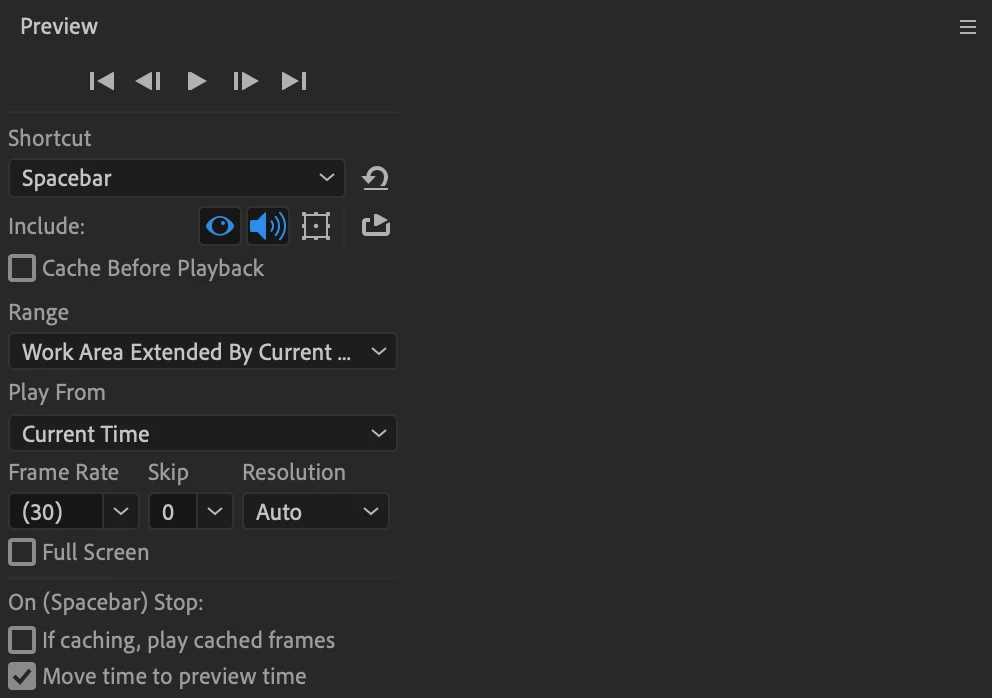
Here Are My current preview settings,
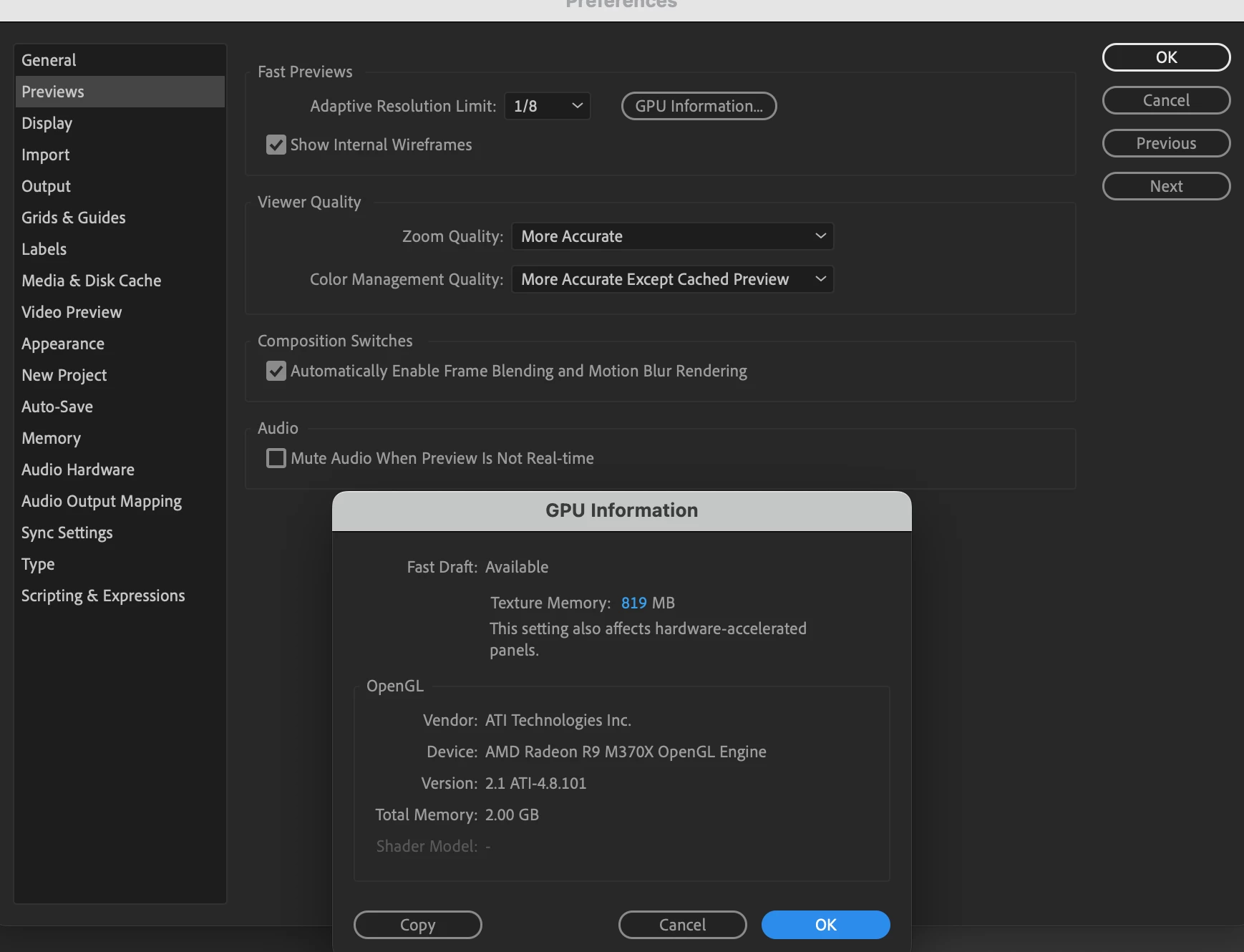
After Effects/Computer Specs
After Effects 2020 V17.1.0 (Build 72)
Allocated Memory for After Effects: 12GB (Installed RAM: 16GB)
macOS Monterey V12.5.1 Macbook Pro
Processor: 2.5 GHz Quad-Core Intel Core i7
Memory: 16 GB 1600 MHz DDR3
Graphics: AMD Radeon R9 M370X 2 GB
Intel Iris Pro 1536 MB
 AdChoices