


Question
How can I adjust opacity on individual color mappings in tint effect??
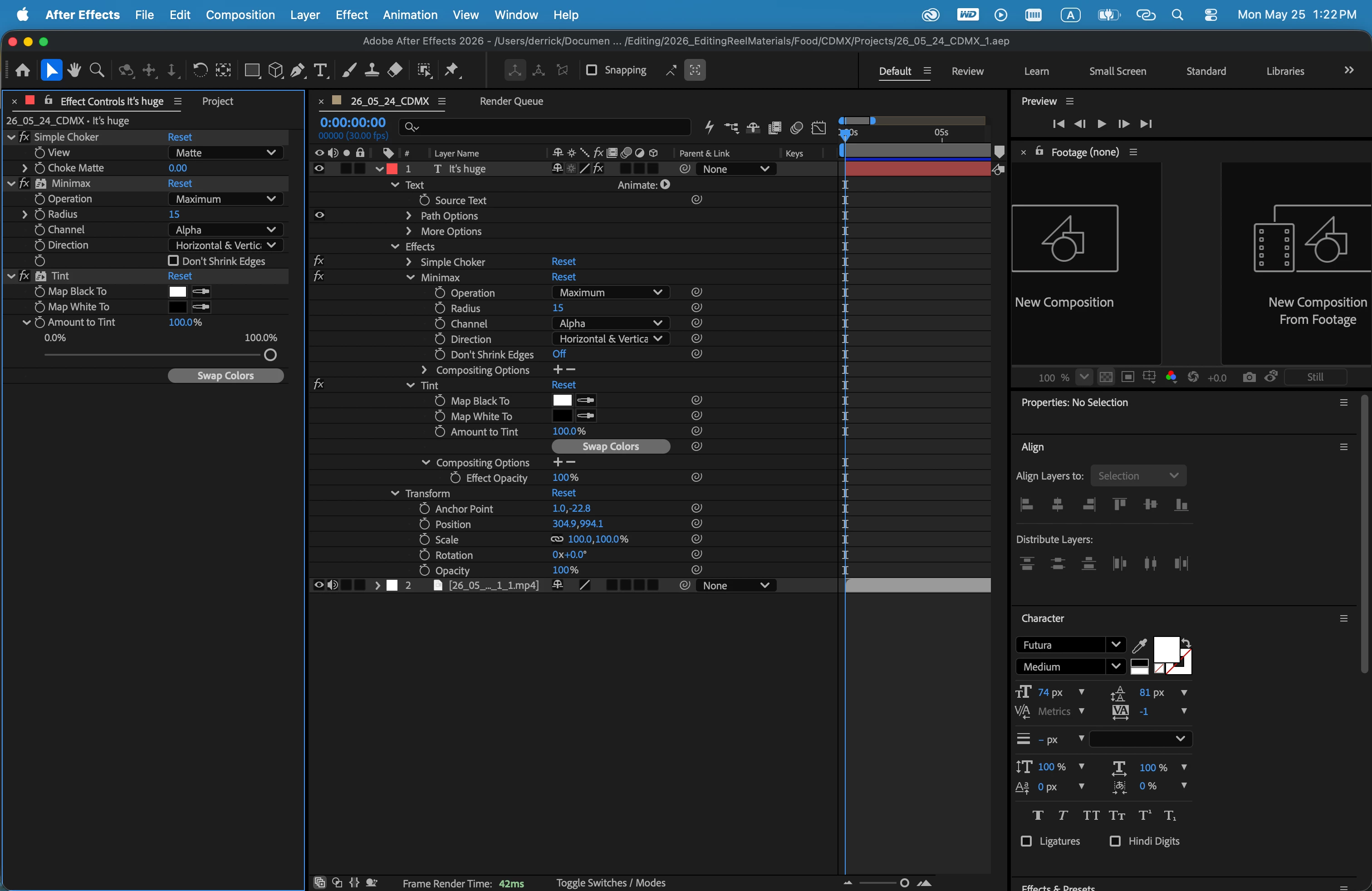
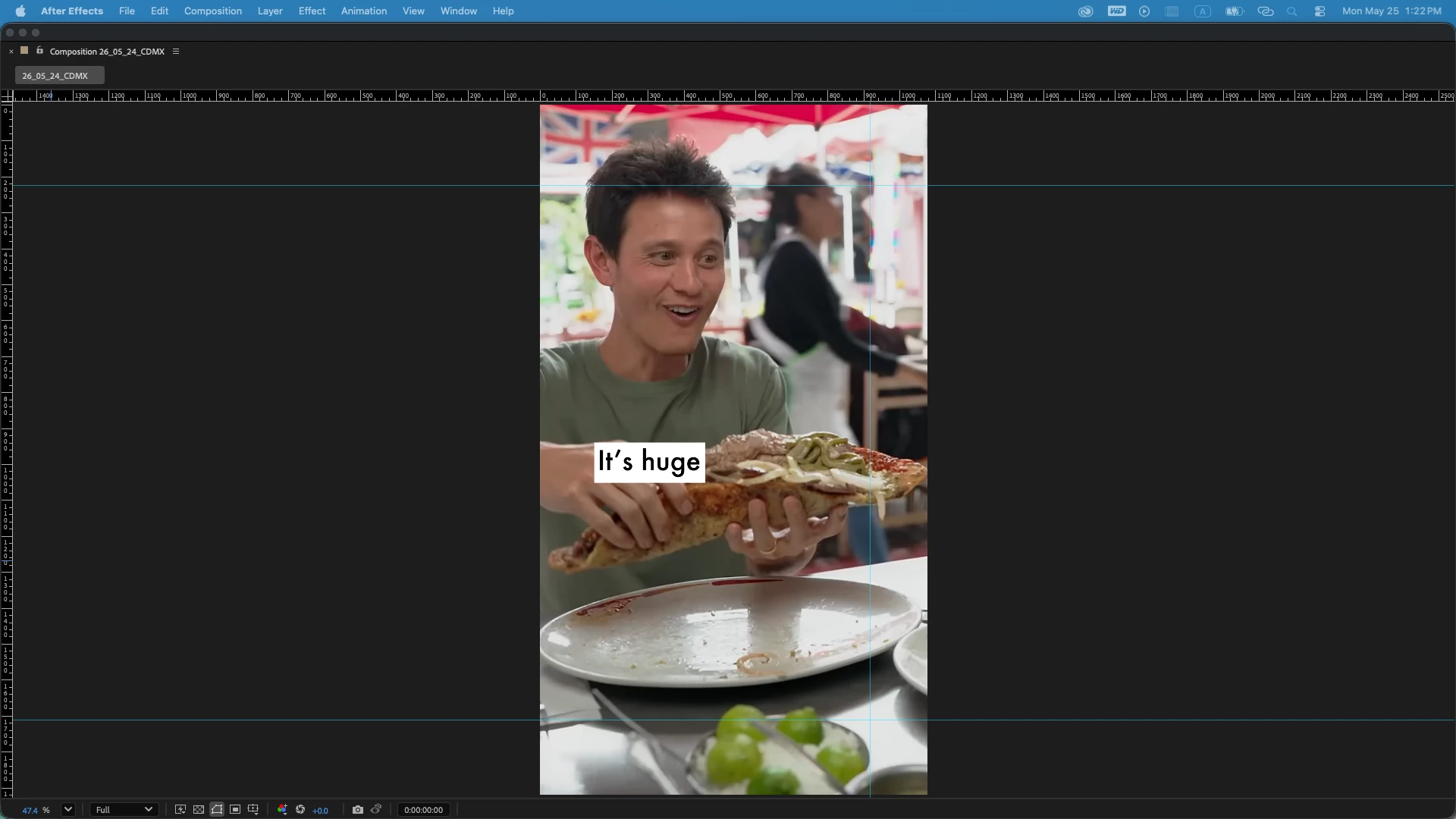
I made an animation preset for creating captions (followed tutorial). I’ve got a black rectangle shape that populates custom text. However, I want to adjust the opacity of the black rectangle shape only. I’ve tried adjusting the “Amount to Tint”, but that doesn’t work (and inverts both color mappings simultaneously). Same for the effect opacity. DOes anyone know, based on how I built this animation preset, how I can adjust the opacity of one of the color mappings? If not, what would be the best way for me to create what I’m after? Thanks all!
 AdChoices