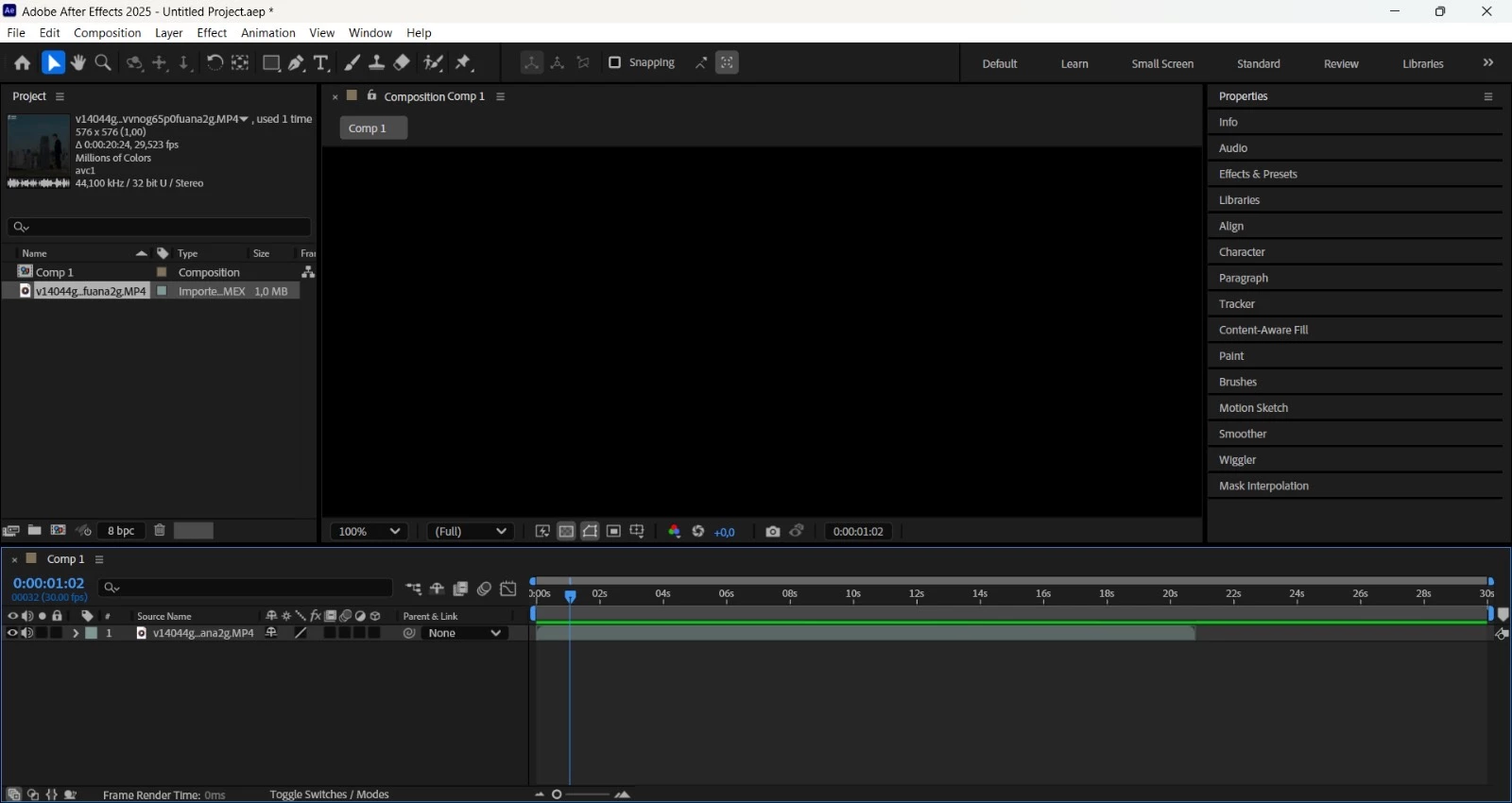
Try updating your graphics driver or turn off GPU acceleration in the Project Settings. You can get to project settings by pressing Shift + Alt/Option + Ctrl/Cmnd + K or by clicking on the Bit Depth display in the Project panel and navigating to the first tab in the Project Settings Panel.
Yeah atm, I think this is somewhat of a new issue. I have it too btw, the only work around for this is to get another monitor, extend it and put your After Effects on the other screen. You can try this method with a TV that has a HDMi connector built in and connect it to your pc/laptop. Sorry if its not much help as I'm also trying to figure out why it's like this 😔



 AdChoices