
KlausKi
Inspiring
October 14, 2024
Answered

How can I loop a nested composition?

  • October 14, 2024
  • 1 reply
  • 3133 views

I googled for my question, yet I couldn't find a solution that fits my needs …


I have a short composition that I'd like to run repeatedly in another composition. I.e., I'd like to loop the nested composition in an outer composition:

 However, all the solutions I found so far don't work for me. Time Remapping doesn't work. Re-interpret footage doesn't work, too.


How can I loop a nested composition in an outer composition?
This topic has been closed for replies.
Correct answer thepixelsmith

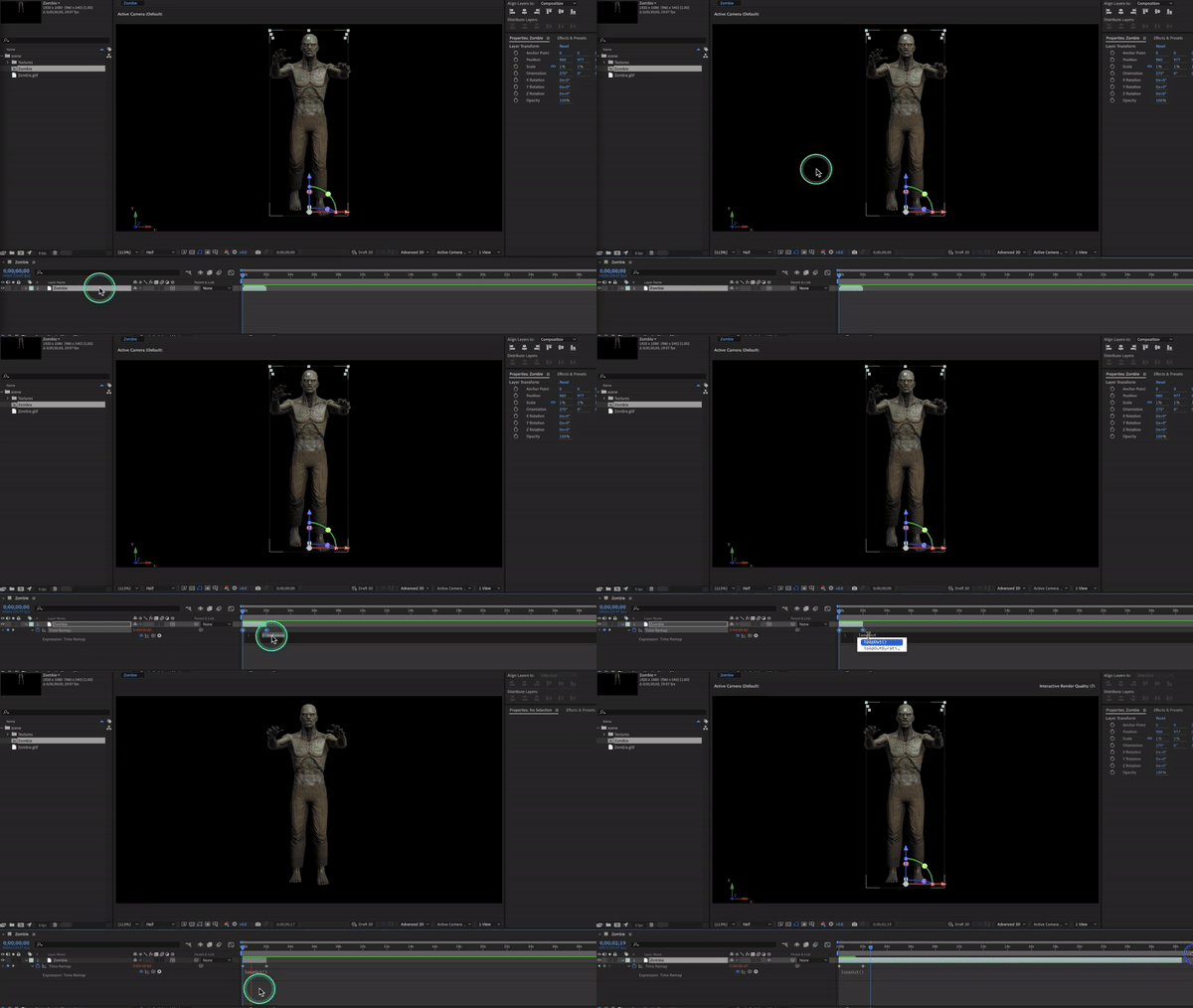
I think I found the reason why this solution isn't working for me:

If you look at my source composition above, you will notice it's only 1 sec in length.

That's all there is. That's why I want to loop.

When the source composition ends, looping using loopOut() has no effect, as it won't reach beyond the original footage.


Once Time Remapping is applied the length of the layer can be extended to be infinite.

Place your cursor st the end of the layer (thats the colorful area) it will become a double headed arrow, just drag the layer length to the right.

1 reply

Mylenium
Legend
October 14, 2024

Without any more specific info like what's actualyl inside nobody can tell you what is going on.


Mylenium

KlausKi
KlausKiAuthor
Inspiring
October 14, 2024

Hi,


it's simply some footage. Nothing in particular. I just want to loop that composition, that's all.

Community Expert
October 14, 2024

Pre-compose moving all attributes and trimming to the length of the layer. Apply time remapping. Go to the last timeremspping key frame, then back up one frame and add a new keyframe.  Go back to the last key frame and delete it and then add a loopOut() expression.