

Question
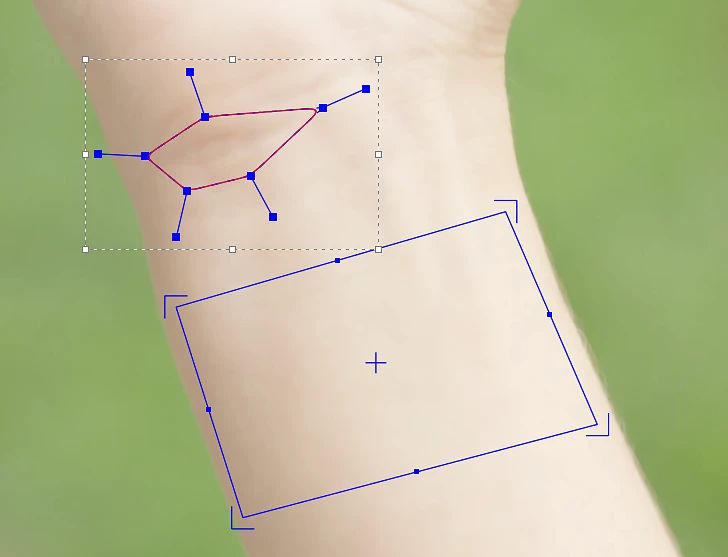
How can I manually adjust the Planar Surface in Mocha?
When tracking on Mocha, the Spline usually looks fine, as it’s flexible and I can manually adjust it, which will create keyframes and is very practical. However, when I enable the Planar Surface (blue rectangle), it always seems to drift away from the Spline. Is there a way to manually adjust it?


 AdChoices