
How can I successfully use the Loop expression?
I'm still fairly new to After Effects and I'm working on a project that requires a lot of animations to loop, but using the Loop expression is completely racking my brain at the moment because I'm consistently encountering issues with it. Would any of you please help me figure out what I'm doing so horrendously wrong?
Just to illustrate the problem I'm having with a simple example, I've made a basic animation consisting of only three frames, displaying the numbers 1 to 3. I want to create a loop so that the numbers will play in the following sequence: 1 > 2 > 3 > 1 > 2 > 3...ad infinitum.
I've created a comp with this animation called "numbers".
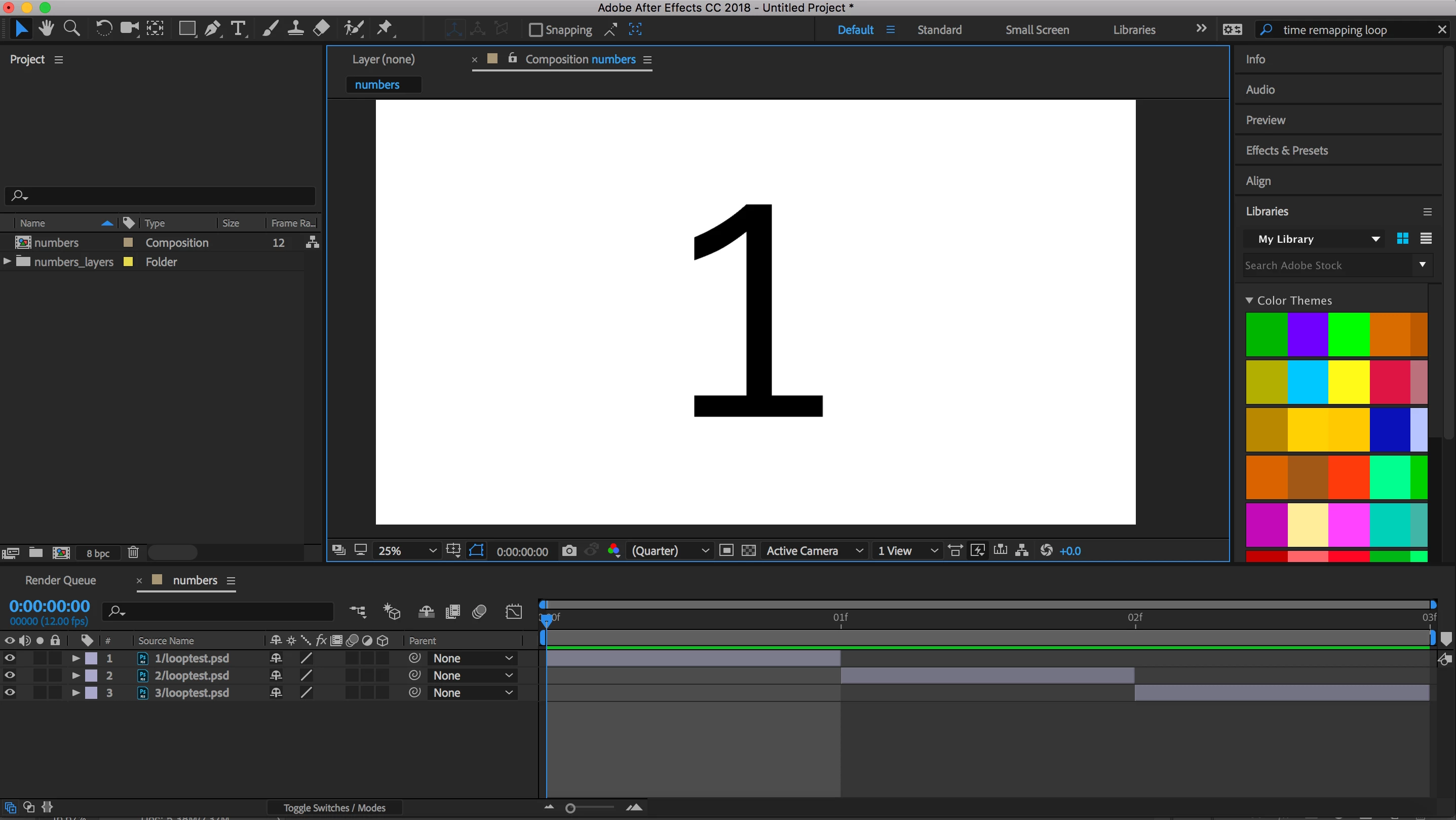
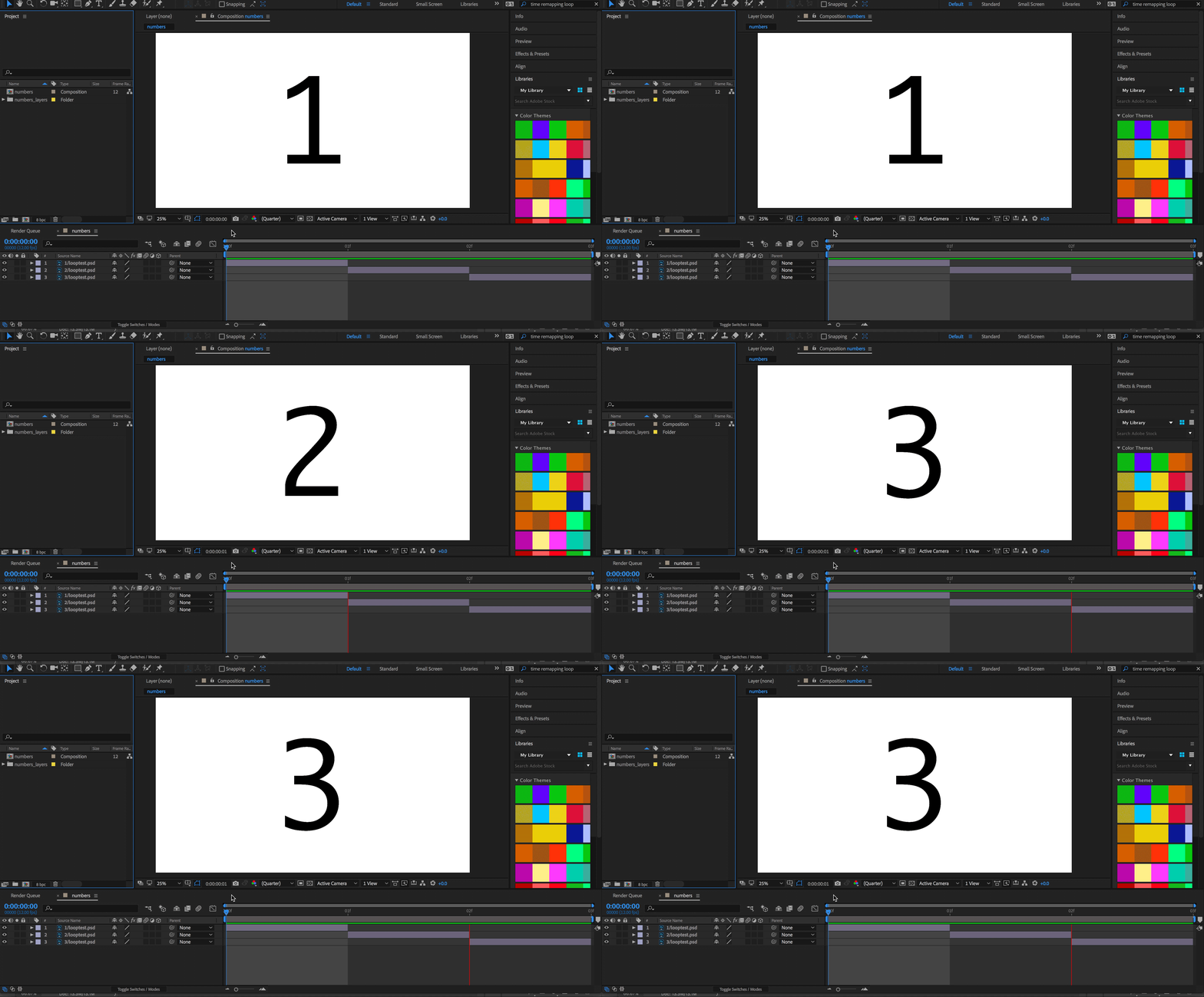
Here's the animation where the numbers go from 1 to 3 rapidly, with each number lasting just one frame. This is how I want the loop to look.
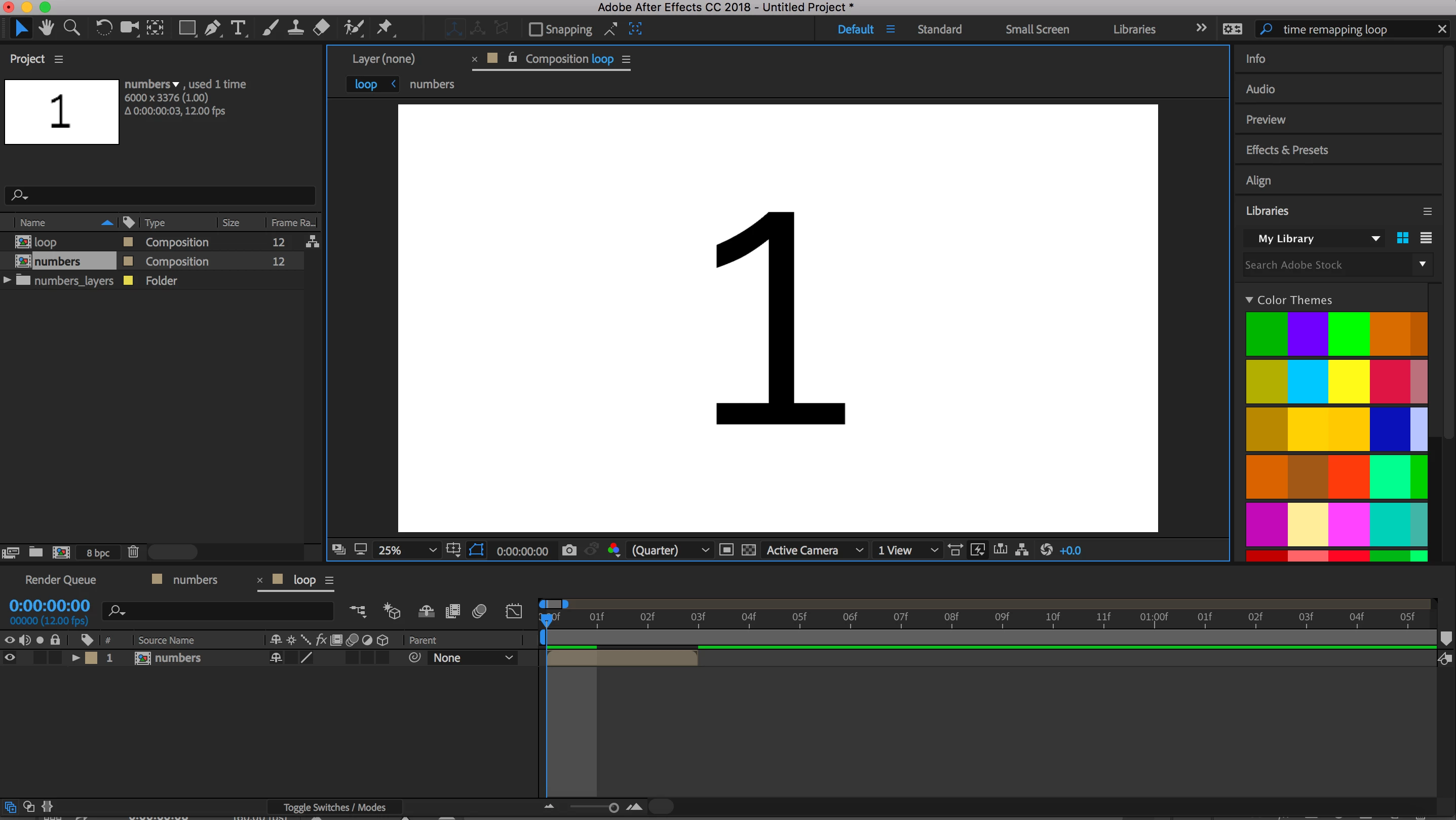
I created a new comp and called it "loop", and placed the above comp into it. This is where I want to create the loop.
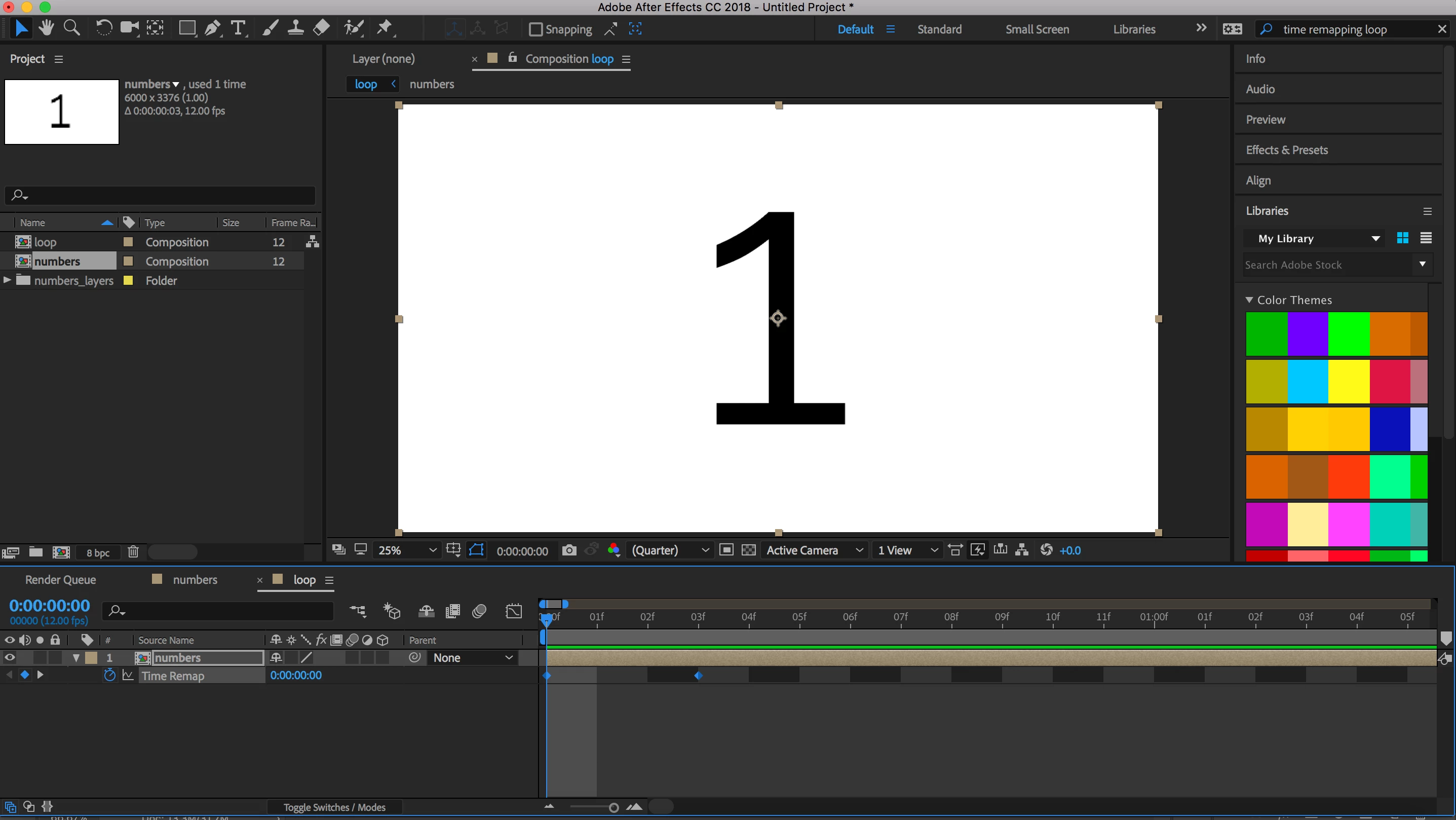
I've enabled Time Remapping and stretched out the clip to fill the timespan of the comp.
I added the Expression and typed in loopOut();
I know this part is finicky because it makes the last frame disappear in the first segment of the loop. I understand the trick is to go to the penultimate frame in the Time Remapped clip, and create a new keyframe in Time Remapping there. Then I'm supposed to delete the last keyframe. So I went ahead and did that.
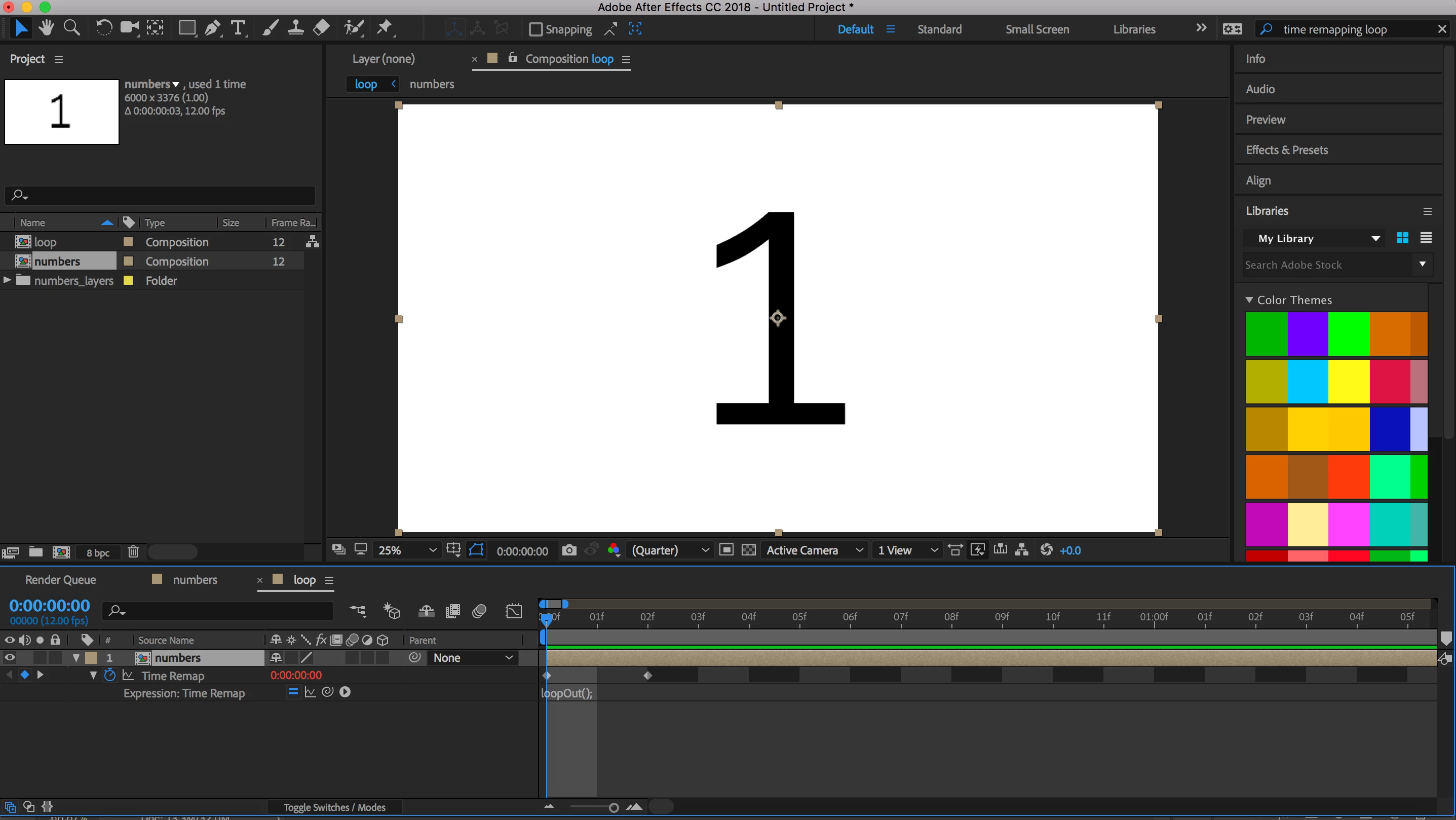
And this is where I invariably encounter problems. For example, here's the animation that results. In this case, it seems to start with playing the first two frames, and then it just holds on the first frame for the rest of the "loop". The third frame is nowhere to be seen.
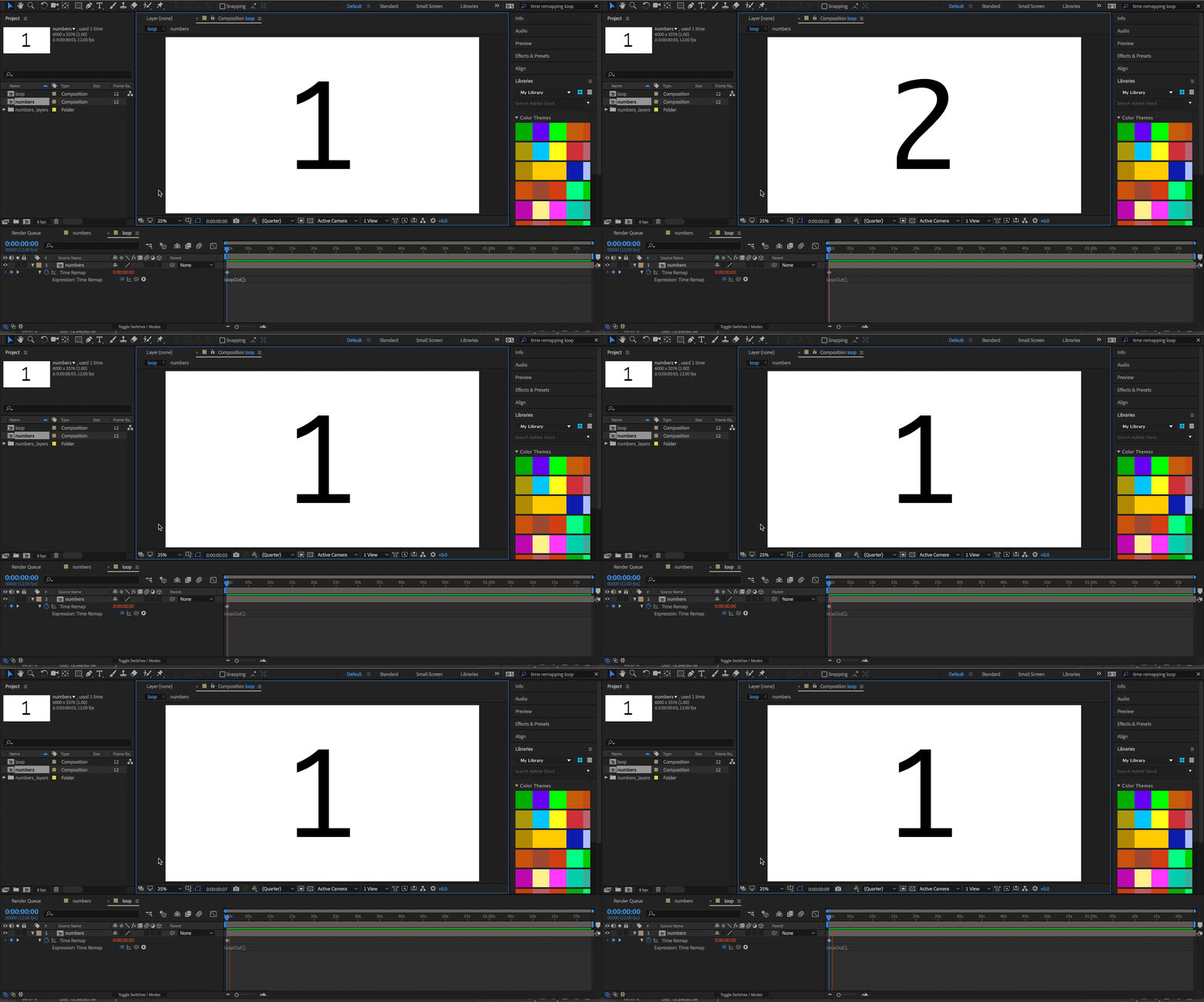
Since I've carefully laid out the steps in my process, can anyone figure out what I've done wrong here?
Thanks a lot for the help! I really need to overcome this hurdle with the Loop expression because it's the only real issue keeping me from completing my project.
 AdChoices