
How can I use a difference matte to change the opacity of another layer?
Heya.
I'm really not very good at AE at all, so I'm not so good with the advanced terminology.
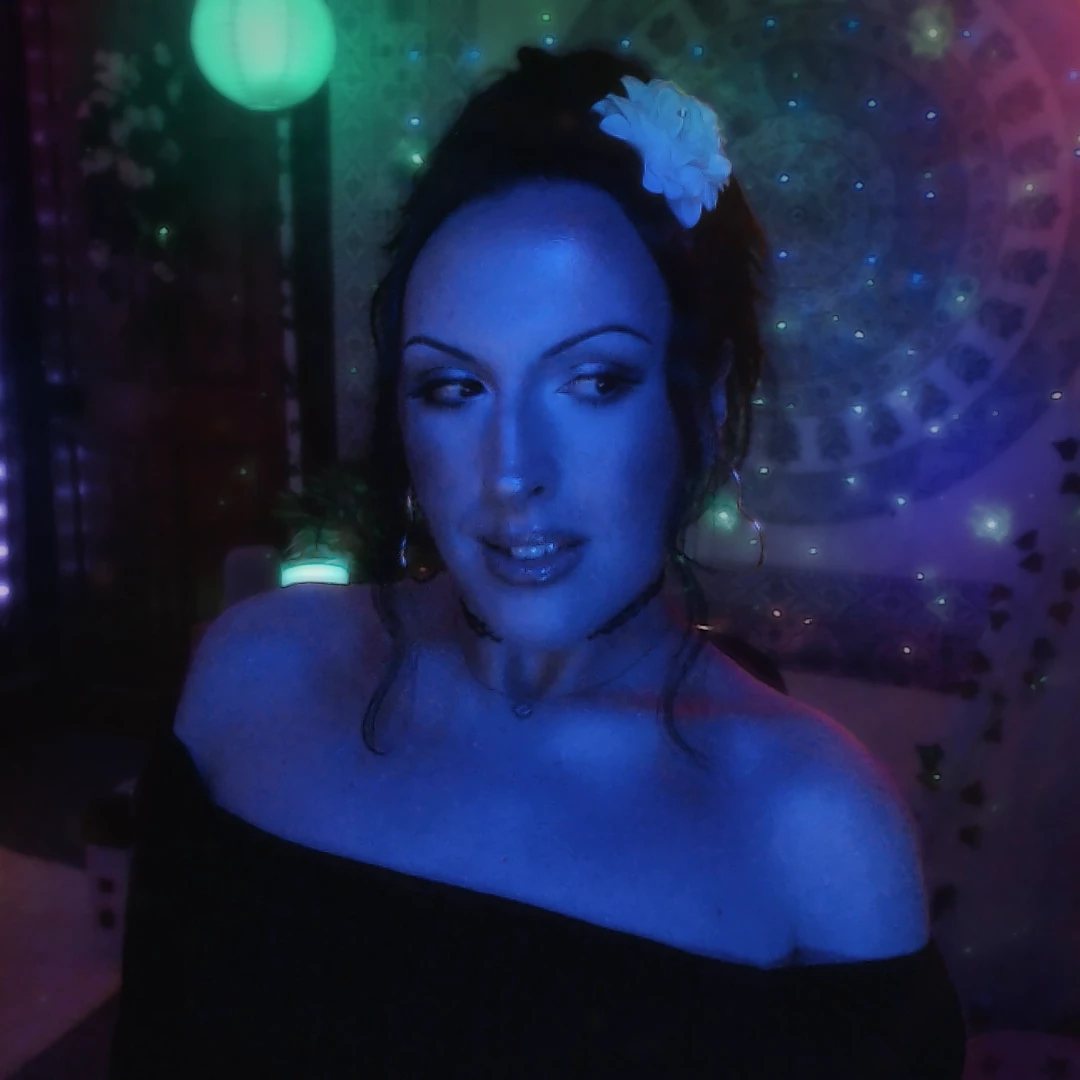
I have flameless candles in the backdrop of my static shots, and these static shots often last 45+ minutes. I have PNGs of lens flares that correspond to the candles. I love how it looks, but I notice that when the candles are momentarily obscured (often things like my hands or arms moving in front of them), the PNGs of the lens flares still remain, which looks jarring and unnatural.
I would like it to be such that when the candles are obscured, the opacity of the lens flares dynamically, automatically lower in opacity, proportionate to how obscured they are. So if they are partially obscured, the opacity of the lens flare would come down, but not entirely.
I would like this to be automated, as this will be what I'm doing for every video I make.
Ideally, I would like to be able to just mask out the small area of the candles and make AE just focus on the changes to that area, so it's aware of when it changes, and when it should modulate the lens flare opacity.
What I've been trying to do is sample pixels inside a certain radius, and changing the lens flare opacity based on luminance changes in the sample radius. This has been flawed though, because there are times where my hand has been as bright as the candle, and so it hasn't properly registered the changes.
I've heard that a difference matte might work? But I'm not experienced enough to be sure. I figured that I could take a freeze-frame of a frame where the candles are totally obscured and somehow find a way to make AE lower the opacity the more different the current frame is compared to the reference freeze-frame.
Thanks in advance.


 AdChoices