
How do I create a blurry wipe reveal for a shape
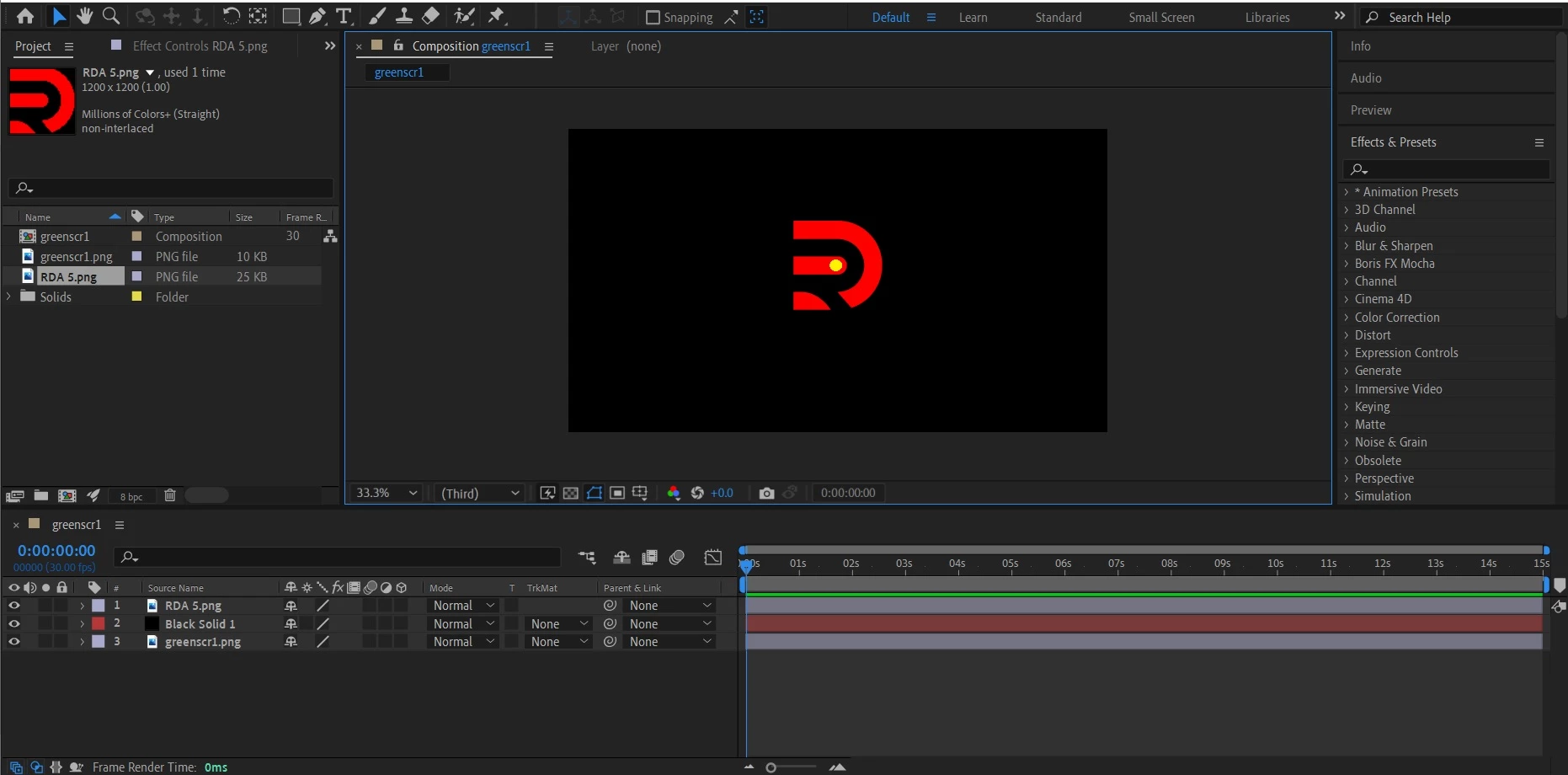
Guys I transformed this logo shape to green because I wanted it to be a green screen animation.
I changed the shape from red to green using the ‘none’ to ‘Alpha Inverted’ in the timeline.
Then I created an 8 sec zoom out animation as indicated by the file below.
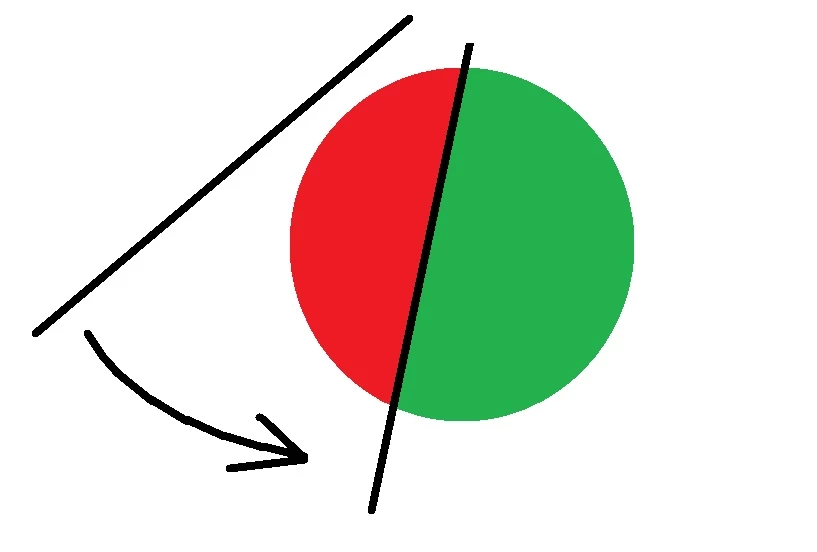
Let's suppose this circle above is the RDA logo shape.
what I want to do next is create like a blurry reveal animation wipe from left to right as shown in the image above. I want it to move in an angular anticlockwise pattern revealing back the red shape as it once was and eliminating all the green. I want this to start at about two seconds from where the previous animation ended.
Sorry guys I'm kinda new to Ae so a step by step explanation would be nice
I appreciate the help
Thx
attachment of the file below
 AdChoices