
Question
How do I create a mask that matches the shape of a shape layer?
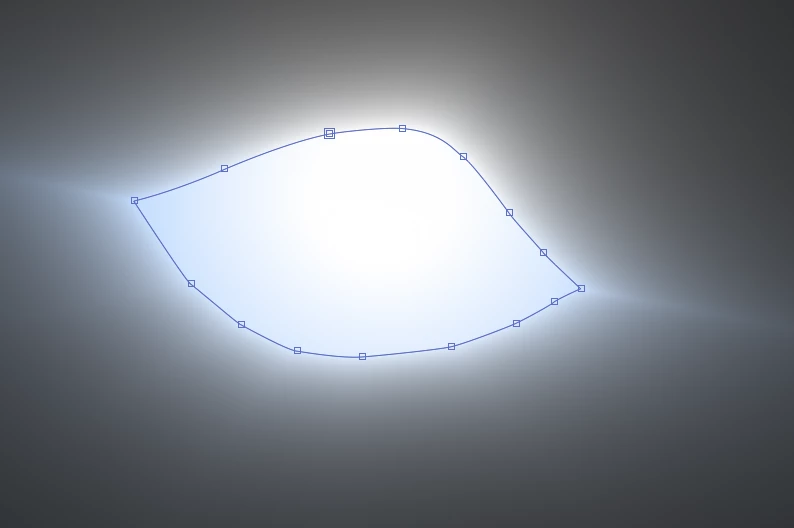
I want to mask off cc lightburst applied to a shape layer to get rid of the light rays which go outside of the shape. I could manually go in and draw a mask, however I'm looking at repeating this process for many many shapes, and so I'm wondering if I would be able to somehow copy the path of the shape layer and apply it as a mask?
I attached a screenshot of what I'm working with below.
Thanks!!
 AdChoices