Participant
September 2, 2020
Question

How do I expand the border of my object?

  • September 2, 2020
  • 1 reply
  • 2269 views

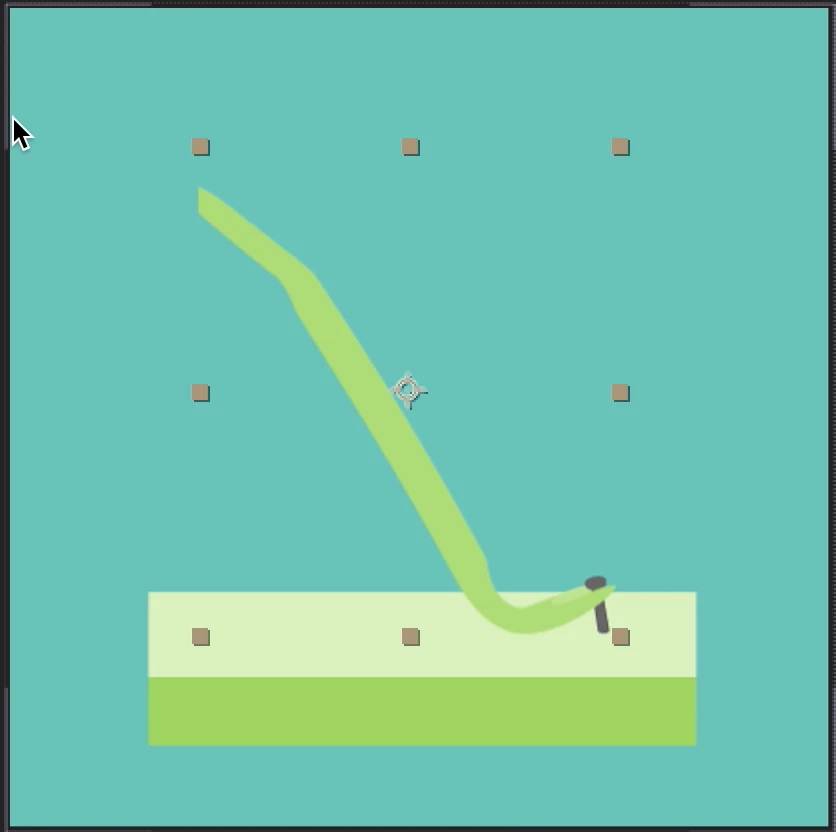
I've been trying to use the bend tool and I've got it down, but I don't know how to expand the border around it so that way the object doesn't get cropped out as it bends.  Any suggestions?
 

This topic has been closed for replies.

1 reply

Community Expert
September 2, 2020

Cropped screenshots are pretty useless. We need to see the layer structure, the modified properties of the layers that are giving you problems, and a detailed workflow description. 


Blend a layer indicated you are using the C4D rendering engine and you have a standard layer that you want to bend. Your screenshot doesn't look like that is what you are doing. 


Vector layers disappearing when you suggest that you may have pre-composed the vector layer and then scaled the pre-comp. That problem can be solved by collapsing transformations. 


There are just way too many different ways to end up with a cropped layer problem for anything more than a guess. Select the layer or layers that are giving you problems, press the U key twice so we can see what you have done to the layers, then post a screenshot of the full UI so we have some idea what is going on in the comp.

Lucas5E1FAuthor
Participant
September 2, 2020

I figured it out lol.  It was a simple fix.  Thanks though my guy.

Participant
July 23, 2024

can you say how you ffix it ?
