

Answered
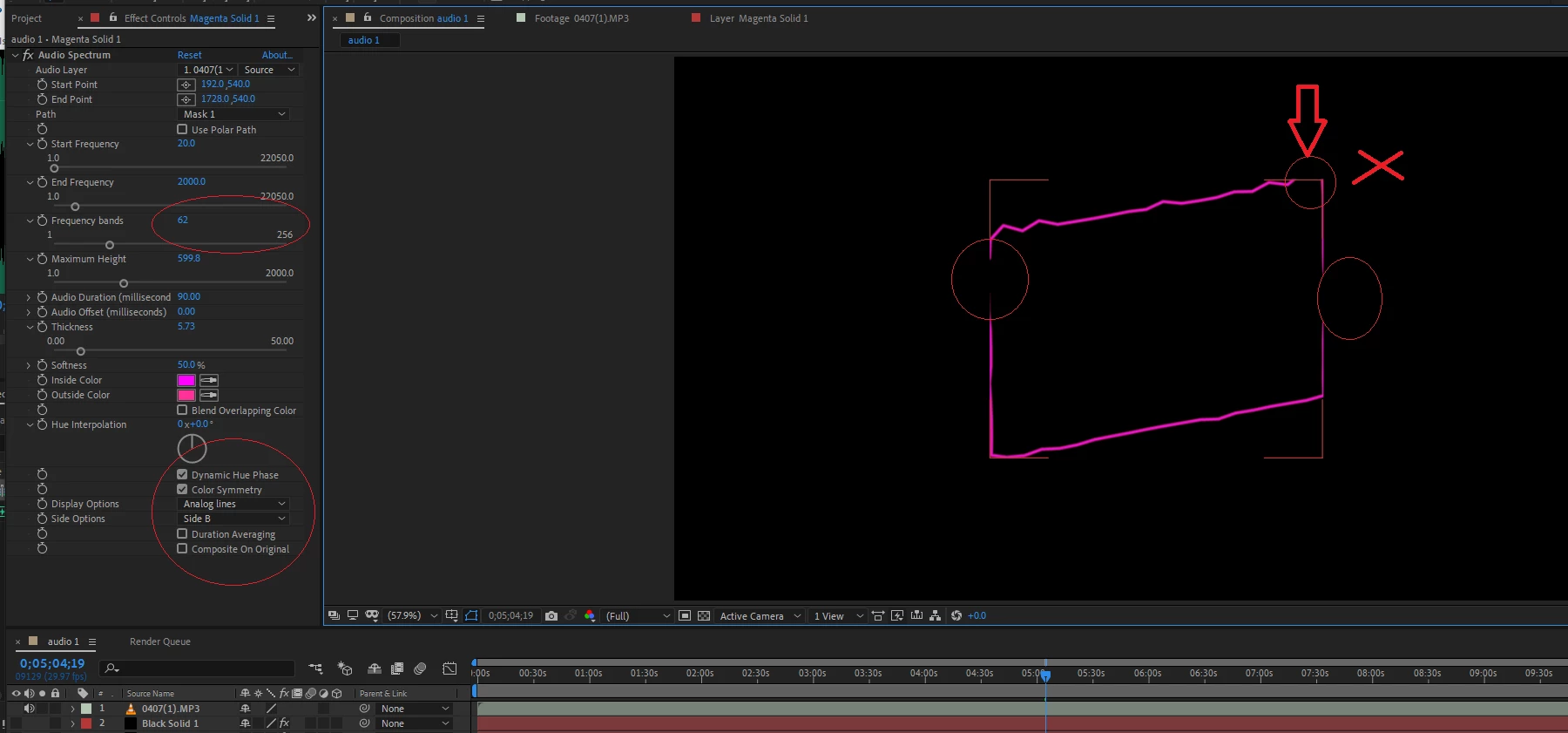
How do I get "side B" to enlarge beyond the square frame that comes with it?
Hello everyone,
My selection of "side B" limits the line to the square frame.
In my opinion, the "side options" area limits it. How do you make them larger?

Hello everyone,
My selection of "side B" limits the line to the square frame.
In my opinion, the "side options" area limits it. How do you make them larger?
Already have an account? Login
Enter your E-mail address. We'll send you an e-mail with instructions to reset your password.
 AdChoices