Inspiring
April 28, 2026
Answered

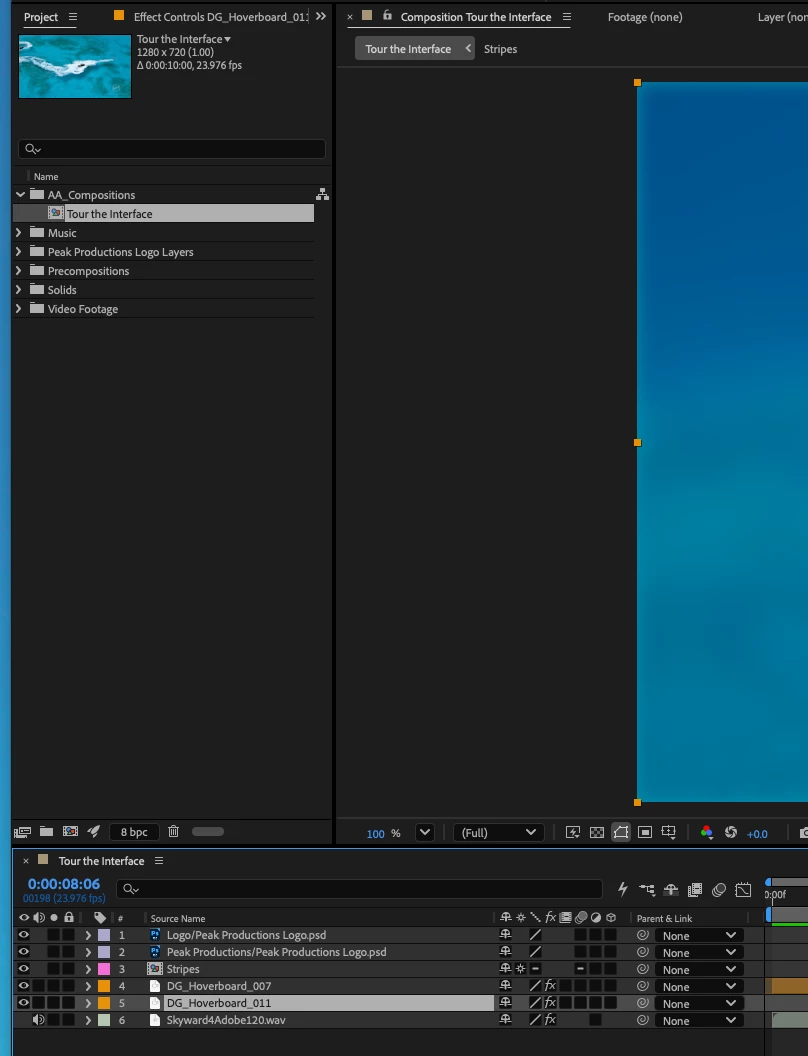
How do I increase panel items without having to increase Mac display?
  • April 28, 2026
  • 3 replies
  • 72 views

How can I increase the size of the items within the panels without having to increase the aspect ratio of my Mac’s enteral monitor? 

    Correct answer thepixelsmith

    In general you can’t. AE currently does not have UI Scaling outside of a few things like the size expressions text displays and path and point size.

    3 replies

    Warren Heaton
    Community Expert
    Community Expert
    April 30, 2026

    I find macOS Accessibility Zoom to be very helpful.  Once set up, it’s a quick mouse position, command option 8 to zoom in, see what you need to see close up, then command option 8 to zoom back out.


    Apple Support macOS Zoom in on your Mac screen


    Inspiring
    April 30, 2026

    Thank you for this suggestion. 

    Inspiring
    April 28, 2026

    That’s too bad. Hopefully, they will add UI Scaling to AE. For now, I guess I have to change the resolution of my external monitor, which leaves the image quality unappealing to the eyes.

    Nishu Kushwaha
    Community Manager
    Community Manager
    April 29, 2026

    Please add your vote to the following feature request: 


    Thanks,

    Nishu

    thepixelsmith
    Community Expert
    Community Expert
    May 1, 2026

    Yes. Please upvote for the feature.

    Jerron Smith | www.thepixelsmith.com
    thepixelsmith
    Community Expert
    thepixelsmithCommunity ExpertCorrect answer
    Community Expert
    April 28, 2026

    In general you can’t. AE currently does not have UI Scaling outside of a few things like the size expressions text displays and path and point size.

    Jerron Smith | www.thepixelsmith.com