
Answered

I really cannot see what type of layer those paths are sitting in... why no transform options? If they have no fill or stroke they are already invisible... i brought in my illustrator layer... i right clicked it and select create - shapes from vector layer....
Then when you reach point a you add opacity key frames on that one path's group transform options
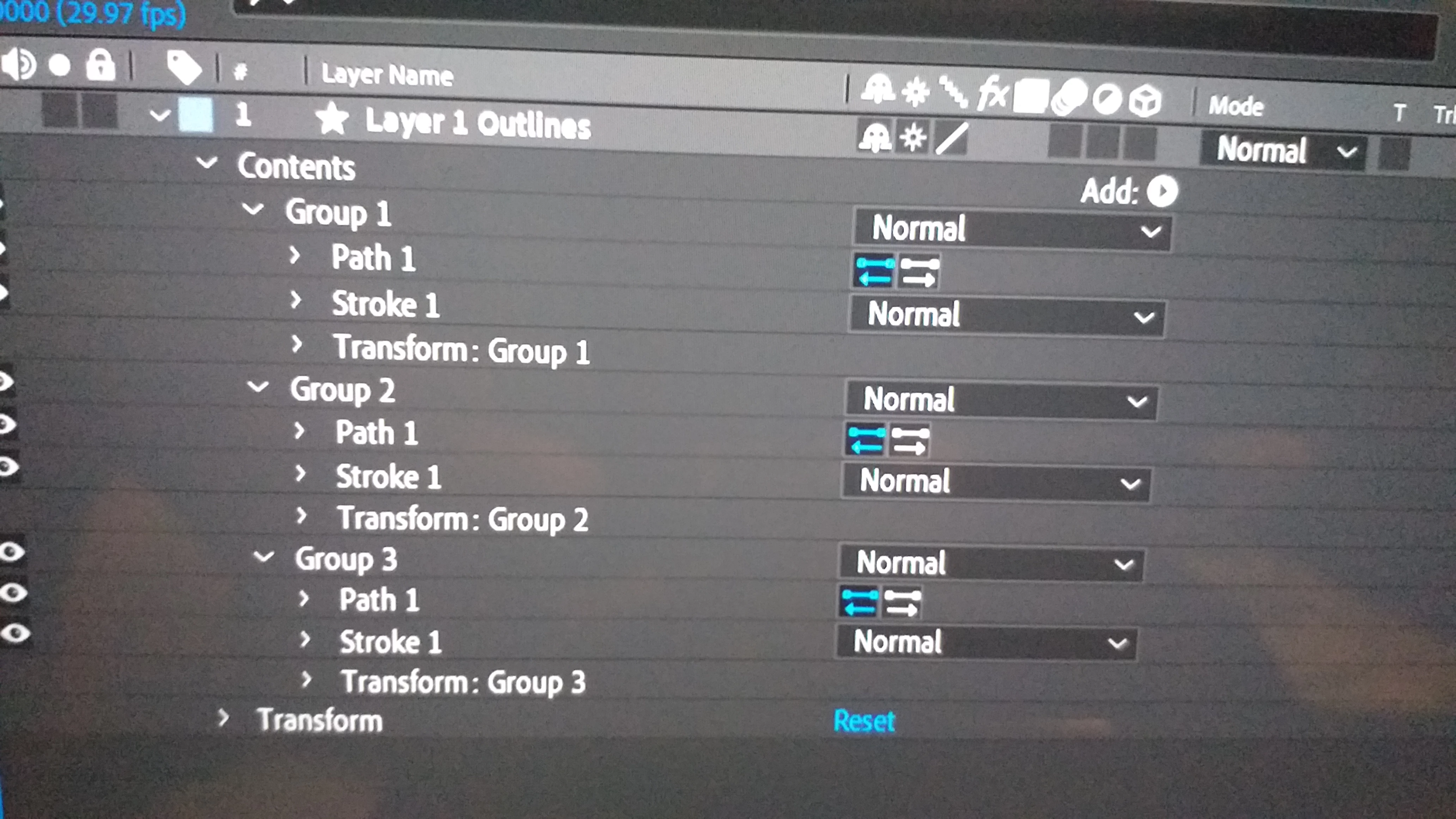
So basically when you get to point A come back one key frame and add a keyframe for the Opacity on that path's layers then forward one keyframe and set another opacity keyframe and bring it down to zero
Already have an account? Login
Enter your E-mail address. We'll send you an e-mail with instructions to reset your password.
 AdChoices