


Answered
How do I move a layer at a specific angle using an expression
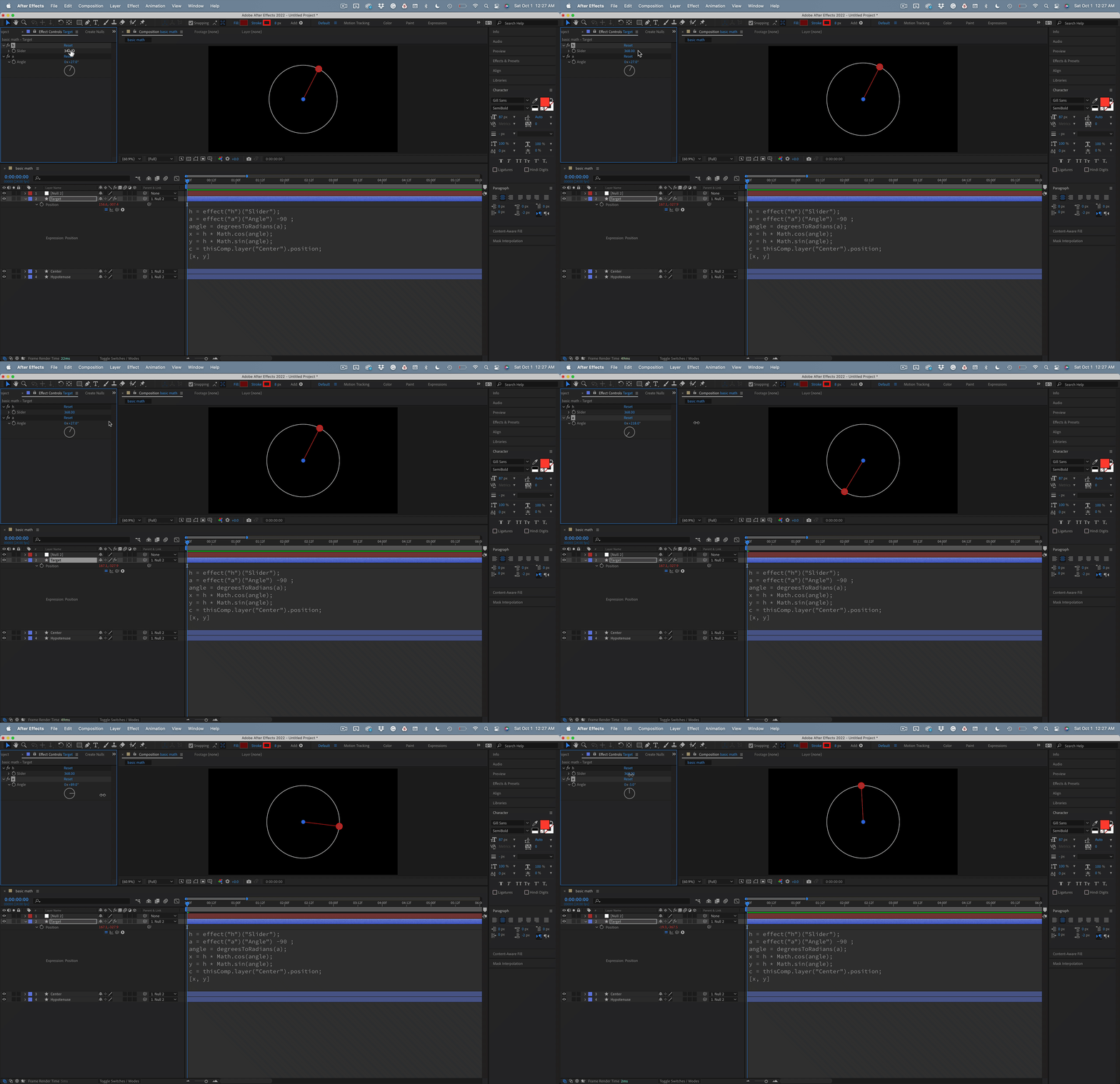
I've been fiddling with this one for several hours, and it's time to humbly ask for help. I know the basics; if you know the length of the opposite side of a right triangle and the angle, you can calculate the adjacent side's value. If I have a center layer and an Expression Control slider for the hypotenuse length or radius of a circle from the center and have an Angle Control for angle, I should be able to calculate the X and Y values for the target layer. The sin and cos of the angle time the hypotenuse don't work. I'm stuck. Any suggestions would be appreciated. I can't even get the first 90º to work. If anyone knows, it's Dan Ebberts.


 AdChoices