
How do I parent an object layer to a null object with a delay and offset?
I need help simplifying my project. I have several images that I want to have rotate along a circle path, but trying to keyframe 10+ layers to follow an individual path and have them end the animation at a different position so they’re all visible takes too much time. I thought it might be simpler to create a null object that goes along a circle path, parent the layers to the null, and then use expressions to set a delay and position offset.
Unfortunately I’m having a very hard time finding an expression that works correctly. Whenever I parent the layer to the null, the layer either follows the circle but off to the side slightly or the expression doesn’t work altogether. The closest I was able to get making the “delay” effect to work is using this expression:
delay = 3; // delay frames L = thisComp.layer("Null 1"); L.toWorld(L.anchorPoint,time - delay*thisComp.frameDuration)
But this doesn’t answer the problem of getting the animation to end in a separate position than the null object.
I’ve included a few screenshots to show what I have currently vs what the end result is supposed to look like after the animation has ended.
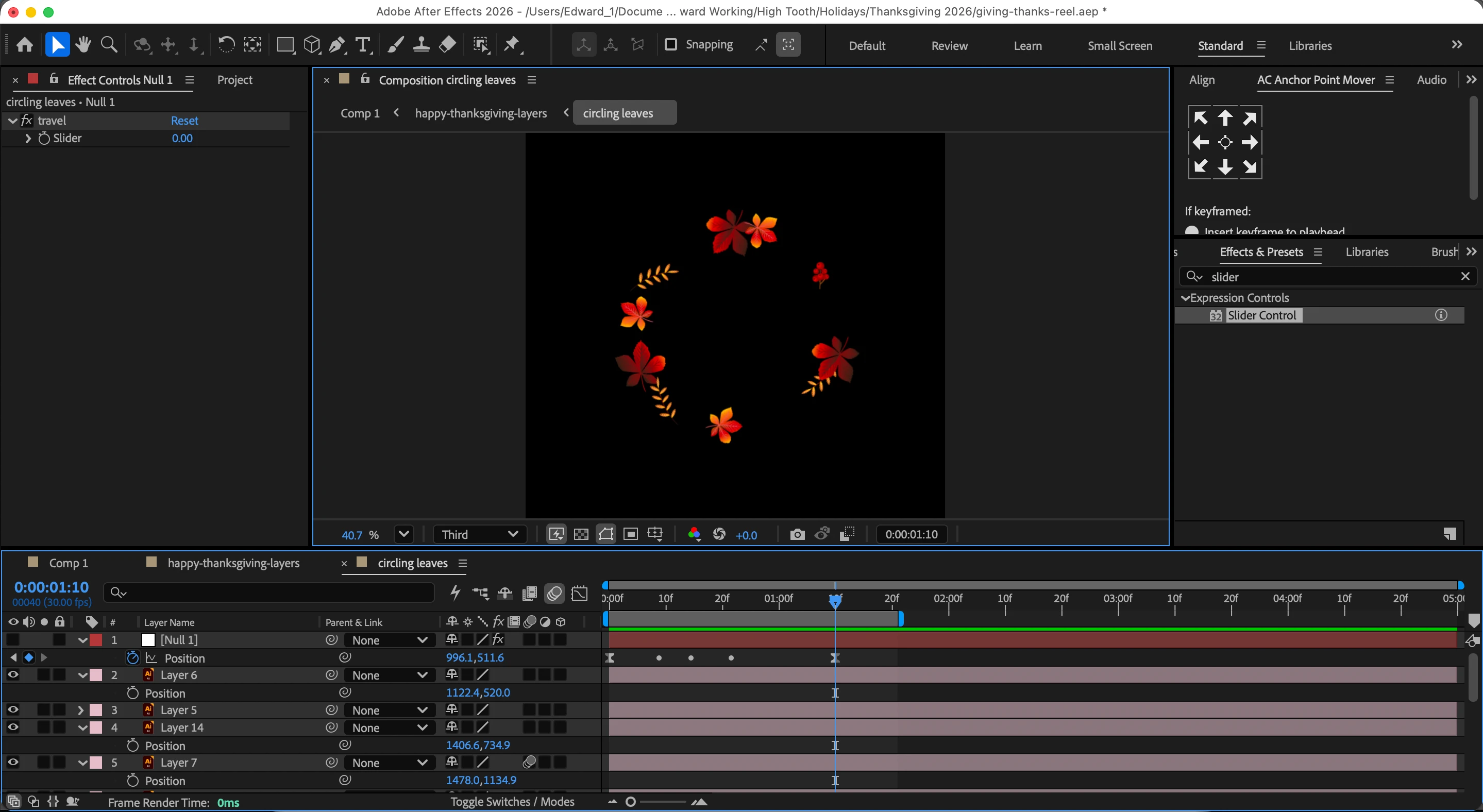
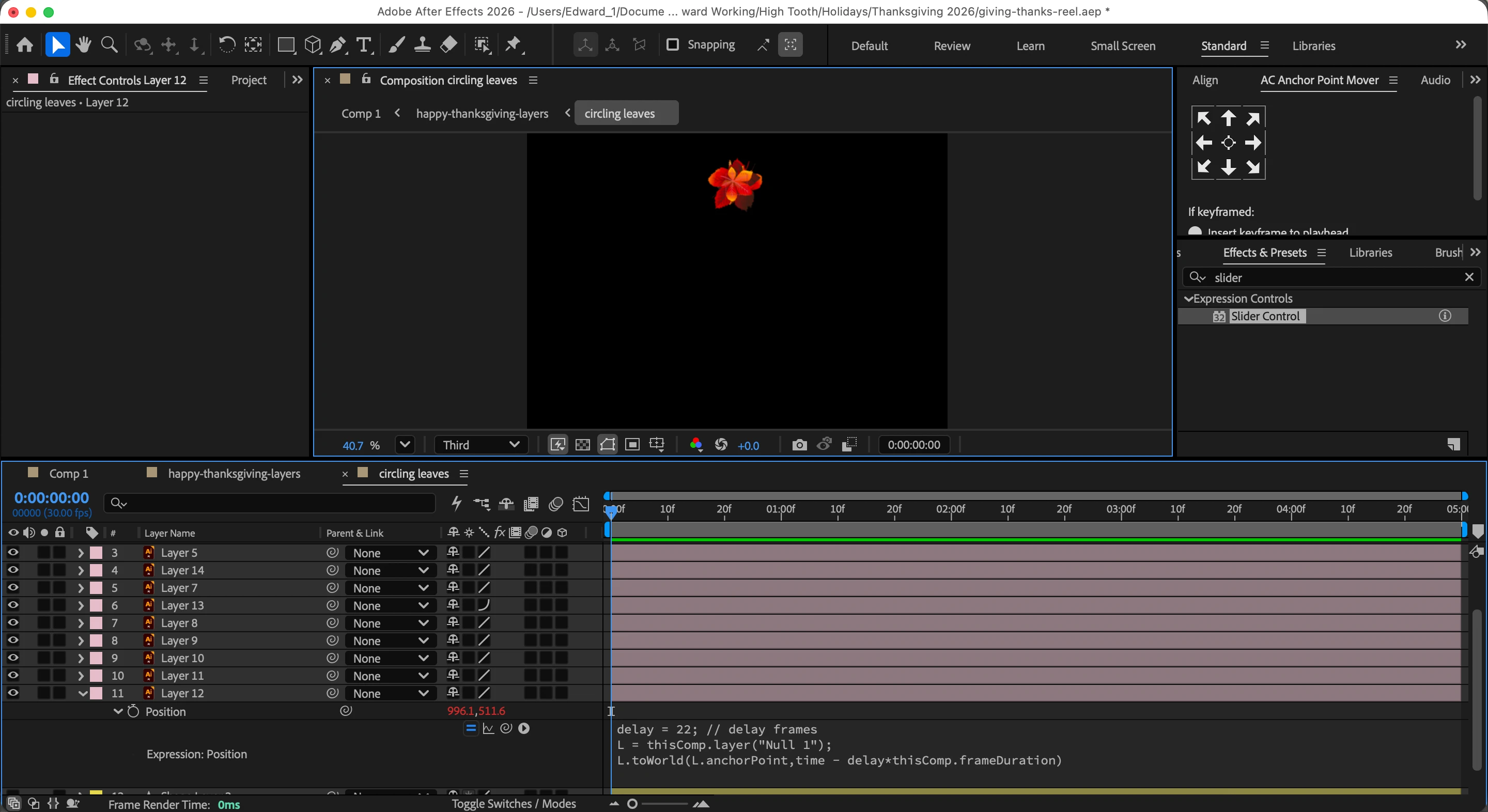
Can anyone tell me what I’m doing wrong? Barring that, is there a better/easier way to achieve what it is I’m trying to do? Thanks in advance!
 AdChoices