
How do I prevent borders after precomposing?
My composition size is 1280x720 and the footage I'm working with is also 1280x720. In the past, I have always imported the footage and scaled it down to what I want before precomposing to apply twixtor. However, recently this has started to happen. I'll import the footage but at scale 100 it's a little bit too zoomed in for me so I zoom it out a little bit as always like this
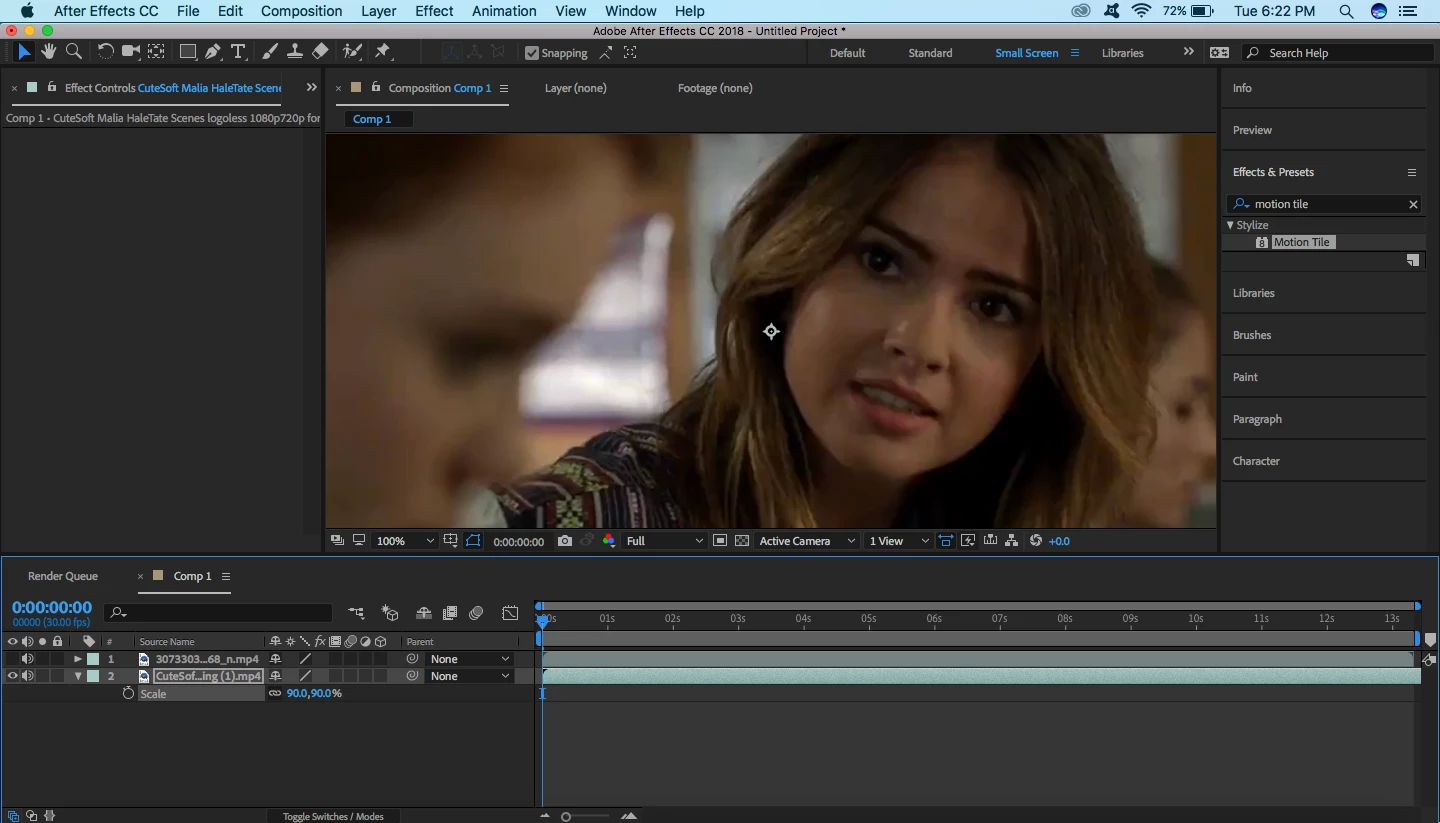
It's only scaled down to 90 and as you can see there are no black borders visible on the screen when I precompose. The footage I'm importing also has no borders. When I precompose I tick the "Adjust composition duration to the span of the selected layers" box and nothing else. I know that choosing to leave all attributes in the old layer will maintain the composition dimensions but unfortunately choosing that option prevents the twixtor from working which I need to apply.
Once I precompose I add motion tile but once trying to do something even as simple as zoom it out I am faced with this problem
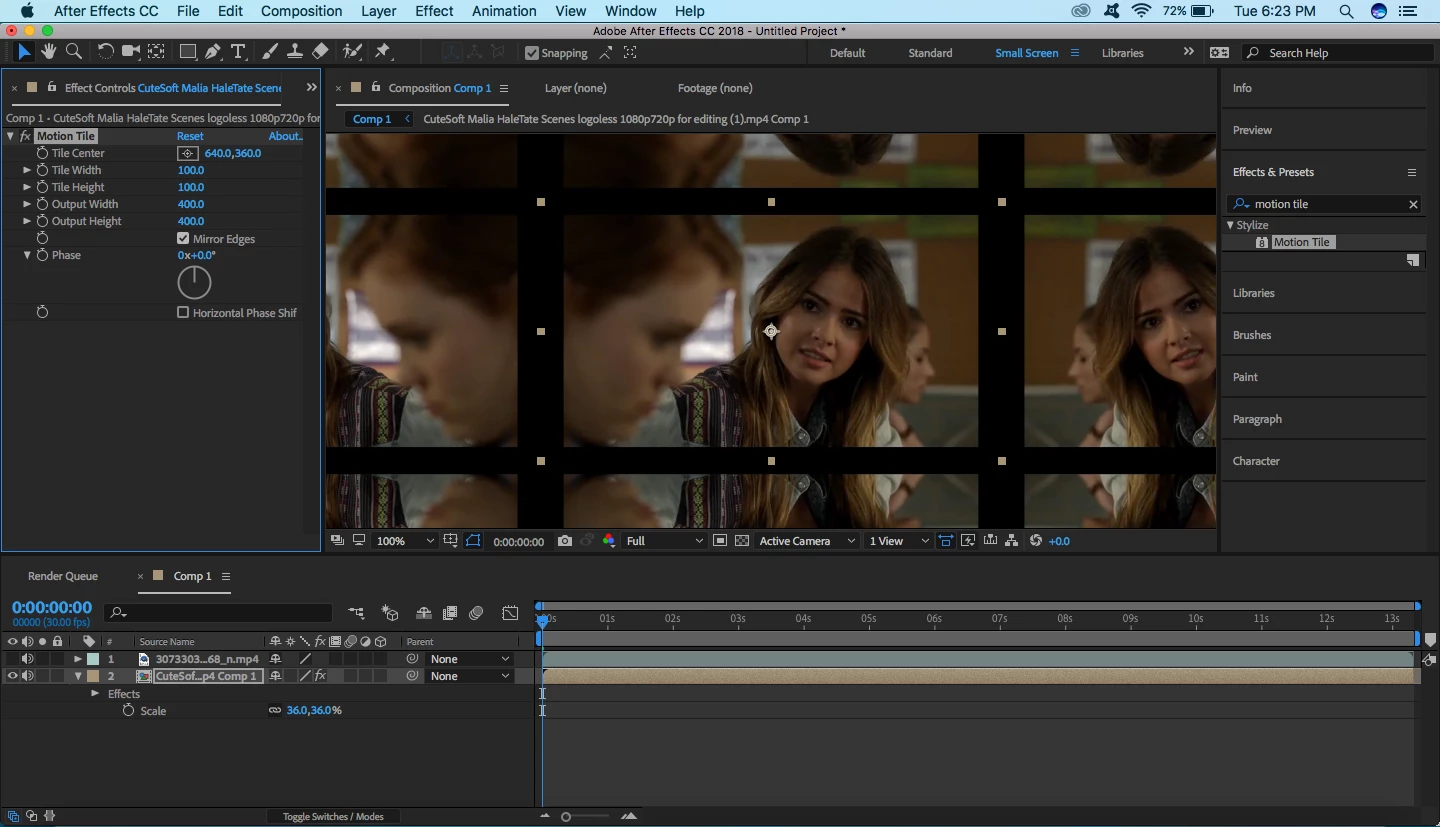
The layer has expanded to fit the previous size and there are now thick black borders. Is there any way that I can make the pre composition take on the dimensions of the overall composition rather than the old one and get rid of the borders? I've been using this method without an issue for a long time so this is obviously very frustrating to me.
 AdChoices