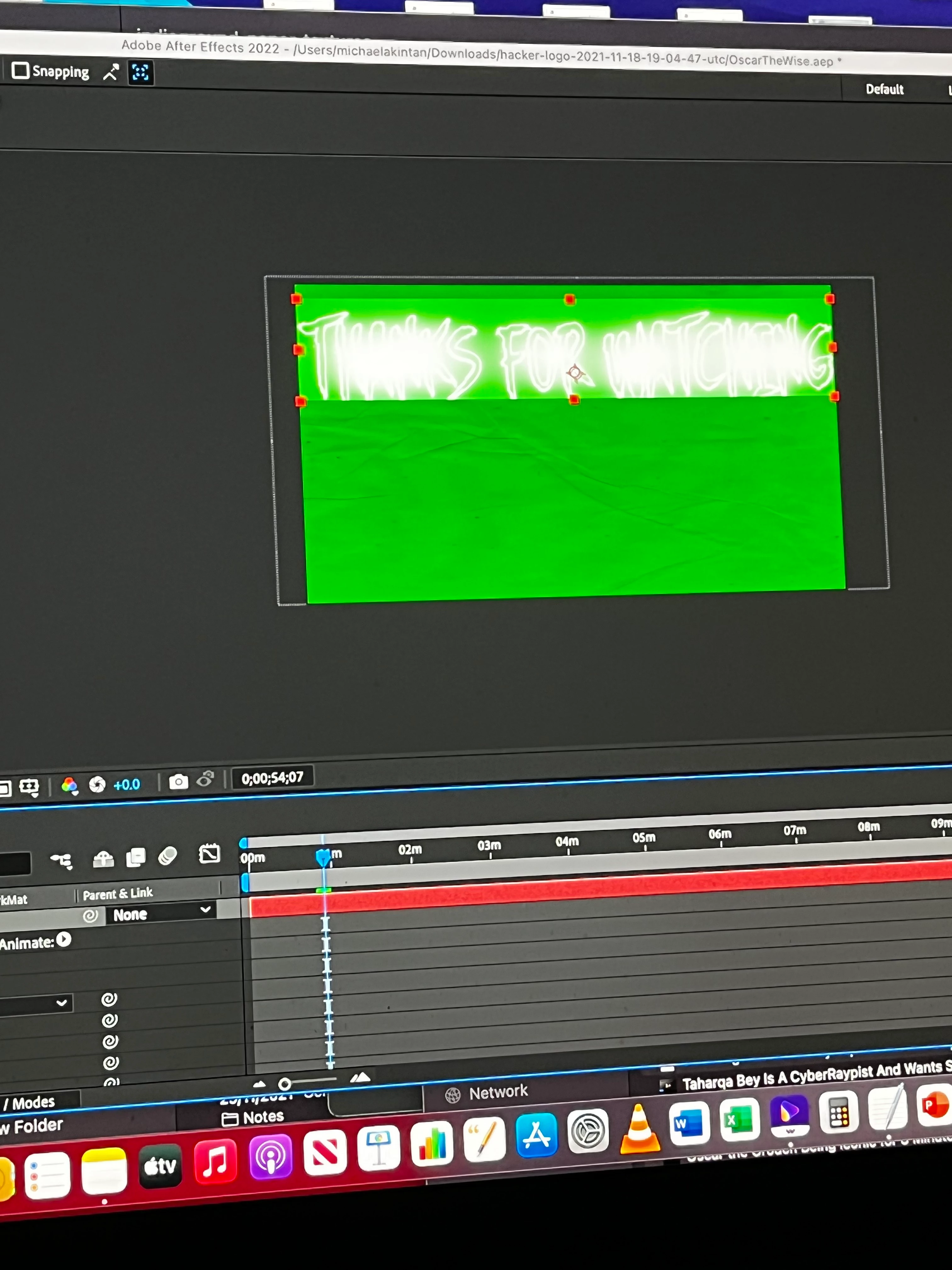
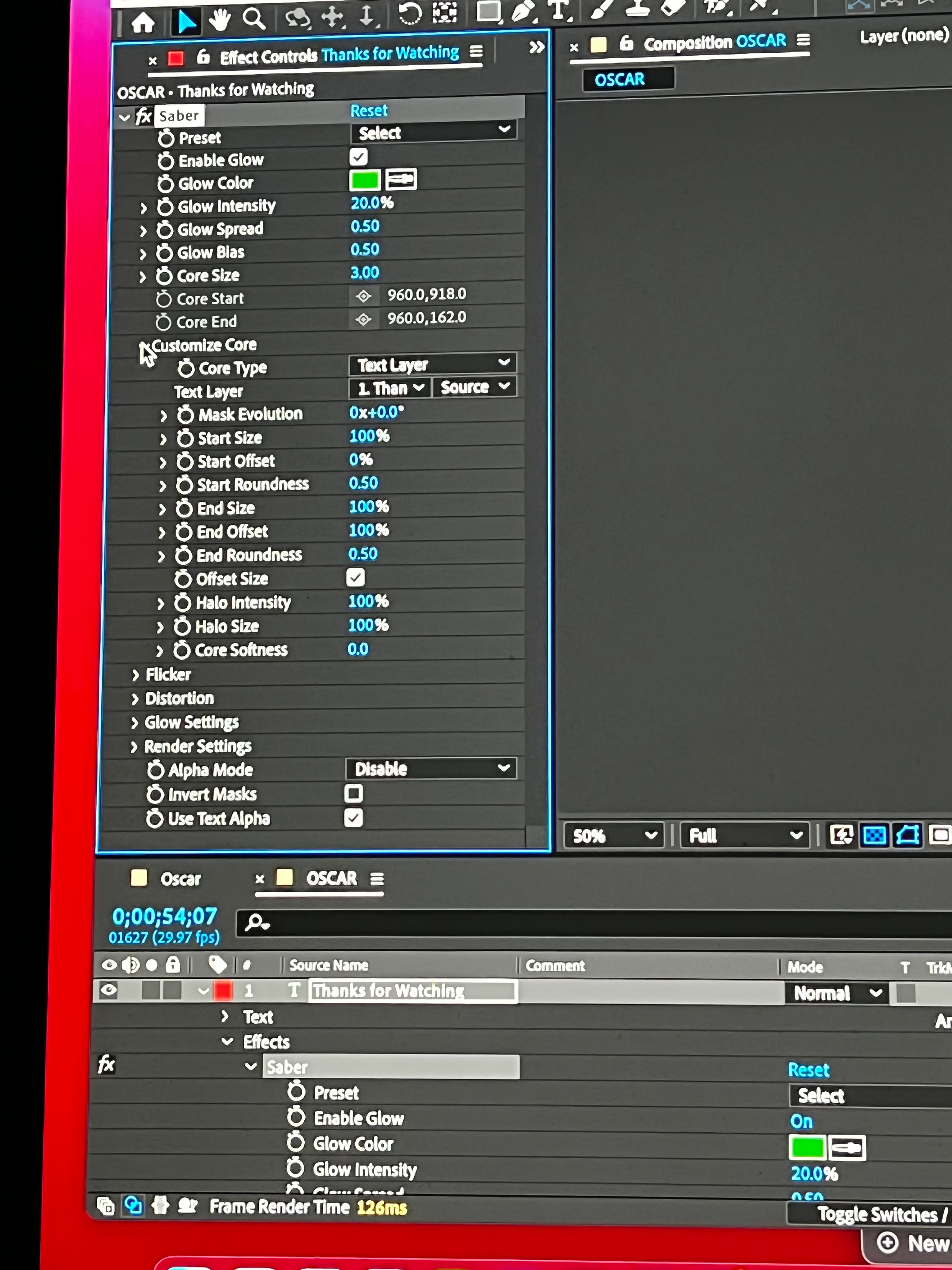
You've added the effect to the Text layer so the "layer" is only as big as the text and the effect runs out of room. If you add Saber to a comp-sized solid instead and point it to your Text layer, then you'll have more space.
If not by the normal method for uninstalling stuff on a Mac.....Probably just delete the jsx file in the "plugins" or "common" folder. And any related files in the "Scripts UI" folder. But to find out for certain you could probably just shoot an email to Video Co-Pilot via their website to be sure. Or check the documentation if there is any? And maybe after everything is done run a system search for Video Copilot & Saber and delete whatever you find?

 AdChoices