
Participating Frequently
August 23, 2022
Question

How do I replace background? in After Effects

  • August 23, 2022
  • 2 replies
  • 1363 views

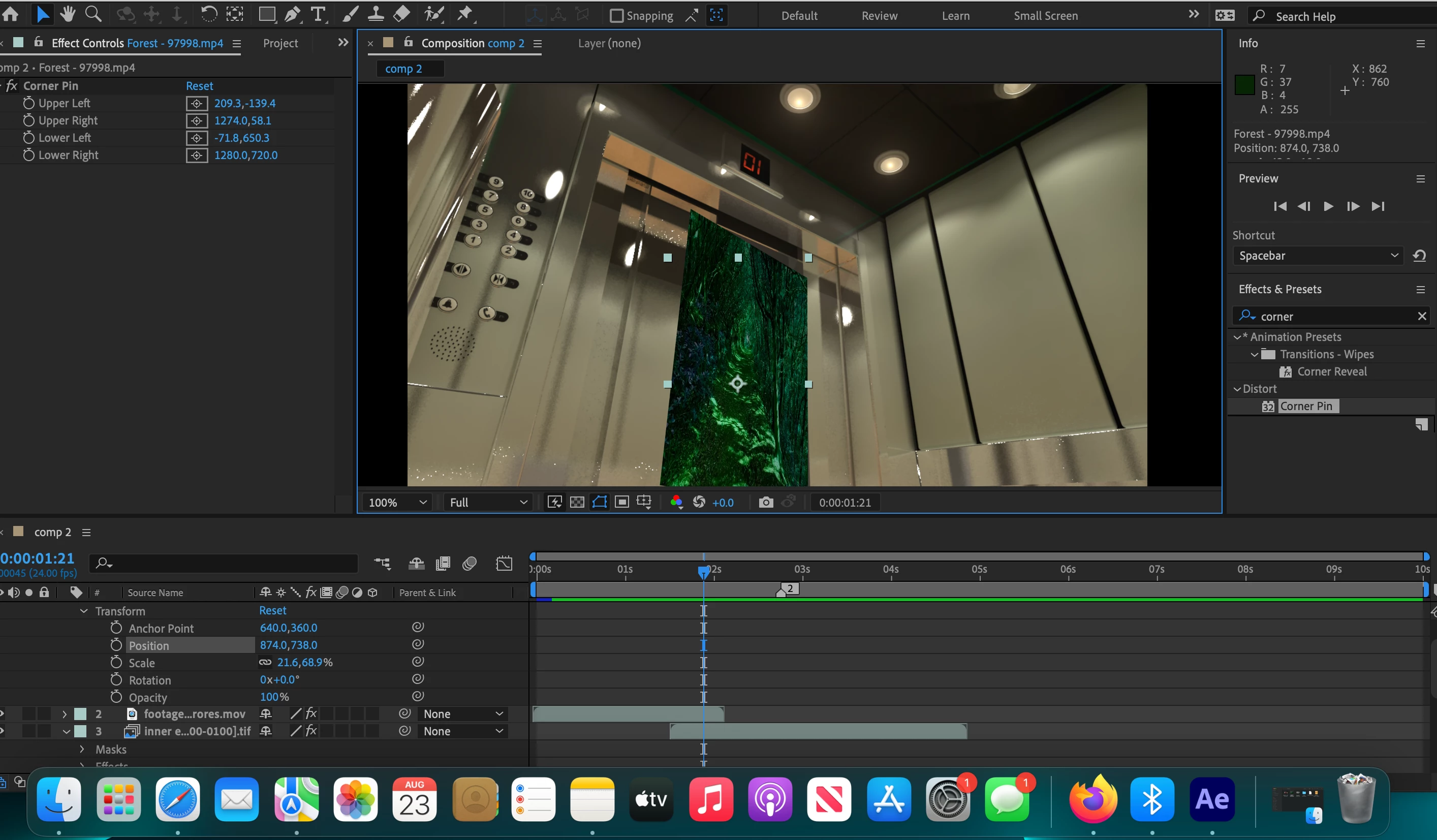
Hey i have a 3D model of an elevator opening its doors but i want to replace the solid background with a video. How do i place the background video behind the elvator door while the door is opening? please help thanks!
This topic has been closed for replies.

2 replies

Community Expert
August 24, 2022

Just create a mask using the Pen tool (g), and then press Alt/Option + m to set the first keyframe, move down the timeline until the action pauses or changes direction, and adjust the mask. Repeat looking for arcs in the motion, then fix any places where the matte does not follow the motion quickly. 


Here's a tutorial that shows basic Roto using a solid layer with a blend mode so you can easily see through it and a motion-stabilized shot of a dog. It might get you started.

My Quick Tips Playlist


If there is a lot of camera motion in your shot, you can also use Mocha AE to track the motion and create the roto masks. 


That should get you started.

Participating Frequently
August 28, 2022

thank you!

Community Expert
August 24, 2022

If there is no camera movement, you can animate a matte that makes a hole in the footage, then distort your replacement layer with Corner Pin or make it a 3D layer and move it into position. It's called Rotoscoping.


If there is camera movement, you'll need to do some tracking, apply that data to your Rotoscope, and apply it to the background plate (layer).


If we knew a little more about your shot, we could give you a more concise workflow.

Participating Frequently
August 24, 2022

Thank you! can you tell me more about animating a matte how do i start?