
edit58989569
Inspiring
May 15, 2023
Question

How do I replace footage in a comp?

  • May 15, 2023
  • 1 reply
  • 497 views

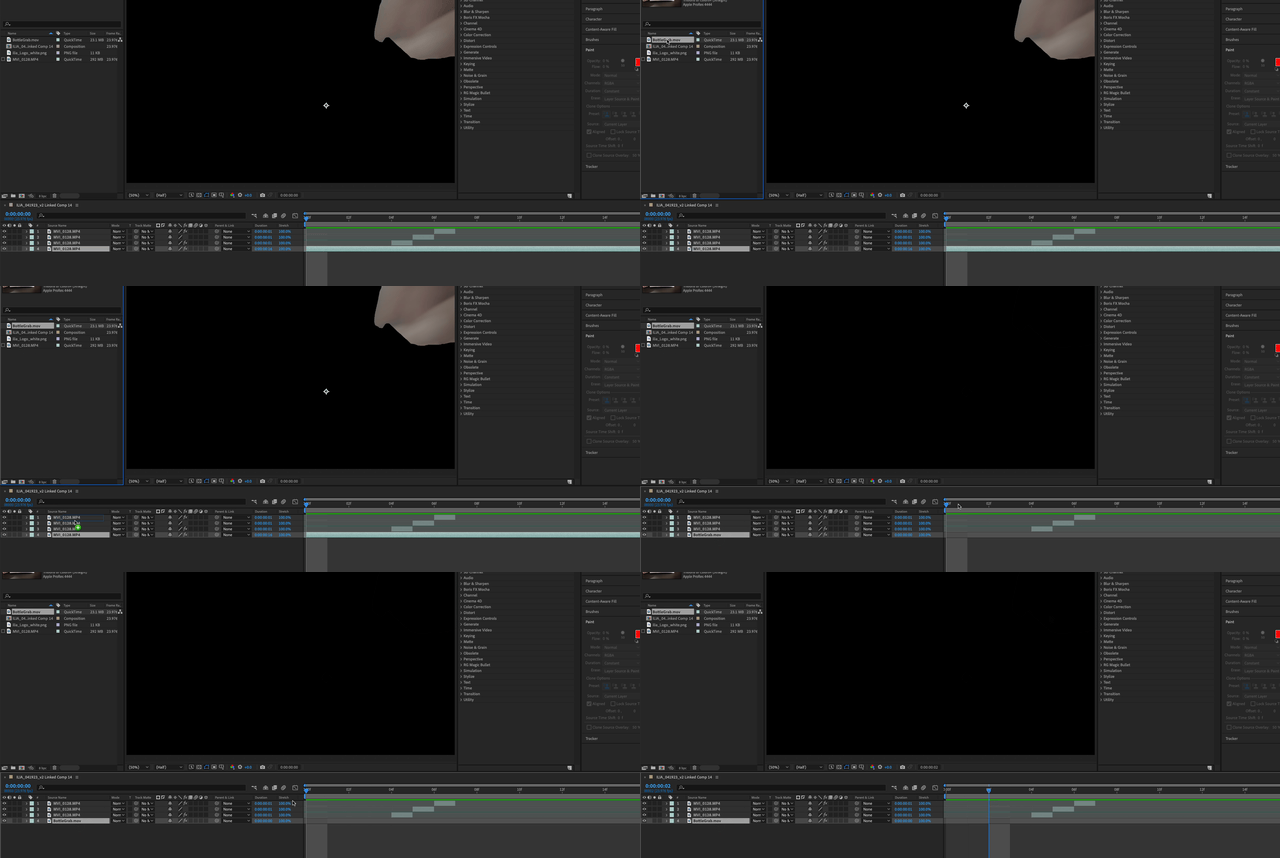
I have comp that I roto'd.   I need to replace the clip with the final color clip. When I replace the footage, the clip disappears. The timecode/duration is different than the original clip. How do I do this? TIA!
 

This topic has been closed for replies.

1 reply

Community Expert
May 15, 2023

I would use your Rotoscoped footage as a track matte for the other footage. Replacing footage can be problematic unless the frame size, frame rate, and timing match. 


To replace a layer, select the layer in the Timeline, select a layer in the Project Panel, hold down the Alt/Option key, and drag the new source from the Project Panel to the Timeline and release. If things don't line up, undo the last action, add your new footage to the Timeline, then set the Rotoscoped layer as a Track Matte.