
Question
How do I soften out hard edges from a layer when using multiple layers to make it look holistic?
Hi!
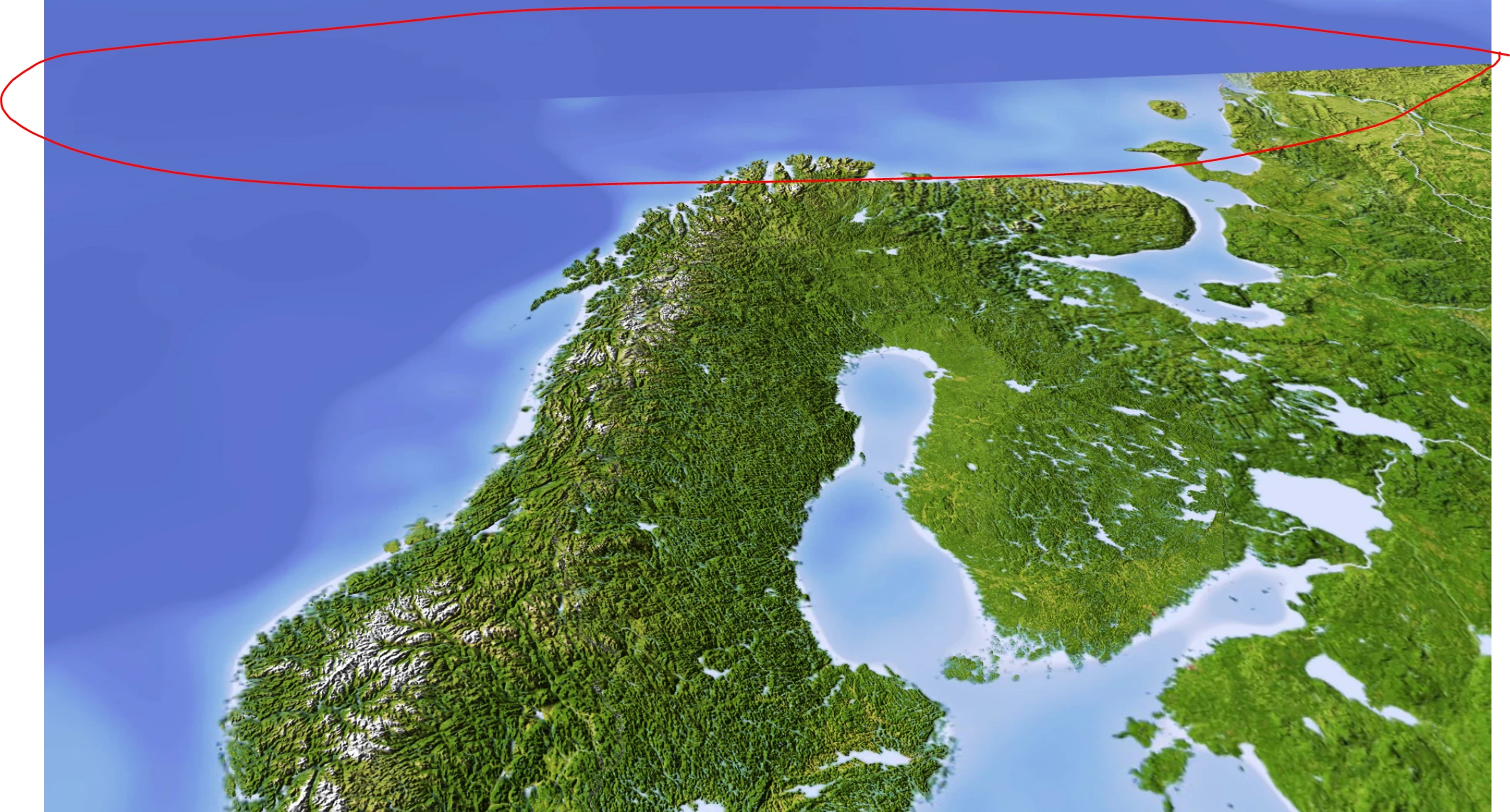
So im gonna make a fly over a map using the 3D Camera. The map I'm using isnt big enough so you will see the edges of the layer. I'm trying to cover that up by duplicating that same layer and layering it all around to make up for it but it just doesnt look that holistic.
I'll show a picture here.
And the map I'm using I cant scale up since the quality will be less and i'm also using different layers of the countries on top of that (Sweden, Norway, Finland, Denmark).
Anyone who has a good solution to this?
Would be much appreciated.
Regards,
Ben
 AdChoices