

Answered
How do I use "Trim Paths" after "Create Shapes from Vector Layer" on a strokes only layer?
Hello,
Adobe After Effects CC
2014.0.2
Version 13.0.2.3
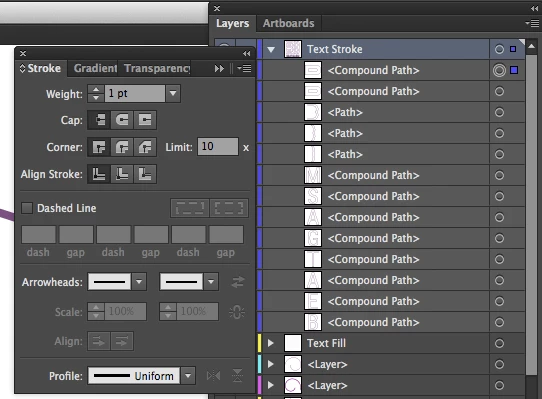
I have imported an illustrator file that was created in Illustrator CC 18.0.0. The file contains the outline of a logo. It is the logo with the fill set to none and the stroke set to 1px.
I drag the logo_strokes.ai file onto the composition, right click, and click Create Shapes from Vector Layer.
A new layer is created and in the Contents "drop down", a Fill 1 layer is created.
When I select the Contents "drop down" and click Add / Trim Paths, a Trim Paths 1 layer is created.
When I animate Trim Paths 1, it appears to animate the Fill layer, not the stroke.
How do I get it to animate just the stroke, and not show a fill at all?
Thank you.


 AdChoices