
Inspiring
December 10, 2024
Question

How do you attach an image to a mask path on text?

  • December 10, 2024
  • 2 replies
  • 336 views

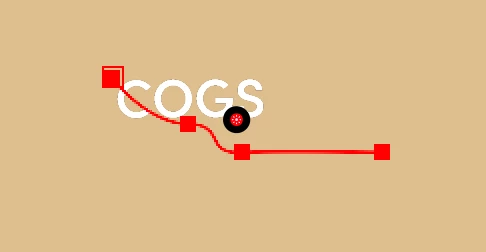
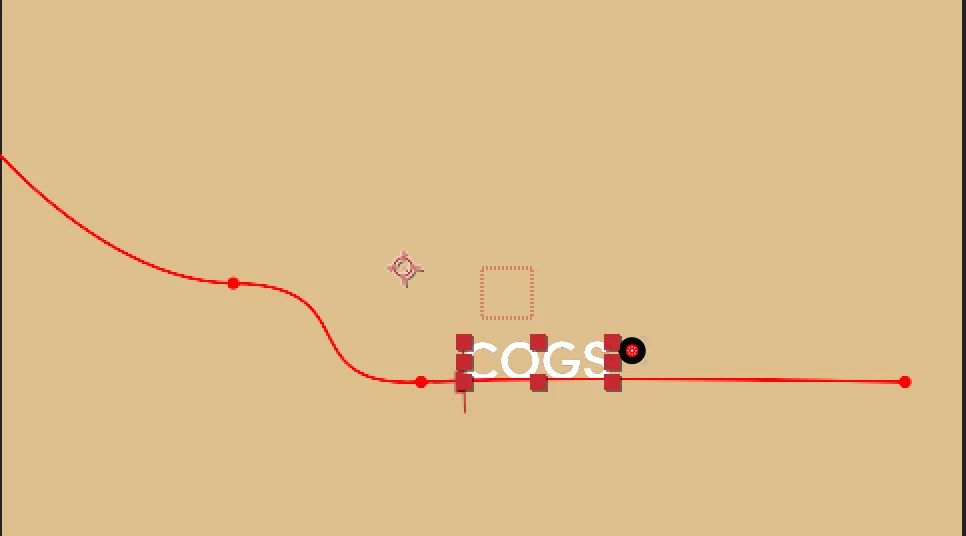
Working on creating a text heavy video with lots of little effects. I have created a mask path for the word "COGS" to follow. I've imported a png of wheels that I'd like to attach to the bottom of the word that follow the path along with it, but I'm stumped on how to do it. I've tried copying the mask and pasting it in the wheel's position. It copied the path, but not only is it much smaller, there's no path option to have it follow it. Any help would be greatly appreciated!


This topic has been closed for replies.

2 replies

thepixelsmith
Community Expert
Community Expert
December 11, 2024

Only text layers have a built in command to follow a path, doing that with any other layer will be a series of steps.

You may want to look into the trace path command in AE: https://youtu.be/NXTsPnTukTs?si=6ds0LhyGl_ljpmVc

Mylenium
Legend
December 11, 2024

Pre-compose the text befor doing anything with paths. Masks and paths are realtive to the layer, not the comp. Of course you'll run into all sorts of issues if things don't match.


Mylenium