
Question
How do you get rid of the black background when animating objects?
Hi all,
I made a coin in AE using shapes. My goal was to rotate the coin as it falls down in a new composition. I've made the necessary key frames for rotating the coin in 3D. The issue, however, is that the coin comes with a black background when I put the coin composition in the new composion. In the coin composition, there are no solid backgrounds - just the shape layers. In transparency mode, only the coin shows up. I don't know why a black background is coming along with the coin. Any help?
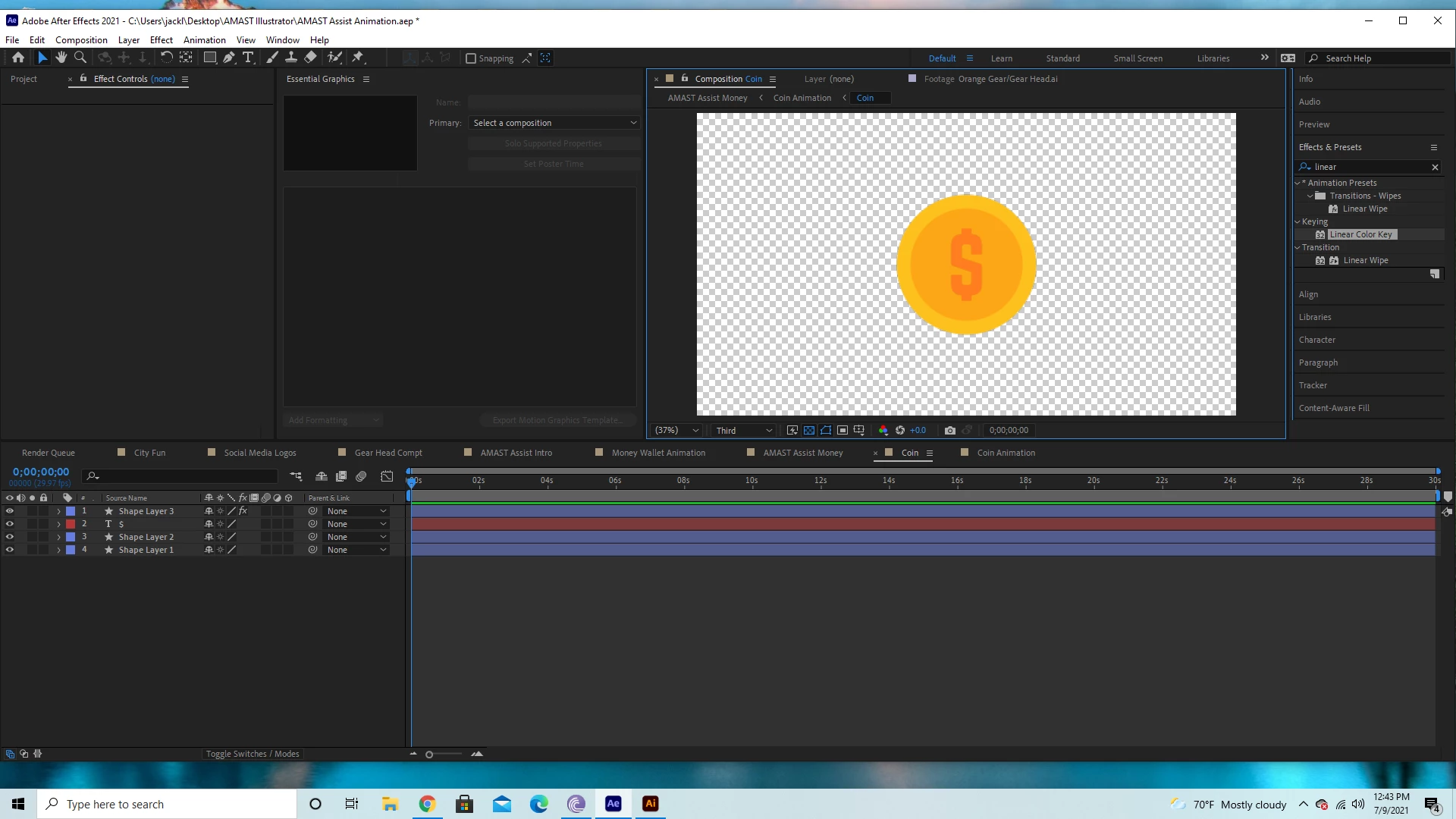
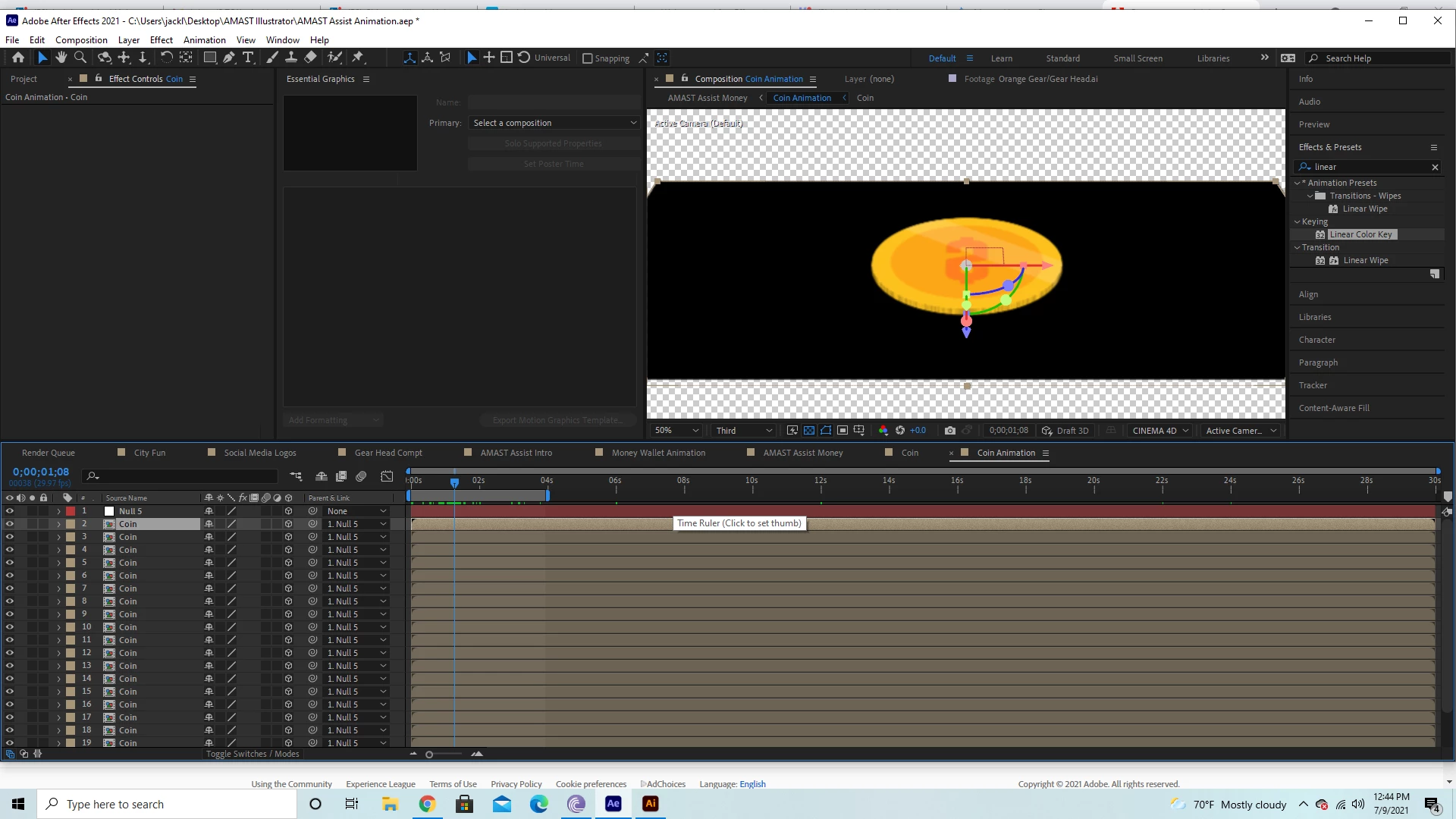
As you can see, the black background is rotating with the coin despite there not being any solids.


 AdChoices