
Question
How do you turn off an adjustment layer temporarily?
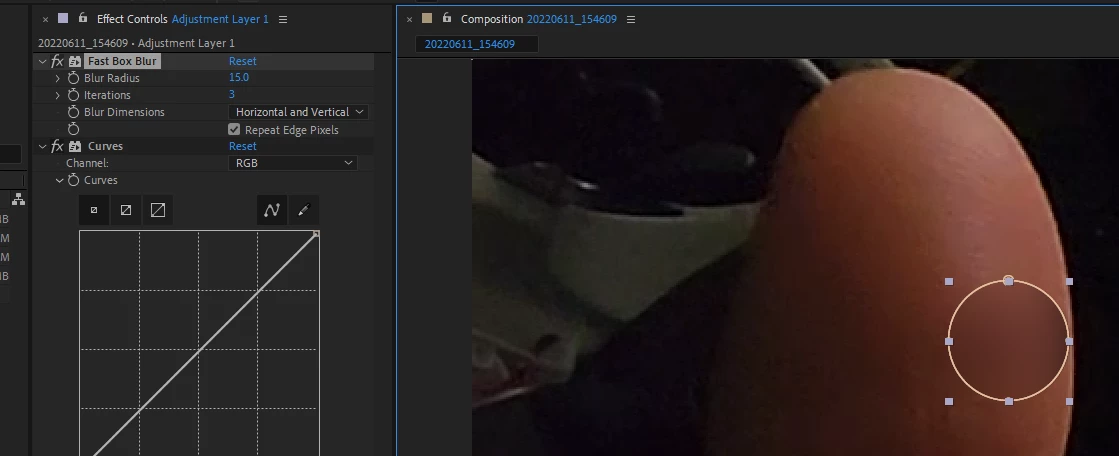
Not like completely off so I can adjust what is underneath. I want to readjust the position but I need to be able to "see" underneath.
Opacity it seems.

Not like completely off so I can adjust what is underneath. I want to readjust the position but I need to be able to "see" underneath.
Opacity it seems.
Already have an account? Login
Enter your E-mail address. We'll send you an e-mail with instructions to reset your password.
 AdChoices