



Answered
__How the heck do you mask a mask? For some reason, videos aren't helping....
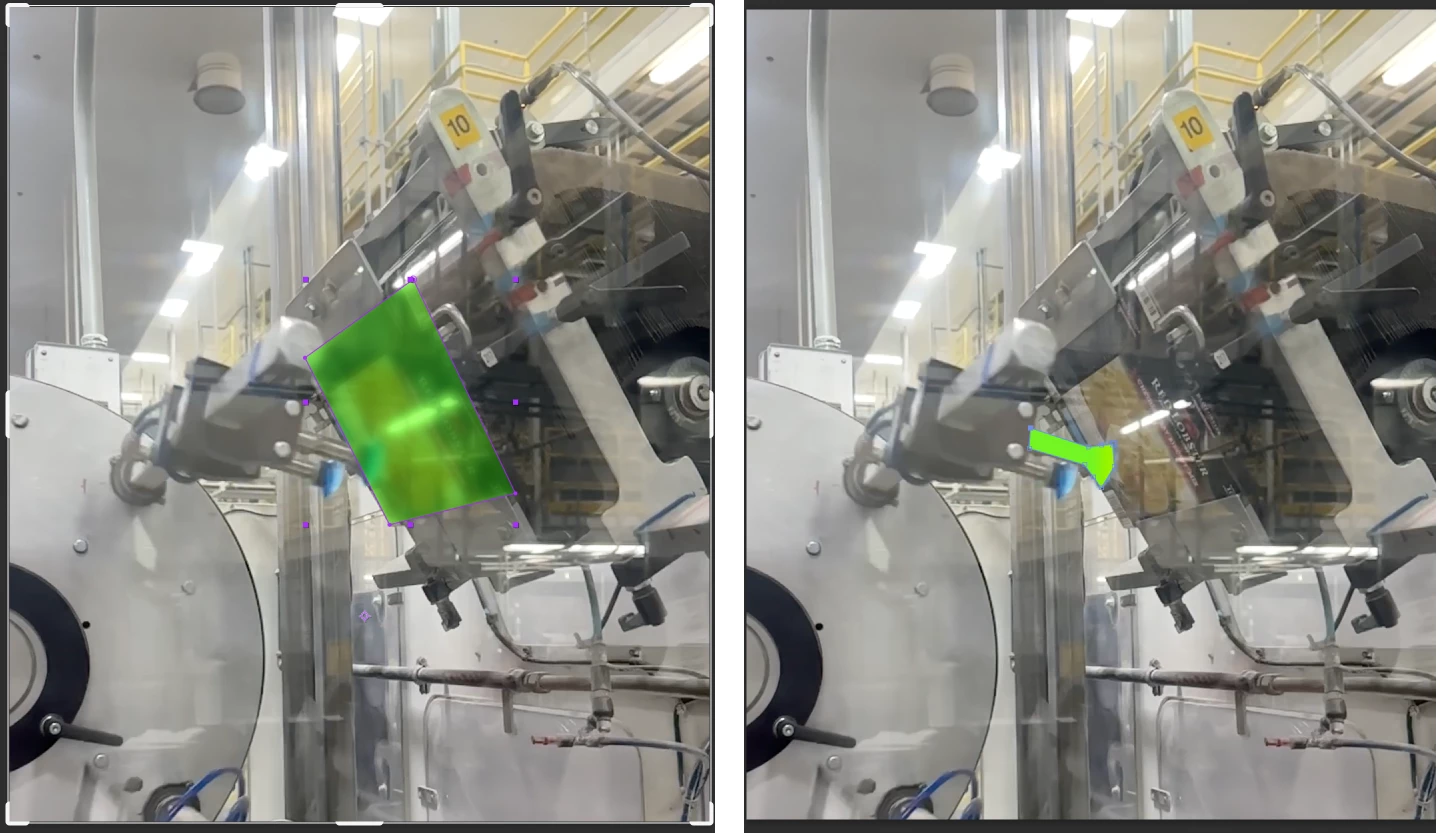
I'm trying to highlight this element (rectangular thing) going through a machine, so I made a mask of the background video blurred and green. I then want to 'subtract' elments of the machine that overlap it (like in picture on the right)... how the heck do I do that?
 AdChoices