


Known Participant
January 2, 2024
Answered

How to adjust the start and end points of the gradient?

  • January 2, 2024
  • 3 replies
  • 4565 views

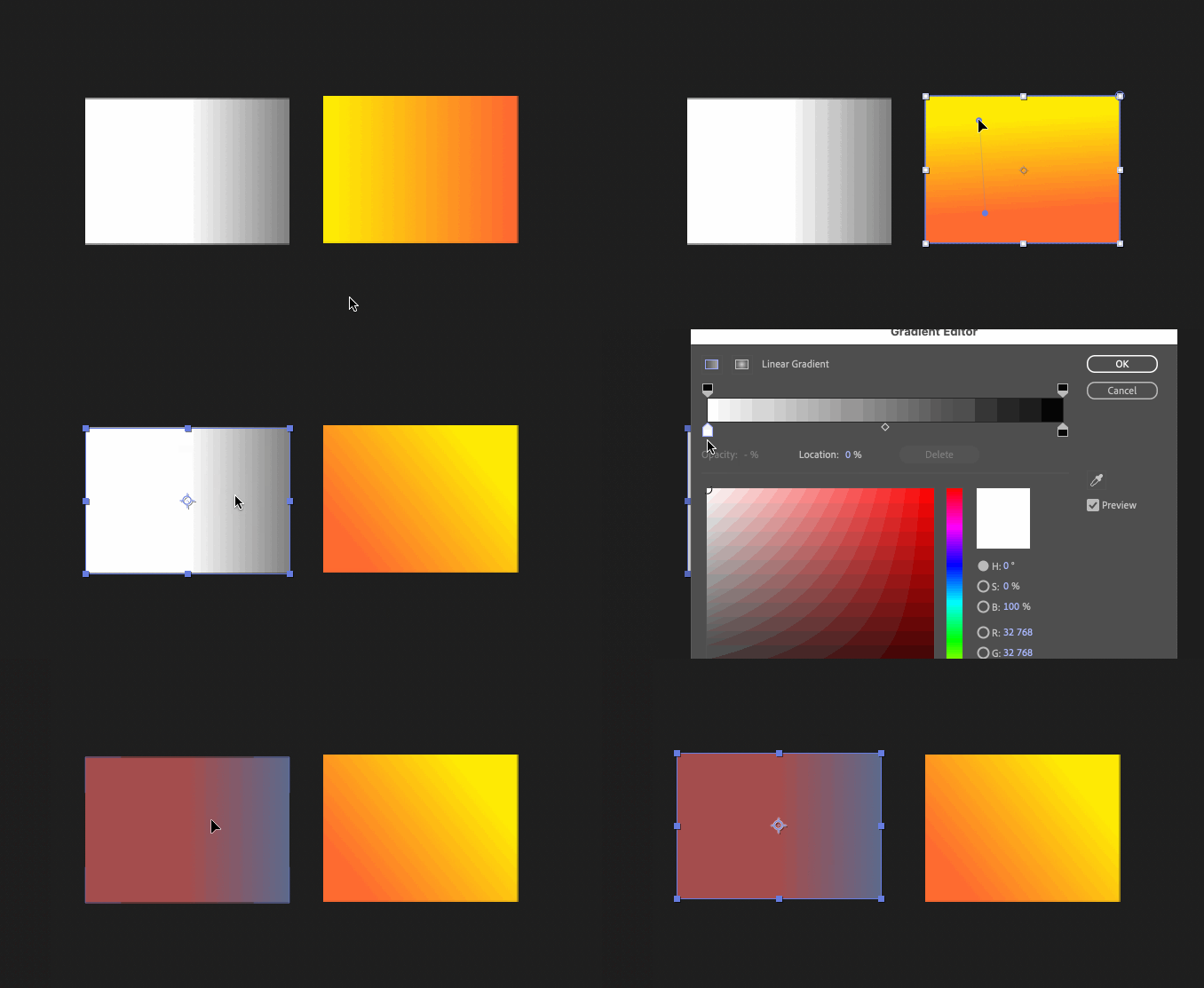
Sometimes when I try to edit the gradient, there are points to adjust it (start, end, angle) that are revealed by double-clicking the gradient area. However, sometimes, no matter what I do, there are no points visible.

Can anybody, please, explain me what I'm doing wrong? Why these points can't be revealed when I need them to adjust the gradient?

 

This topic has been closed for replies.
Correct answer Airweb_AE

You need to add the gradient fill inside the shape group.


3 replies

Mylenium
Legend
January 2, 2024

Select the gradient property in the timeline.


Mylenium 

Community Expert
January 2, 2024

Shape layer gradient start and end points only show up in the Comp Panel when the selection tool (v) is active, and the shape or group containing the gradient is selected in the timeline. If more than one shape or group is selected or there is more than one gradient exists in the group.


Airweb_AECorrect answer
Legend
January 2, 2024

You need to add the gradient fill inside the shape group.