
How to animate text - Fall in › Explode
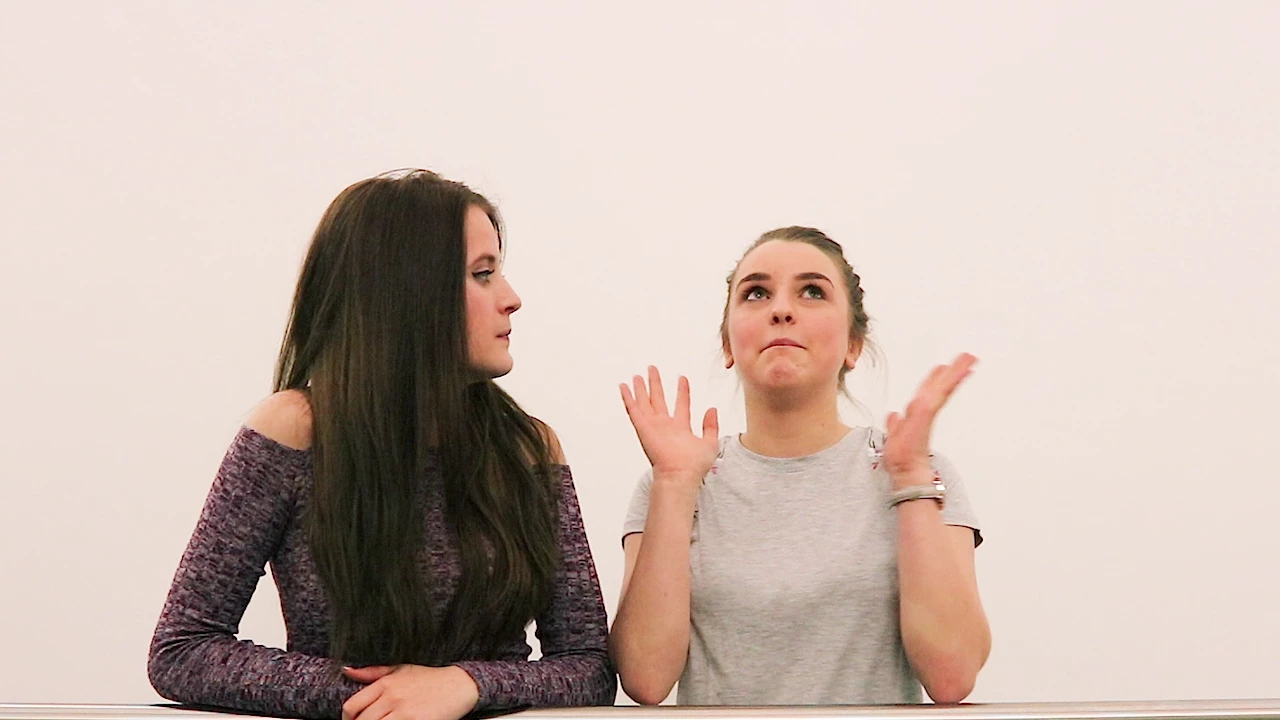
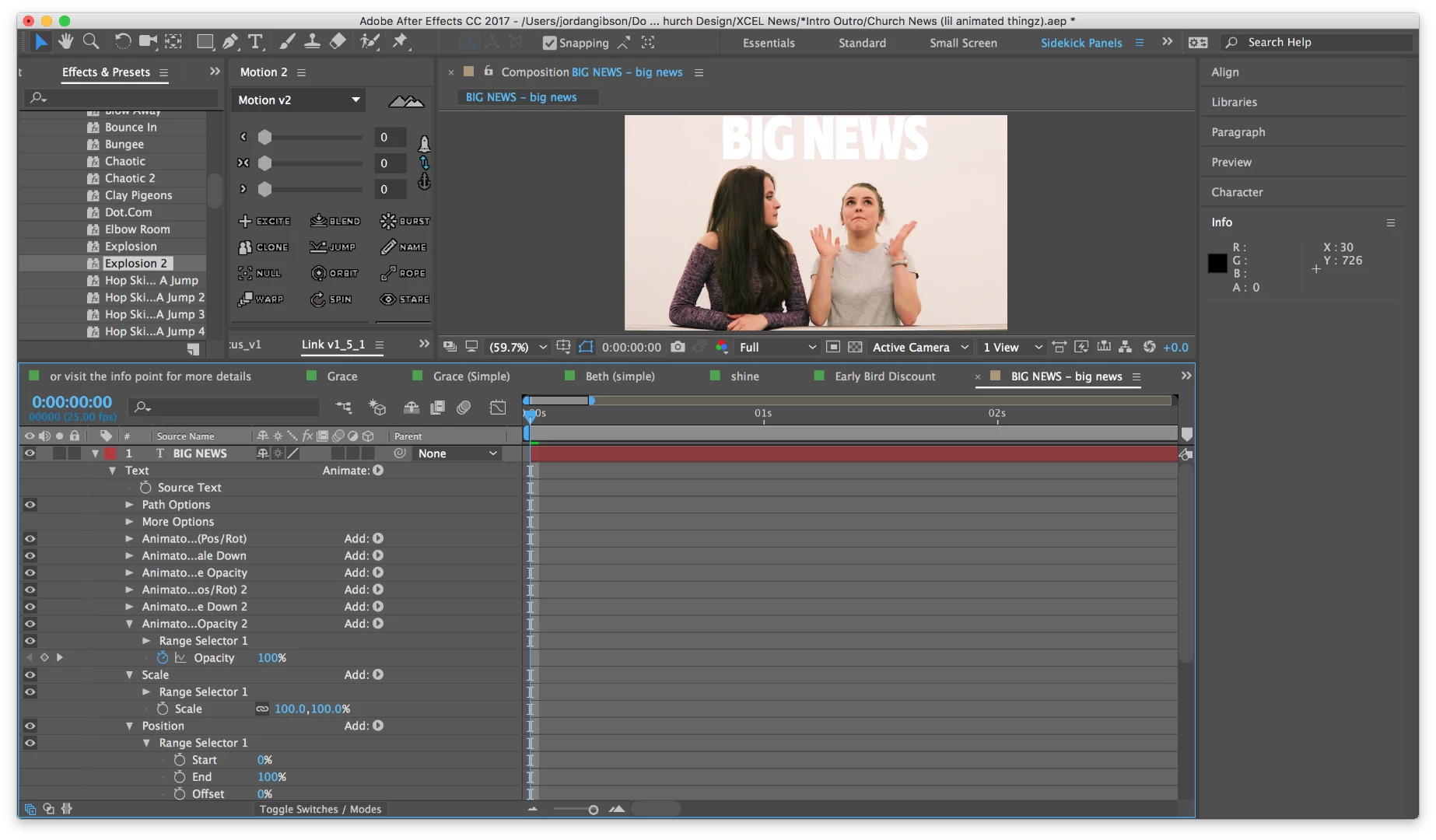
Basically I'm in the middle of an animation project, but I'm still learning about AfterEffects' in-built text animation features (which I love), and I need some help.
(The effect I'm going for is intentionally lame, it's just to accentuate what a person in some footage is saying.)
The girl says 'We have some BIG NEWS.'
...then she follows immediately by repeating the 'big news' part, just more quietly.
I want to animate BIG NEWS falling in as she says the words. The 'impact' of the words will shake the screen slightly.
Because it's meant to be silly, I'm just going to use the explosion preset from Adobe Bridge (sometimes less effort is funnier).
Through the 'explosion', the smaller big news will emerge as if it charged through the bigger words and sent the letters scattering.
The thing I'm stuck with essentially - as dumb as it sounds - is how do I best animate the BIG NEWS falling in and exploding on the same text layer.
The workaround option is probably just to divide the BIG NEWS layer with the explosion on it so it's in two layers which meet, remove the explosion from one and make sure it is first in the timeline, then cut the words up so they're also on two different layers, make sure they're aligned with the explosion words and then just do a simple position animation, making them fall in.
But I'm 2000% sure I can do it as an additional animator in the explosion layer, so I don't need loads of separate layers.
How do I do it? (remember it has to be timed with the words as she says them)
 AdChoices