
Participant
February 12, 2020
Répondu

How to apply LUT correctly in linear workspcace?

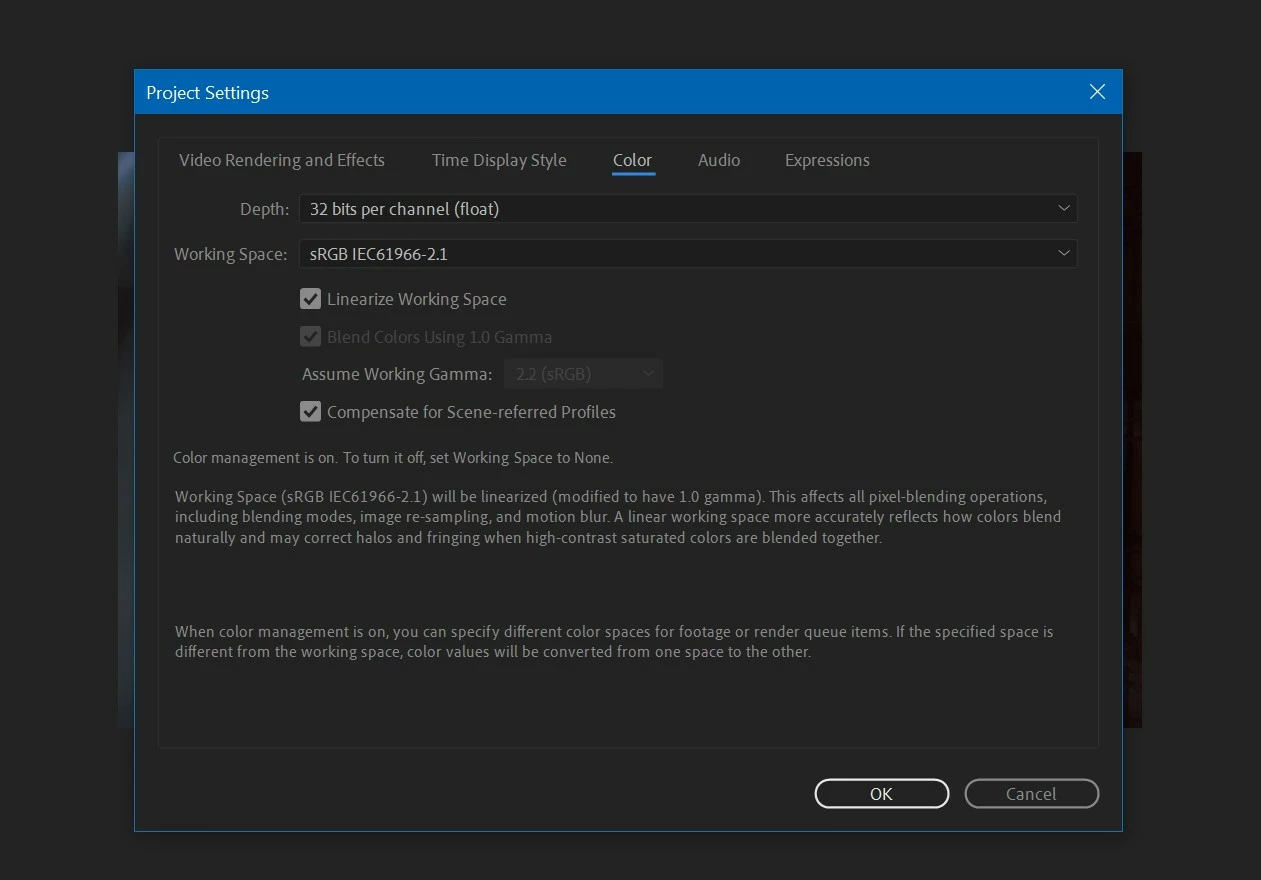
I'm trying to match the workflow between nuke and After Effects .So both are in now linear workspace, everything is just fine but, applying LUT does not seem to work correctly in AE. In nuke user can set "in" and "out" colorspace,so output image after aplying LUT looks correct.But in AE that doesn't seem possible. 

How can we apply LUT correctly in linear colorspace.

Thank you
Ce sujet a été fermé aux réponses.
Meilleure réponse par Mazb

Thanks for the response.

Actually i have to work in linear color space.Applying LUT in non-linear workspacelooks fine but not in linear workspace(either using "Lumetric color" or "Apply LUT" effect).

What i want to do simply is ,output image after applying LUT effect  in linear workspcae to look same as in non linear workspace. 

2 commentaires

Inspiring
June 11, 2021

A LUT itself is not linear or non-linear, it's just a transformation. But a LUT is made with input and output color spaces in mind, so you'll have to get your pixels into that space manually.


For example, a .cube file is usually not intended to be applied in linear space. If your .cube was intended for log space, you have to convert from linear to log before applying the LUT, perhaps using the Cineon Converter, Color Profile Converter, OpenColorIO plug-in, or some other method.

ToolfarmJP
Community Expert
Community Expert
February 12, 2020

You check File > Project Settings. You also control LUT by Lumetri Color Input LUT.


MazbAuteurRéponse
Participant
February 12, 2020

Thanks for the response.

Actually i have to work in linear color space.Applying LUT in non-linear workspacelooks fine but not in linear workspace(either using "Lumetric color" or "Apply LUT" effect).

What i want to do simply is ,output image after applying LUT effect  in linear workspcae to look same as in non linear workspace. 

MazbAuteur
Participant
February 12, 2020

I think i have got my solution.

Thanks