
Inspiring
May 7, 2017
Answered

How to attach an image to a video clip?

  • May 7, 2017
  • 2 replies
  • 2242 views

Instead of attaching a text to my video, I want to attach a video clip.

I have a time-lapse with an information board on the right side (see image). On top of that information board, I have inserted my own clip. I want to zoom into the
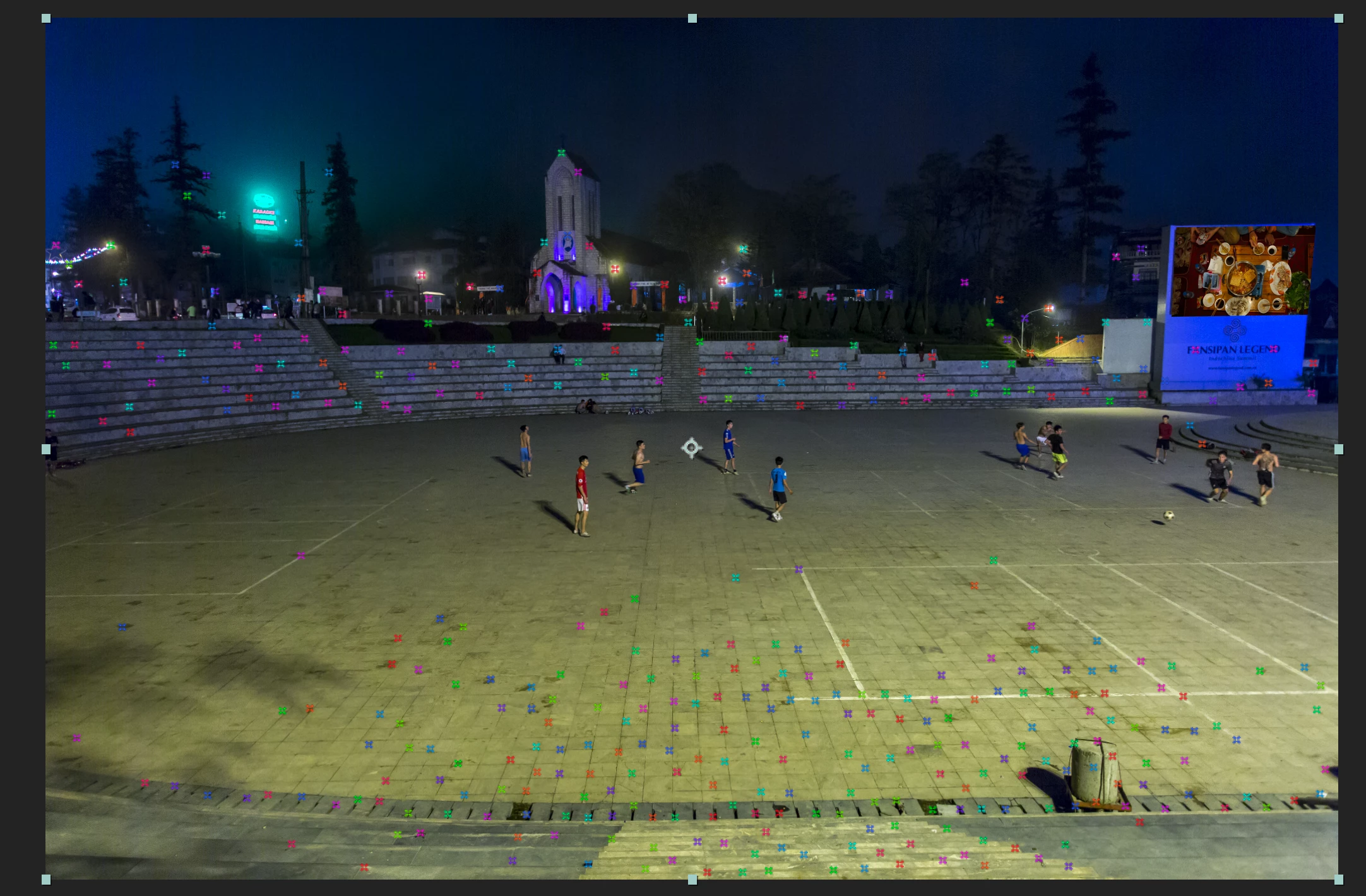
clip, making a smooth transition to the next clip. But since there is some movement in my bottom layer, I need to attach the image to the board. I can only figure out how to attach a text to the board. Right clicking, after track camera let me add text, but it doesn't say anything about adding a clip. So how do I do it?

    This topic has been closed for replies.
    Correct answer Roei Tzoref

    Dropbox - Zooming

    Here is the two clips I want to use. A bit to late for me to start working on Mocha. Never tried it.

    Thanks for the tips. I need to continue tomorrow. 


    wait a minute. that camera is barely moving! there's only a slight shift there.

    • you can very well stabilize that thing using Warp Stabilizer. no keyframes.

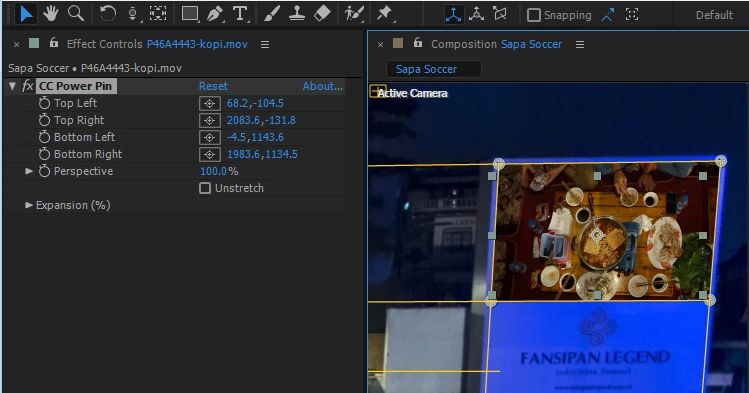
    • after you do, scale your image to the board and use CC Power Pin to place it in perspective.

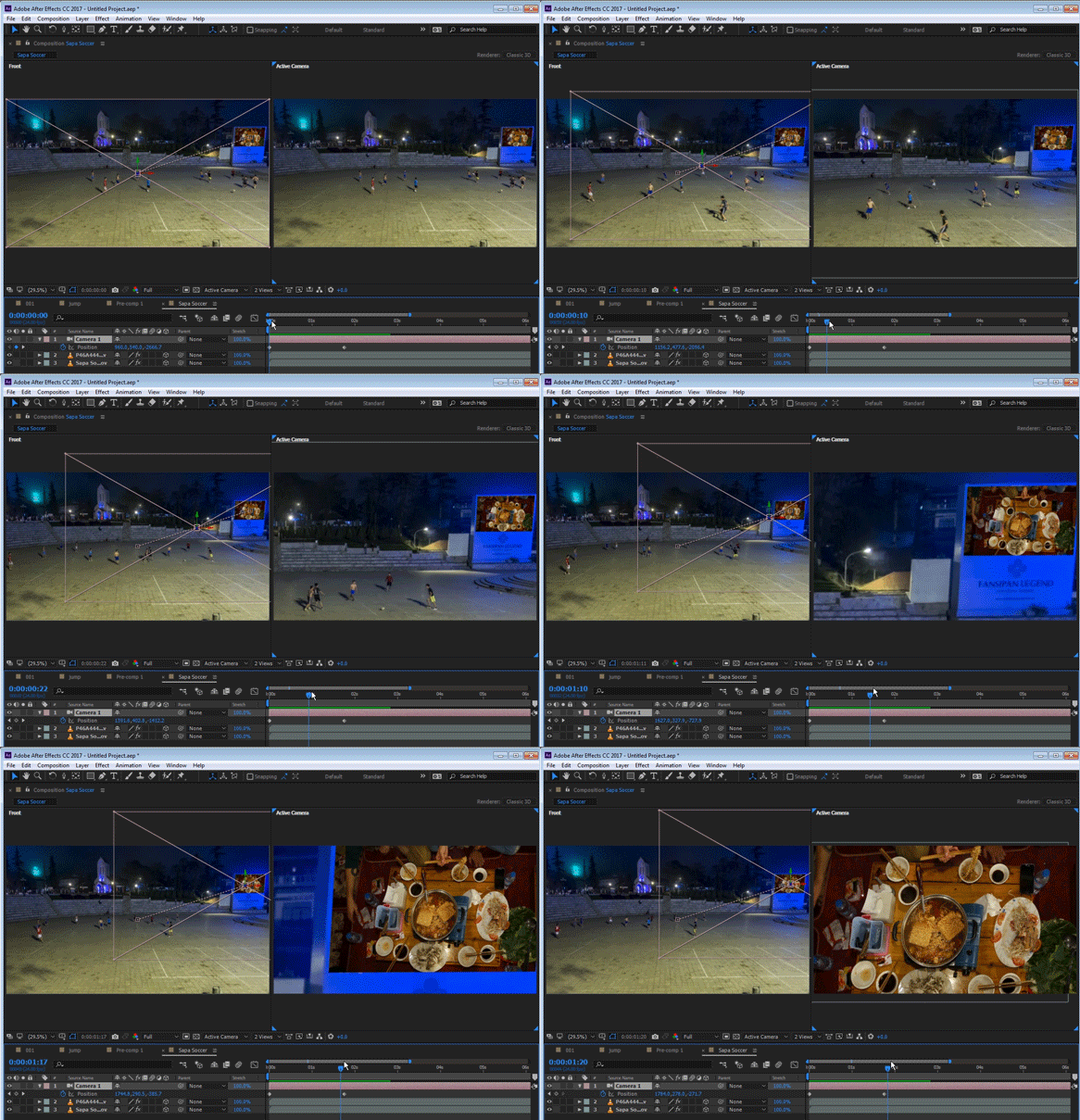
    • now for movement, you could parent both layers to a 2d null and use position+scale, or set both layers to 3d and parent to a 3d null but the most control will be given by a 3D virtual camera: 3D switch both layer and add a camera. use this technique from this post: Re: Tell camera to follow an object?.. this guy Iet me tell ya'

    of course this does some color matching and compositing work to make that screen believable... I'll leave it up to you.

    2 replies

    HaugenAuthor
    Inspiring
    May 7, 2017

    And when I zoom, I need the clip on the board to stay on the board.

    Roei Tzoref
    Legend
    May 7, 2017

    And when I zoom, I need the clip on the board to stay on the board.

    that's the point

    HaugenAuthor
    Inspiring
    May 7, 2017

    It still moves. Can't get it to anchor to the board. And do I manually have to resize the videoclip to fit the board when I zoom?

    Roei Tzoref
    Legend
    May 7, 2017
    Right clicking, after track camera let me add text, but it doesn't say anything about adding a clip. So how do I do it?
    you can add text, solids or nulls. solids or nulls are the ones you want. this is easy. do this:

    1. choose to create null from the selected points

    2. activate the 3d switch for your video clip

    3. reveal the parent column if it's not already there (F4) and now hold Shift as you parent your clip to the null. this will shift the position and orientation of your layer to where the null is. now you can un-parent if you want.

    got it?

    HaugenAuthor
    Inspiring
    May 7, 2017

    Yep, that was easy. But now, when I want to zoom in to the video clip, the clip moves.

    Roei Tzoref
    Legend
    May 7, 2017

    I see. we can always trust on you to challenge us Haugen ! I remember the lawnmower scene

    so you used the 3D Camera Tracker to place the clip on a feature that's in the video. now you want to zoom in the whole thing? that's where it could get complicated because you got 2D and 3D all in one composition. precomposing won't preserve the quality as you zoom in... hmm this is a tough one. I would suggest for now that instead of using a 3D camera tracker for the scene, use a 2D tracker (maybe mocha) for the board and then zooming won't be a problem.

    in the meantime let me call in some experts to the rescue. there should be an expression or some sort to help here or some other workaround.

    can we see the shot?