
Answered
How to auto calculate a number when a slider is in a certain range?
I'm curious if there's is a solution to the following:
var horizontal = comp("Render").layer("Controller").effect("B-films Credits Builder")("Horizontal Position");
var vertical = comp("Render").layer("Controller").effect("B-films Credits Builder")("Vertical Position");
var depth = comp("Render").layer("Controller").effect("B-films Credits Builder")("Depth Position");
[horizontal, 1920 - 420 - vertical, -depth];
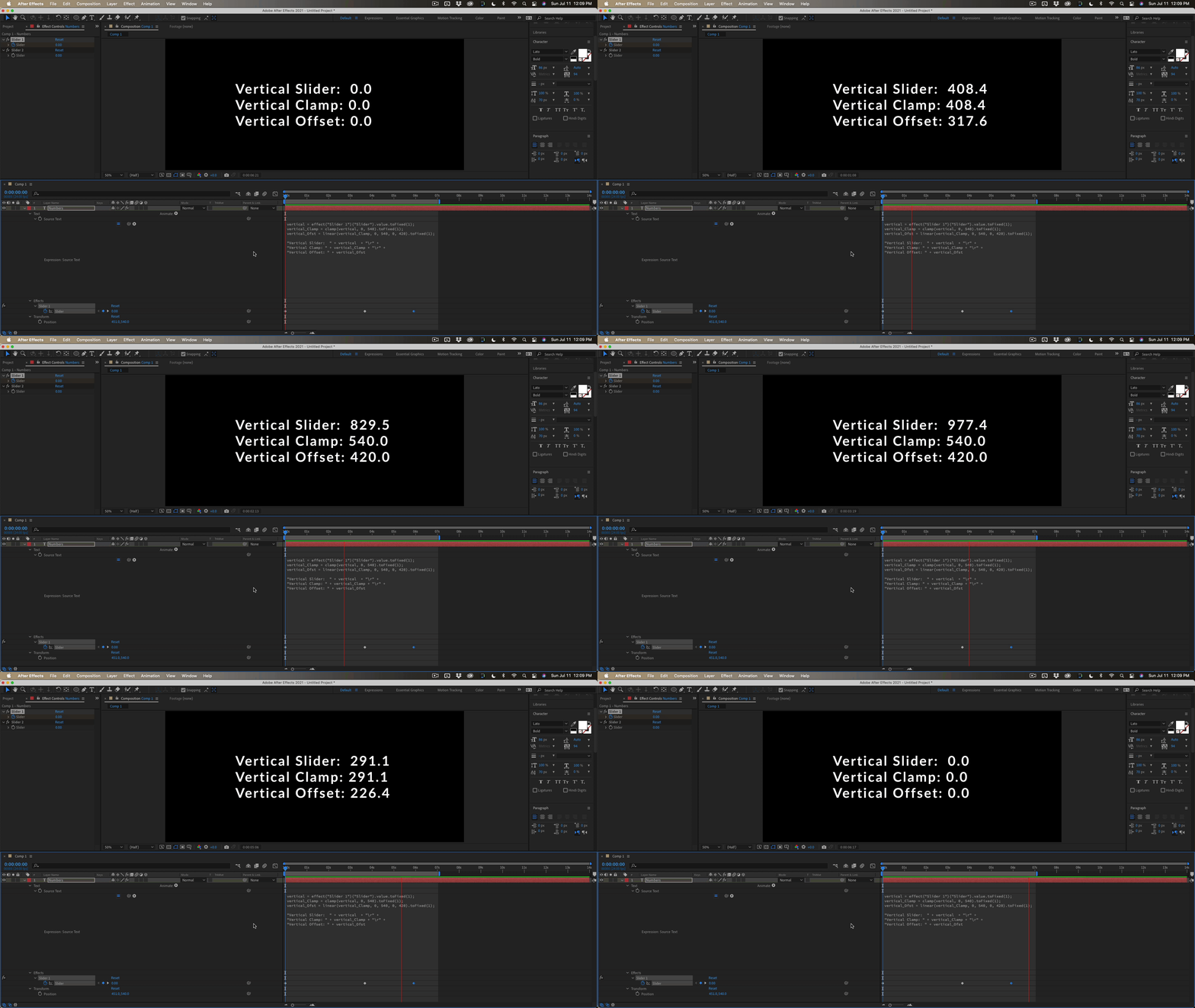
The bold text has to be automatically calculated when the vertical slider is between 0 and 540.
If the vertical slider is at 540 it should be 420, when the vertical slider is at 0 it should be 0 and between those value it should calculate the value automatically.
Is there any way to do this?
 AdChoices