
How to better control levels of grain in shadows vs mids vs highlights?
I am trying to more realistically control the level of grain in shadows/mids/highlights; the Add Grain effect has controls for shadow/mid/highlights, but I find it difficult to get the right falloff.
What would be the right way to do this with curves?
Alternately, it would also be good to know how to do this right with a film grain overlay clip. I have tried using a luma key matte but in this case too, it is difficult to get the smooth falloff, and it would seem better to do it with curves; I'm sure I'm not doing it right.
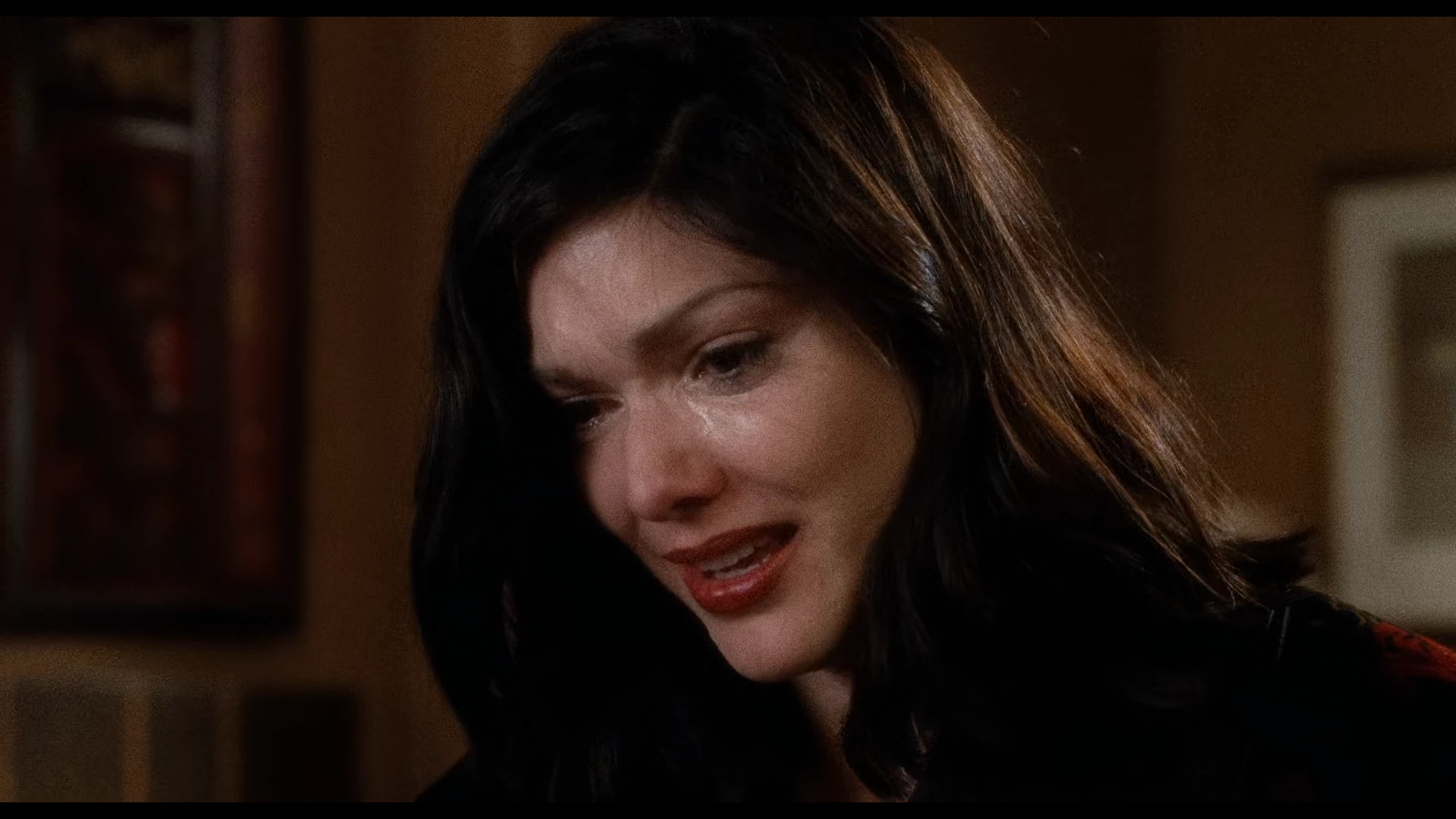
As a point of reference I just re-watched the late, great David Lynch's Mulholland Drive (shot and printed on film), and noticed the tremendous amount of grain in the mids, with zero grain in the shadows and zero in the fully blown out highlights such as headlights. Meanwhile, skin tones and yellow/orange/red range seemed more grainy than the green/blue/magenta side. [Inserted image somewhat distorted by digital compression]
Would like to be able to control grain enough to get in that ballpark. Processing efficiency is also a factor since grain takes longer to render.


 AdChoices