
Question
How to bold inline words via expression?
Hi, Is there any expression to bold inline text manually. I mean, if we set this expression "Cat is Jumping" in the source text of the layer. Then what/who expression is used to bold one word or a few words?
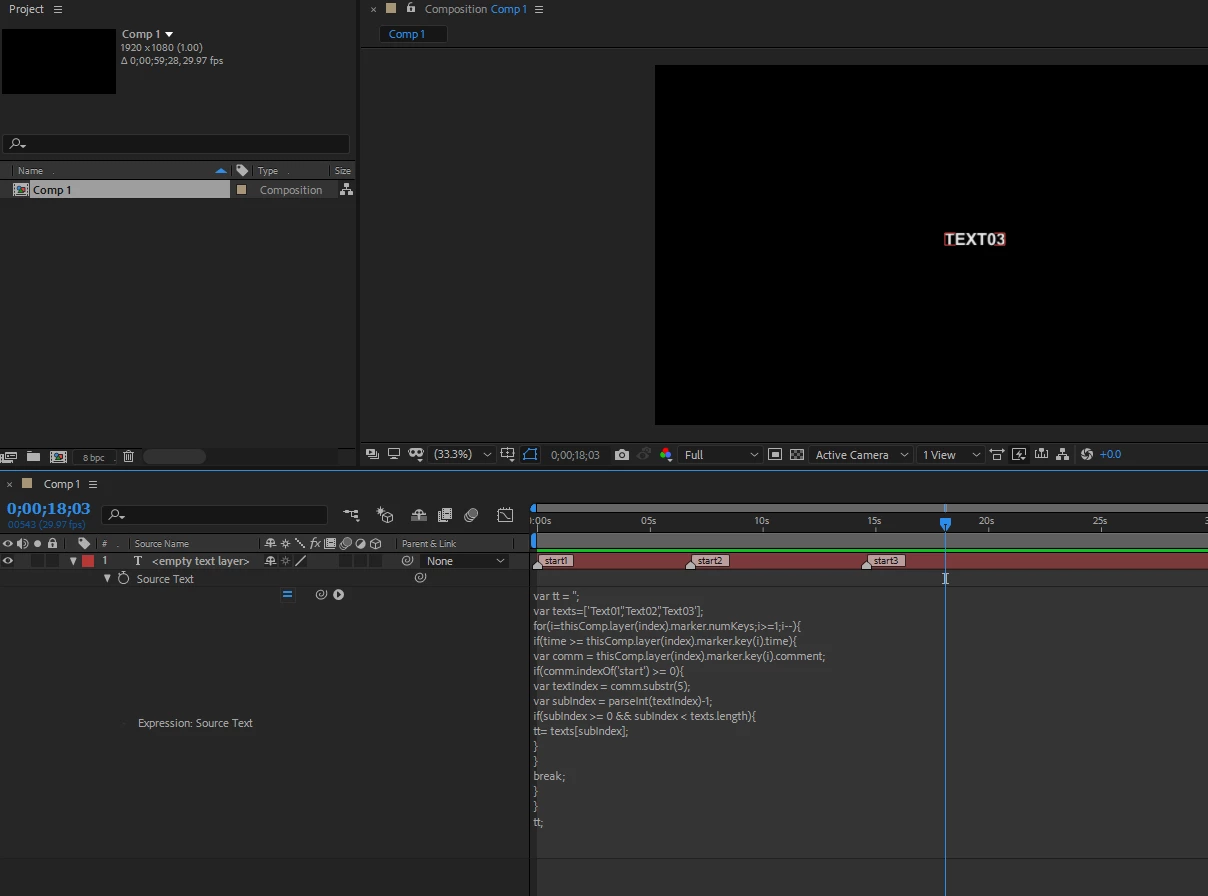
I am using a script to generate subtitles. This script generates expression in the "source text" property and markers on the layer to switch between paragraphs. The sample code is below.
var tt = '';
var texts=['Text01','Text02','Text03'];
for(i=thisComp.layer(index).marker.numKeys;i>=1;i--){
if(time >= thisComp.layer(index).marker.key(i).time){
var comm = thisComp.layer(index).marker.key(i).comment;
if(comm.indexOf('start') >= 0){
var textIndex = comm.substr(5);
var subIndex = parseInt(textIndex)-1;
if(subIndex >= 0 && subIndex < texts.length){
tt= texts[subIndex];
}
}
break;
}
}
tt;
 AdChoices