Known Participant
Oct 28, 2019 12:04 AM UTC
Question

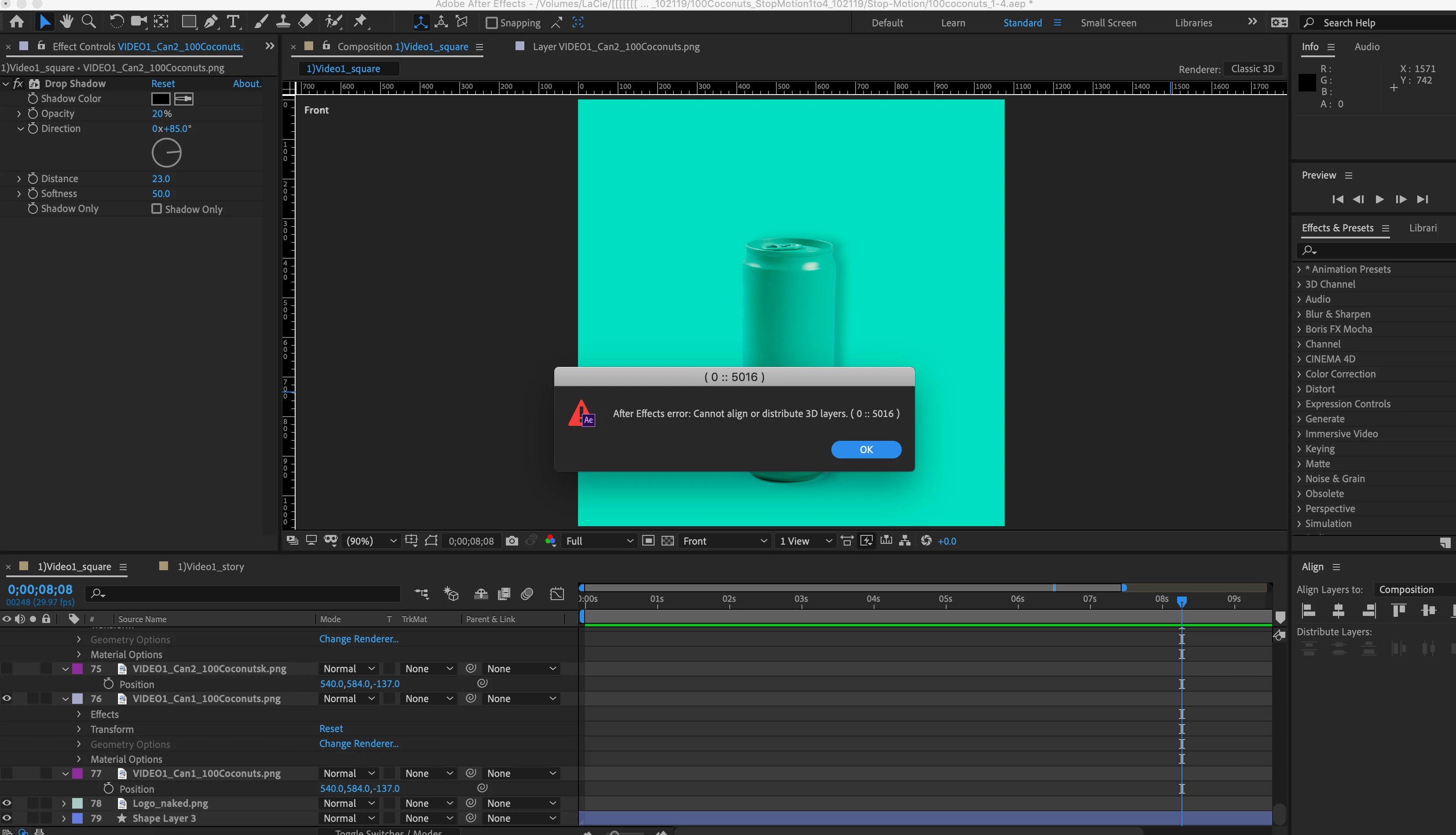
How to center 3D objects?

Hi, I got an error message saying I cannot align 3D objects? What if I want to center perfectly an object?

 

This topic is closed to new replies. Start a new post to keep the conversation going.

6 replies

Roland Kahlenberg
Legend
Oct 28, 2019 3:26 AM UTC

You can use the Center in View feature. It's a Menu Command - Layer > Transform > Center in View. The default shortcut is CTRL + Home. Be mindful that if you have Spatial Keyframes such as Anchor Point or Position, these will be disrupted with a new Keyframe after you invoke Center in View.

Translate
Very Advanced After Effects Training | Adaptive & Responsive Toolkits | Intelligent Design Assets (IDAs) | MoGraph Design System DEV
Known Participant
Oct 28, 2019 10:12 PM UTC

great, thank you! this will do 🙂 

Translate
Community Expert
Oct 28, 2019 1:25 AM UTC

The align tool only works on 2D layers and only in X, Y space. There is not a 3D alignment tool. If you want to be precise you have to do the math and adjust the position, anchor point, rotation, and scale appropriately. 

Translate
Known Participant
Oct 28, 2019 10:12 PM UTC

got it, thanks! 

Translate