



S_ A
Inspiring
September 27, 2023
Answered

How to centre design once the keyframes are set

  • September 27, 2023
  • 1 reply
  • 279 views

Hello,


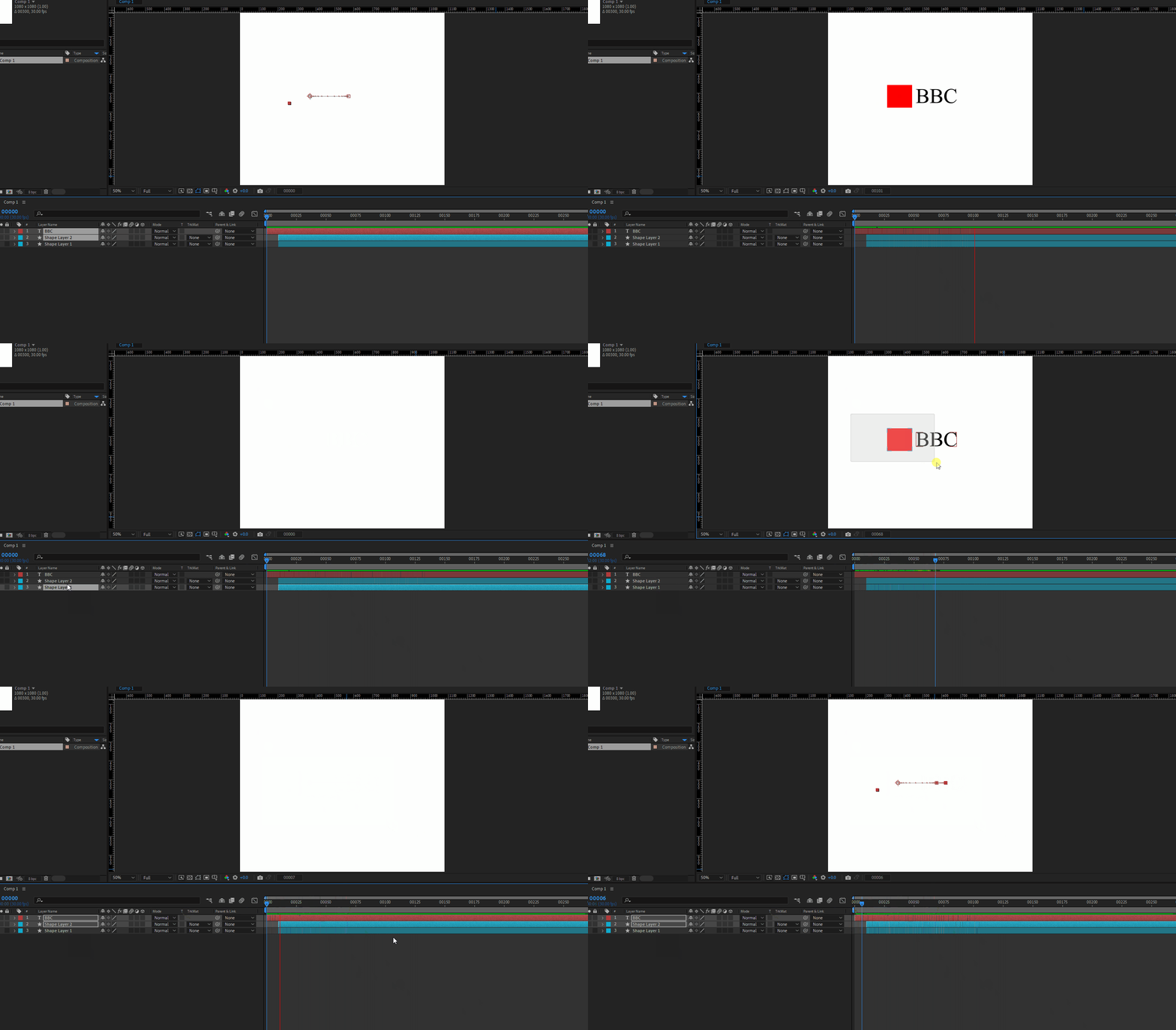
I was wodnering something. I am playing around in after effects,  and happy with the result, suddenly I notice my element/design is not centreed peoperly though the keyframes (position, layer animation etc) are set perfectly.


How can I centre the entire thing if accidently I forget to, once the keyframes are set. any way?


Thank you.
This topic has been closed for replies.
Correct answer Rick Gerard

You have two options. The first would be to add a Null to the timeline and parent all of the layers in the design to the null except a background layer. Then, move the null.


The second would be to Pre-compose all of the moving parts of the animation and re-position the pre-comp (the now nested comp).

1 reply

Rick GerardCommunity ExpertCorrect answer
Community Expert
September 27, 2023

You have two options. The first would be to add a Null to the timeline and parent all of the layers in the design to the null except a background layer. Then, move the null.


The second would be to Pre-compose all of the moving parts of the animation and re-position the pre-comp (the now nested comp).

S_ A
S_ AAuthor
Inspiring
September 27, 2023

Hello, Thank you so much.