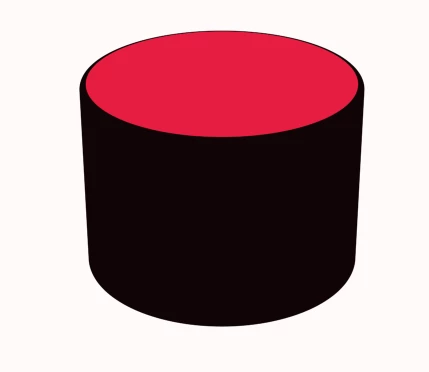
If you are extruding a shape layer then the stroke color is what is going to be on the sides. If you wanted it all red you would have to remove the stroke. If you want to retain the red stroke on the top you'll have to make a copy that is not extruded, offset it 1 pixel, and reduce the radius of the ellipse by the size of the stroke.
If you are extruding a shape layer then the stroke color is what is going to be on the sides. If you wanted it all red you would have to remove the stroke. If you want to retain the red stroke on the top you'll have to make a copy that is not extruded, offset it 1 pixel, and reduce the radius of the ellipse by the size of the stroke.



 AdChoices