
Question
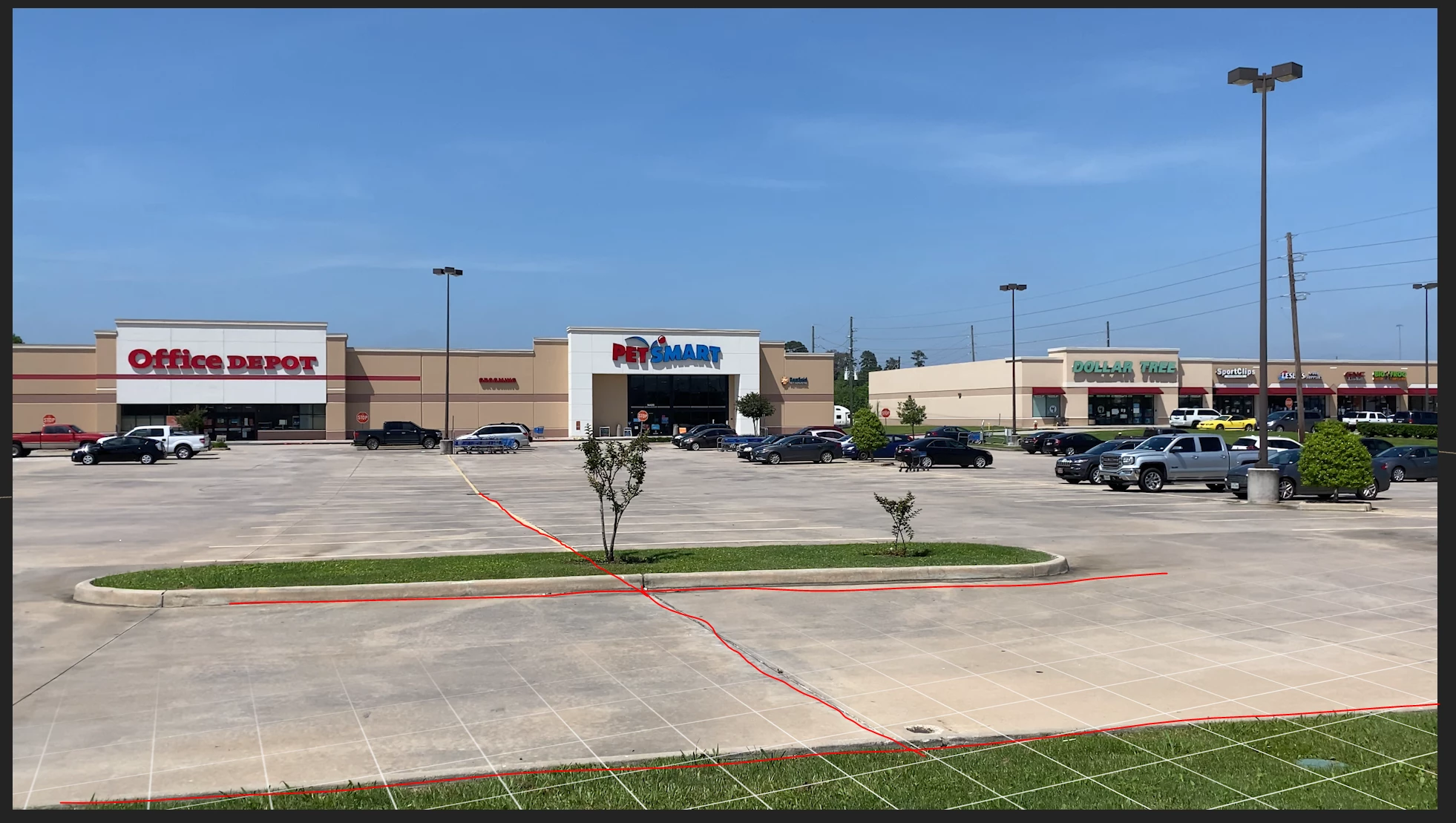
How to change the perspective of a "grid" that's been 3D track mapped?
I've been following a few tutorials trying to get a grid overlayed on the "ground" of my video. I can get the grid on a solid layer that has been created and mapped to a null object that has been created from a 3D Camera Track. my video has very defined curb lines and parking lot lines and while I can get the grid to show on the ground, I can't figure out how to change the perspective of the grid to line up with the video curb and parking space lines... can someone point me in the right direction?
I tried looking for a selection tool that would allow me to grab a corner of the grid and pull it around to mimic vanishing point as in PS, but I can't seem to get it to work in AE.
 AdChoices