
keithm1972
Inspiring
October 9, 2022
Question

How to composite musician into this footage?

  • October 9, 2022
  • 4 replies
  • 449 views

Link to video I'm playing with.


AE user for around 3-4 years, though pretty green in the ways of compositing footage in this type of project. The above clip is from a vintage Chevy ad. I'm planning a video shoot and would like to add a musician playing his guitar in front of the car, seen through the windshield. Any pointers on how best to do this?


First step would be to record the performer in front of a green screen. Then I'm thinking I need to create a few layers of the car footage and masking some of those layers out. Then add the performer in between those layers so he's standing next to the woman as she passes in front (or behind?) him.


I'm thinking I can just shoot a full body performance in front of the green screen and fit the upper body between the layers? The trick I'm trying to understand is doing this with all the movement in the frame: The woman walking, the rowboat and the camera tracking. Not sure what I should mask on what layer.


I'm not worried about it looking 100% convincing, as this project has a 1950s sci-fi cheese look going for it, but I still want to accomplish getting the performer into the footage.


Thanks!

This topic has been closed for replies.

4 replies

Mylenium
Legend
January 4, 2023

By inverting I simply mean you add or subtract whatever values the track generates from your other motion. So let's assume your keyed work is static smack in the middle of the comp you would copy & paste the tracker keyframes onto it and use the formula I already provided to invert the direction and potentially tweak other aspects to make it look "real".


Mylenium

Mylenium
Legend
January 3, 2023

The only thing you have to track in your shot is the pan itself so you can invert it and apply it to your keyed footage. A simple position track of some points on the distant shore line will do. Then you can use a simple value*-1*multiplier+offset style expression to derive any counter motion to create the parallax. For the rotoscoping you'd focus on creating a primary clean plate where you remove the water and trees. From that pre-composition you then generate the actual layering by applying additional masking to separate the steering wheel, the girl and whatever else you need plus you'd use the initial roto as an inverted matte later to re-introduce the parts of the original shot.


Mylenium

keithm1972
Inspiring
January 4, 2023

"The only thing you have to track in your shot is the pan itself so you can invert it..." 

I lost you on "invert it". Can you clarify?


Otherwise if I understand correctly the main layers would be:

  • A layer with the water and trees removed
  • Mask layer of just the steering wheel--or maybe even the whole dashboard (since musician will be in front of it)
  • Mask layer of woman (since she will walk behind him)
  • Finally, the inverted matte layer to reintroduce parts of the original shot, such as the water and trees.


Awesome, almost making sense.

Community Expert
October 10, 2022

That shot has very little parallax shift because it is almost a simple pan. The background is far enough away that you could motion-track the background using Mocha AE. I would probably motion stabilize the shot because that would make creating the track mattes easier. Then drop in your keyed footage, and if necessary, add a little movement on the X-axis to simulate a slight parallax shift. When that is done, you add a null to the timeline, apply the tracking information to the null, and then parent all of the pieces of the composite to the null to put the movement back in the shot.


Personally, I think the motion stabilize, composite, and put the motion back workflow is going to be the least amount of work because the required rotoscoping will be easier. You could just apply the tracking to the keyed musician, use a procedural matte to knock out the car frame, and roto the girl that walks through the shot. 


I hope this helps. Here's a link to Mocha Essentials.  The training series should give you just about everything you need to track the shot and prepare for the composit.


keithm1972
Inspiring
January 3, 2023

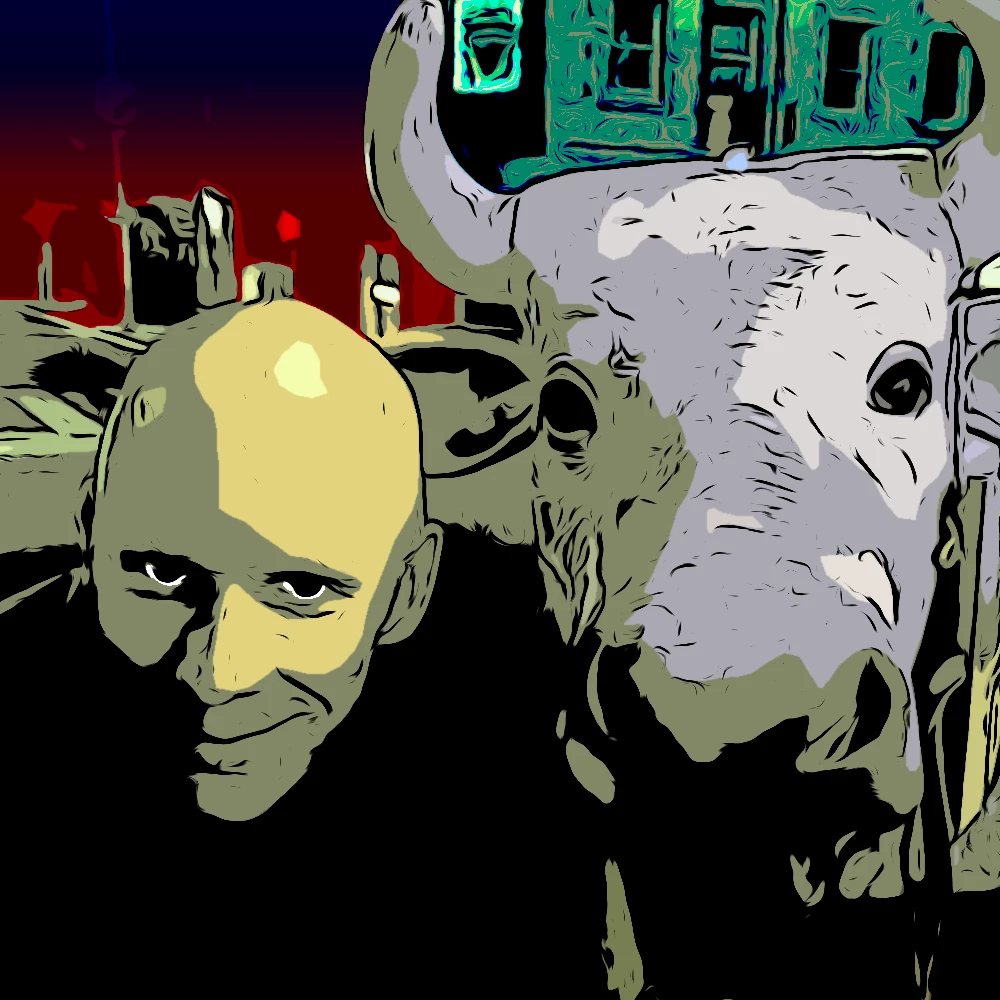
Reviving an old thread now that I've captured my green screen footage. Recap, I want to add the musician below into this old commercial so it looks like he is in front of the car with the woman. As of now I have the background and musician layers set up in AE. I'm trying to wrap my head around the workflow between rotoscoping and when to use Mocha for the tracking, so any thoughts on simply what order of steps to start with would be awesome.


How many layers from the background should I create? The whole background scene is panning and I need to see the steering wheel in front of the musician as well as his torso being a bit below the hood of the car. The woman passes behind him. Create two car layers, one of the interior and the other of the windshield?


From there I'm trying to figure out what I'm tracking in Mocha.


Mylenium
Legend
October 9, 2022

Seems simple enough, but the shot has a very distinct curvature. Chosing a correct lense and figuring out a good distance to the talent will be key. Other than that there's of course a lot of softness on the exterior, so integrating your artist won't necessarily be straightforward. There's a good chance you will have to draw some complimentary feathered masks and animate them by hand.


Mylenium