
How to control the rounded corner of a line using the Pen tool
Hi forum.
Ive cama cross a tricky situation. I draw a path with the pen too, and give it a stoke, and then round cap the edges, give it a trim path to animate the edges up and down. And it retains its rounded cap edges. But there is no option to control the roundness of the edges. It looks by default its 3px, but I need 4 pixels rounded off corners.
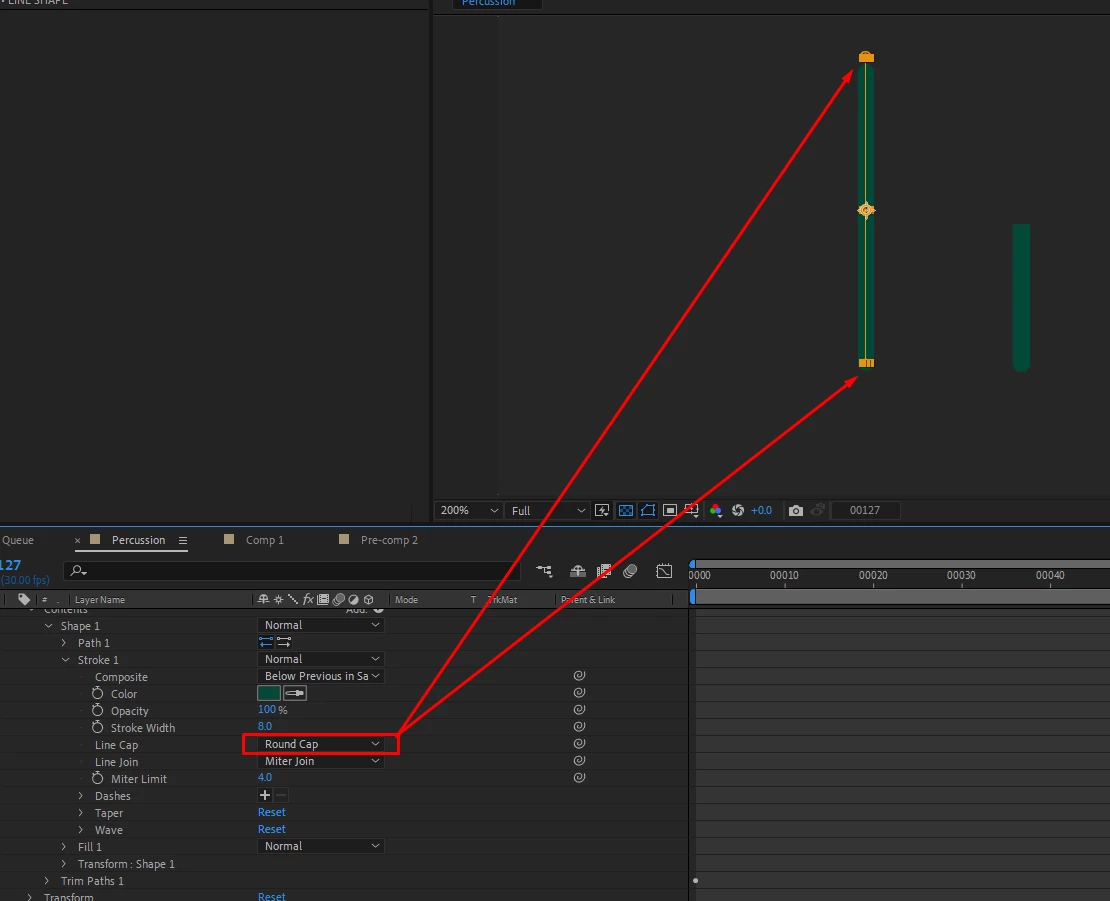
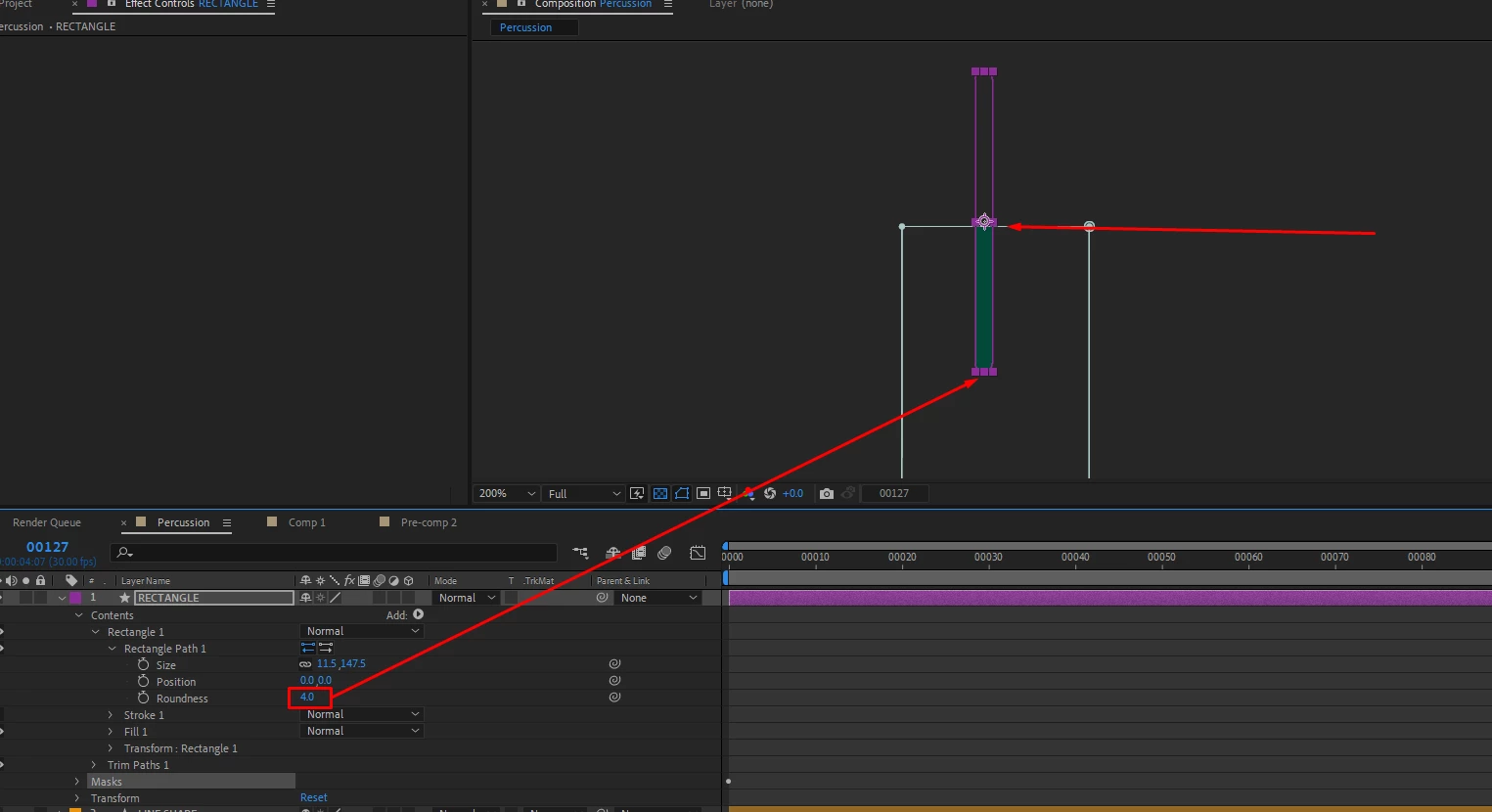
So then I create a rounded rectangle, and I have options for the corner radius, but this trim paths here doesnt work, it makes a mess of the animation. So I use the mask option which works, but when the mask animates up and down, the top side of the rectangle is masked out. I also tried to turn the rounded rectangle into a Bezier path to use trim path, but again the trim paths doenst work up and down, its just working around the paths.
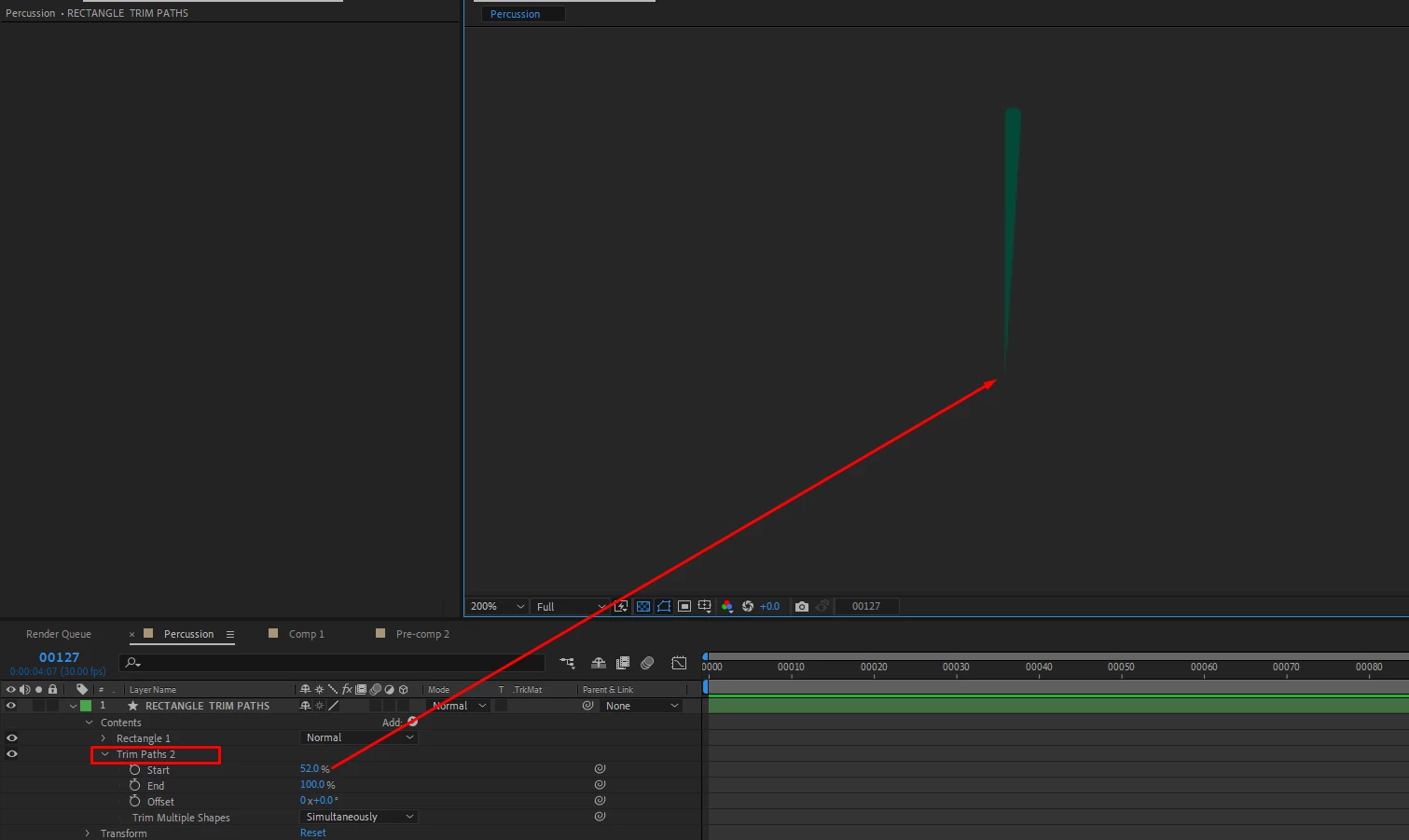
If I try to use trim paths on a rectangle shape this is the result, its not going up and down, but doing a radial wipe:
I also tried to make shape into the Bezier path, but still the result with trim path is doing the radial wipe, and not up and down.
 AdChoices