

Question
How to convert PF_Pixel_VUYA_32f to PF_PixelFloat, Premiere Pro
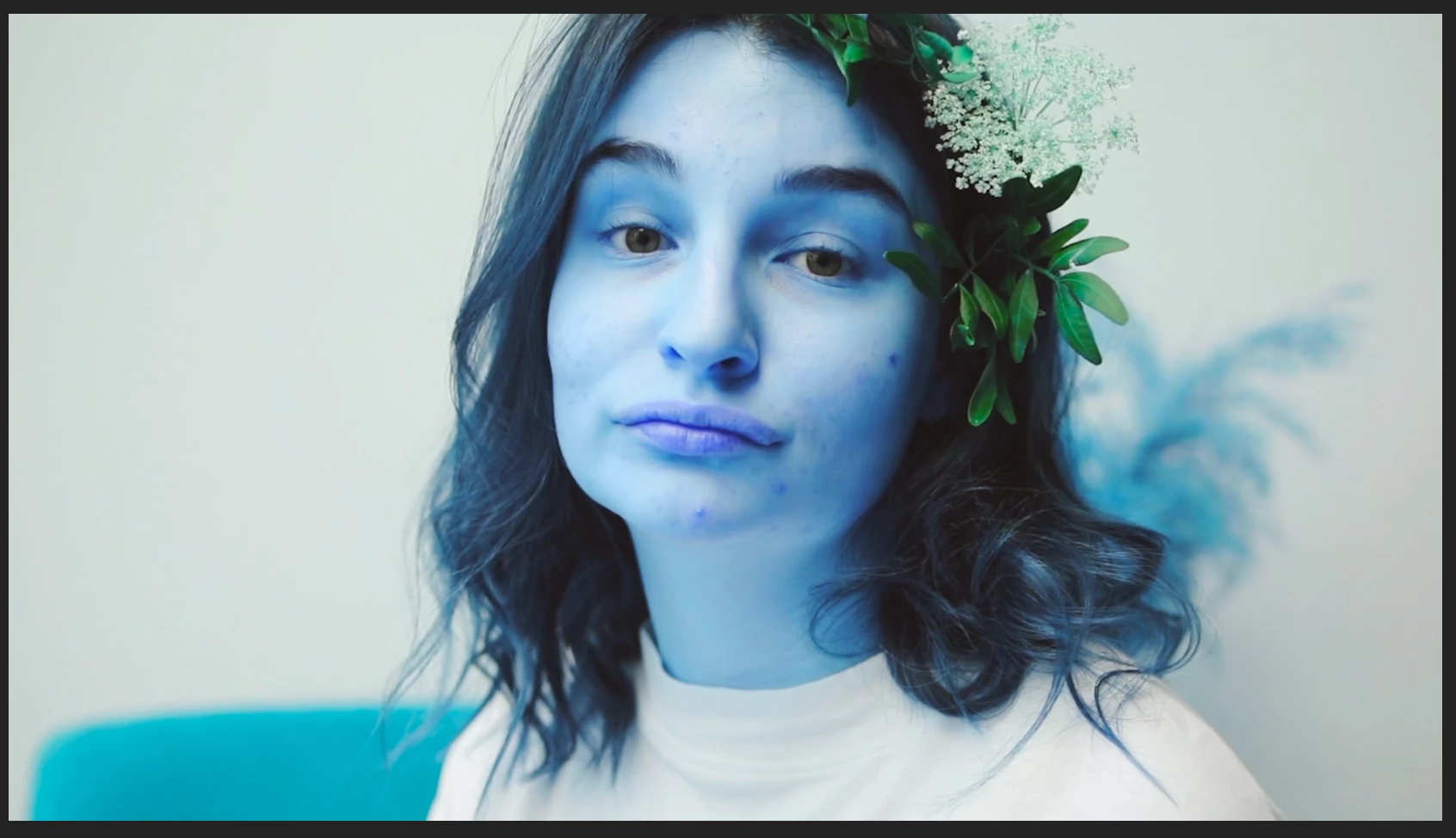

I'm developing a plugin for the first time. Want to be PR compatible. Currently in PrPixelFormat_VUYA_4444_32f mode,
How to convert PF_Pixel_VUYA_32f to PF_PixelFloat
Below is the formula for my conversion. I get a wrong result, can anyone tell me the correct conversion formula. thanks
...
// VUYA_32f to PF_PixelFloat
PF_Pixel_VUYA_32f *outVUYA_32f;
outVUYA_32f = reinterpret_cast<PF_Pixel_VUYA_32f*>(_rgb);
float l = outVUYA_32f->luma;
float pr = outVUYA_32f->Pr;
float pb = outVUYA_32f->Pb;

float r =   l * 1.0f + pr * 0.0f       + pb * 1.402f;
float g = l * 1.0f + pr * -0.344136f + pb * -0.714136f;
float b = l * 1.0f + pr * 1.772f     + pb * 0.0f;
float a = outVUYA_32f->alpha;


//#############----------

// PF_PixelFloat to VUYA_32f
...

float r,g,b,a
...

PF_Pixel_VUYA_32f *outVUYA_32f;
outVUYA_32f = reinterpret_cast<PF_Pixel_VUYA_32f*>(_rgb);
outVUYA_32f->luma =  r * 0.299f     + g * 0.587f     + b * 0.114f;;
outVUYA_32f->Pb = r * -0.168736f + g * -0.331264f + b * 0.5f;  //-0.147*r - 0.289*g + 0.436*b;
outVUYA_32f->Pr = r * 0.5f       + g * -0.418688f + b * -0.081312f;; //0.615*r - 0.515*g - 0.100*b;
outVUYA_32f->alpha = a;


 AdChoices