
How to copy and paste a layer without linking to the assets used in the original layer?
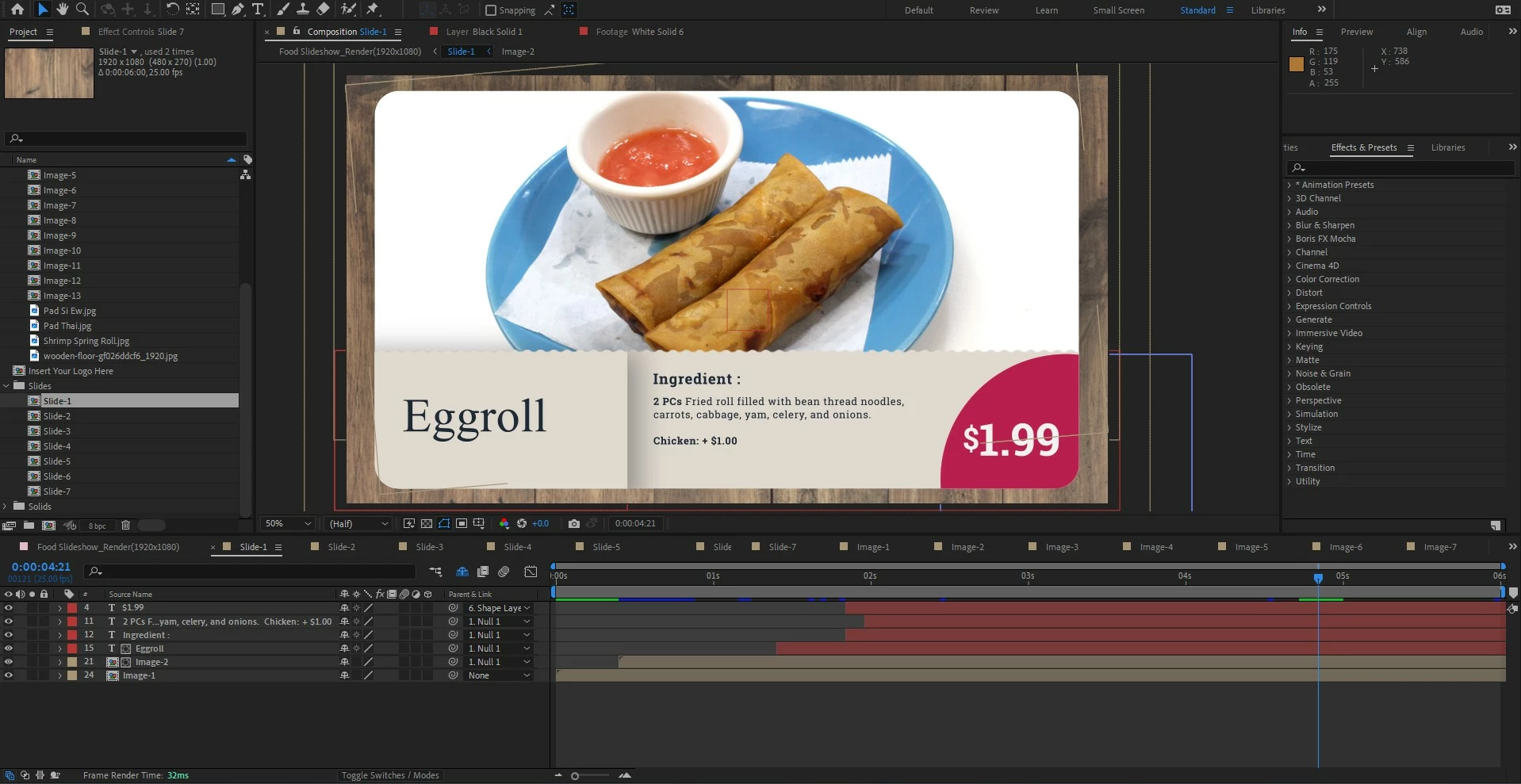
I'm a newbie at After Effects and I downloaded a template to use for a restaurant food slideshow.
The template only came with 7 slides that were set up so that I could insert images into a folder and Image 1 and 2 would show up in Slide 1, Image 2 and 3 would show up in Slide 2, etc.
I am trying to figure out how to make Slide 8 so that image 14 and 15 would be connected. For Slide 8, I want to use the same set up as Slide 1 so I copy-pasted it but I'm not sure how to add new images since it just completely copies the slide and I cannot edit it without it changing the images in Slide 1.
I apologize if this explanation doesn't make sense. I understand that each slide is linked to Null 1 but I'm not sure what that means. If anyone could point me to a topic so that I can research it on my own, that would be great. Thank you!


 AdChoices