Answered
How to create an "easy dissolving effect"?
Hello. I would like to know how to create an effect like the one shown in the screenshot below (= like this "easy dissolving effect"). Thanks!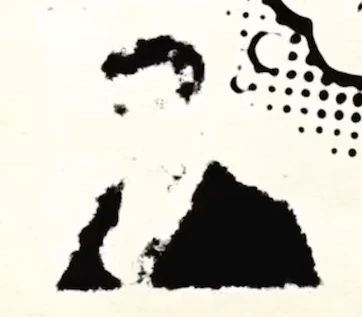
Hello. I would like to know how to create an effect like the one shown in the screenshot below (= like this "easy dissolving effect"). Thanks!
Pretty much looks like a few animated parameters on a Roughen Edges effect, to be honest, such as the scale, softness and depth of the edges. All you need in preparation is to have the elements separate from the background.
Mylenium
Already have an account? Login
Enter your E-mail address. We'll send you an e-mail with instructions to reset your password.
 AdChoices