Known Participant
October 16, 2020
Question

How to create swirl effect

  • October 16, 2020
  • 2 replies
  • 1766 views

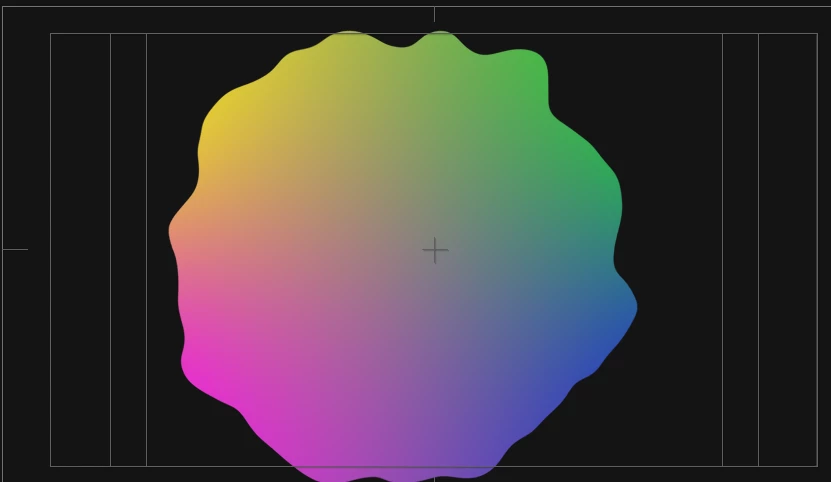
I'm trying to mimic the swirl effect on the color gradient at 0:13 in this video. 


I would like to create something similar for what I'm working on right now. 
 
I tried applying a four color gradient and turbulent displacment effect. That, obviously, didn't work. 
 
This topic has been closed for replies.

2 replies

Roland Kahlenberg
Legend
October 16, 2020

Rick has a good idea. I'll add another – use the Mask Feather Tool along with animating the Mask Path and Layer>Transform>Position/Rotation props.

Very Advanced After Effects Training | Adaptive & Responsive Toolkits | Intelligent Design Assets (IDAs) | MoGraph Design System DEV
Community Expert
October 16, 2020
  1. Create a gradient on a shape layer rectangle and then distort the layer using your choice of Distort Effects like Mesh Warp
  2. Add another shape layer the size and shape you want your object and set it as a track matte for the Gradient layer

Pre-compose the pair and animate position and composite with other layers.

Jacob01Author
Known Participant
November 6, 2020

Mine doesn't look like that AT ALL.  This is what I see.