Known Participant
October 30, 2023
Answered

How To Create This Transition?

  • October 30, 2023
  • 2 replies
  • 778 views

Hello,


I've found this really cool transition but its in 720p and I need it in 4k. How could I make this transition myself?


Kind regards,

L

This topic has been closed for replies.
Correct answer ShiveringCactus

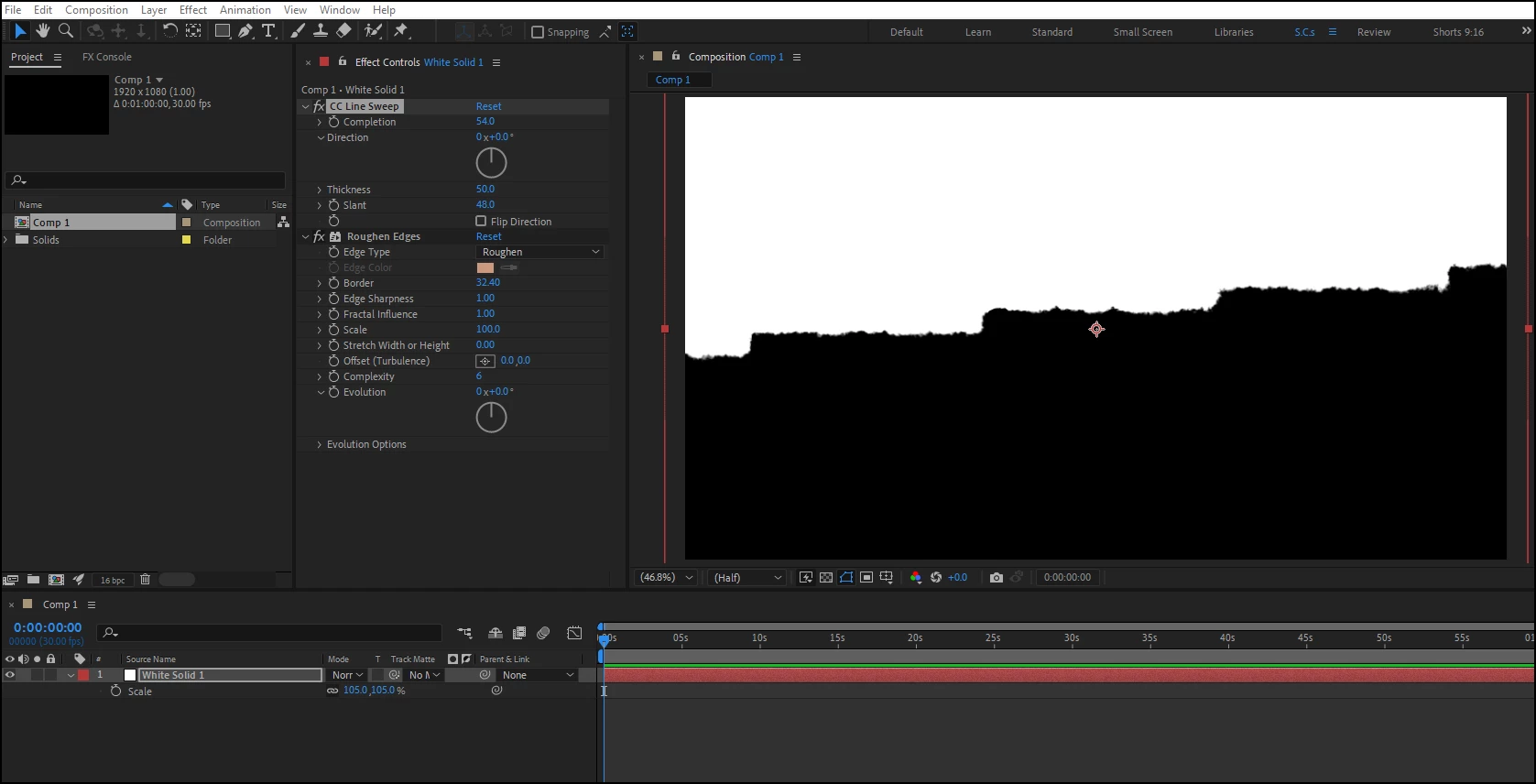
I think you get a pretty similar result using Line Wipe with Roughen Edges.


If you're wanting the jumping of lines, then you could either use hold keyframes or the posterizeTime expression on the transition:

posterizeTime(10);
value


2 replies

ShiveringCactus
Community Expert
ShiveringCactusCommunity ExpertCorrect answer
Community Expert
October 30, 2023

I think you get a pretty similar result using Line Wipe with Roughen Edges.


If you're wanting the jumping of lines, then you could either use hold keyframes or the posterizeTime expression on the transition:

posterizeTime(10);
value


Known Participant
October 31, 2023

Thank you so much, you absolute life saver!

Melanie Stirner
Participating Frequently
October 30, 2023

The most simple way to create it entirely by yourself is probably to juzst choose a brush you like in Adobe Photoshop or Adobe Fresco and then paint it either frame by frame or you draw some lines, export them as png and animate them in Adobe After Effects using masks. The third option would be to try to scale up the 720 to 4k and sharpen it, but it will probably not look that good.