elfuturista
Participant
August 29, 2017
Answered

How to create this type of shadows?

  • August 29, 2017
  • 2 replies
  • 435 views

Hello out there, so ive wondering if its possible to achieve this type of shadows in Adobe After Effects. A dinamic shadow that fades and blurs at the and follows the character movement. Here some couple of images:
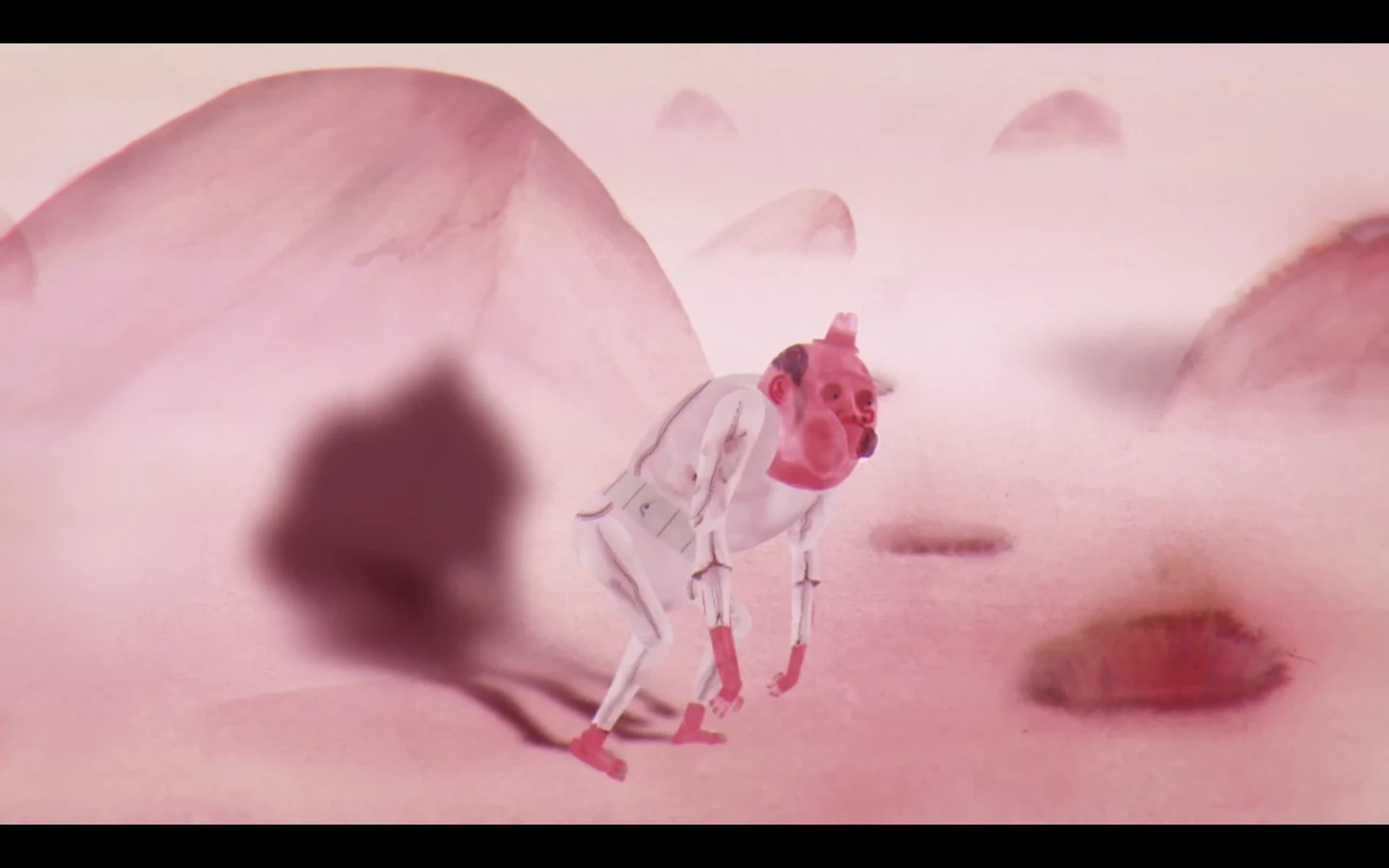
Source Video: The Future on Vimeo
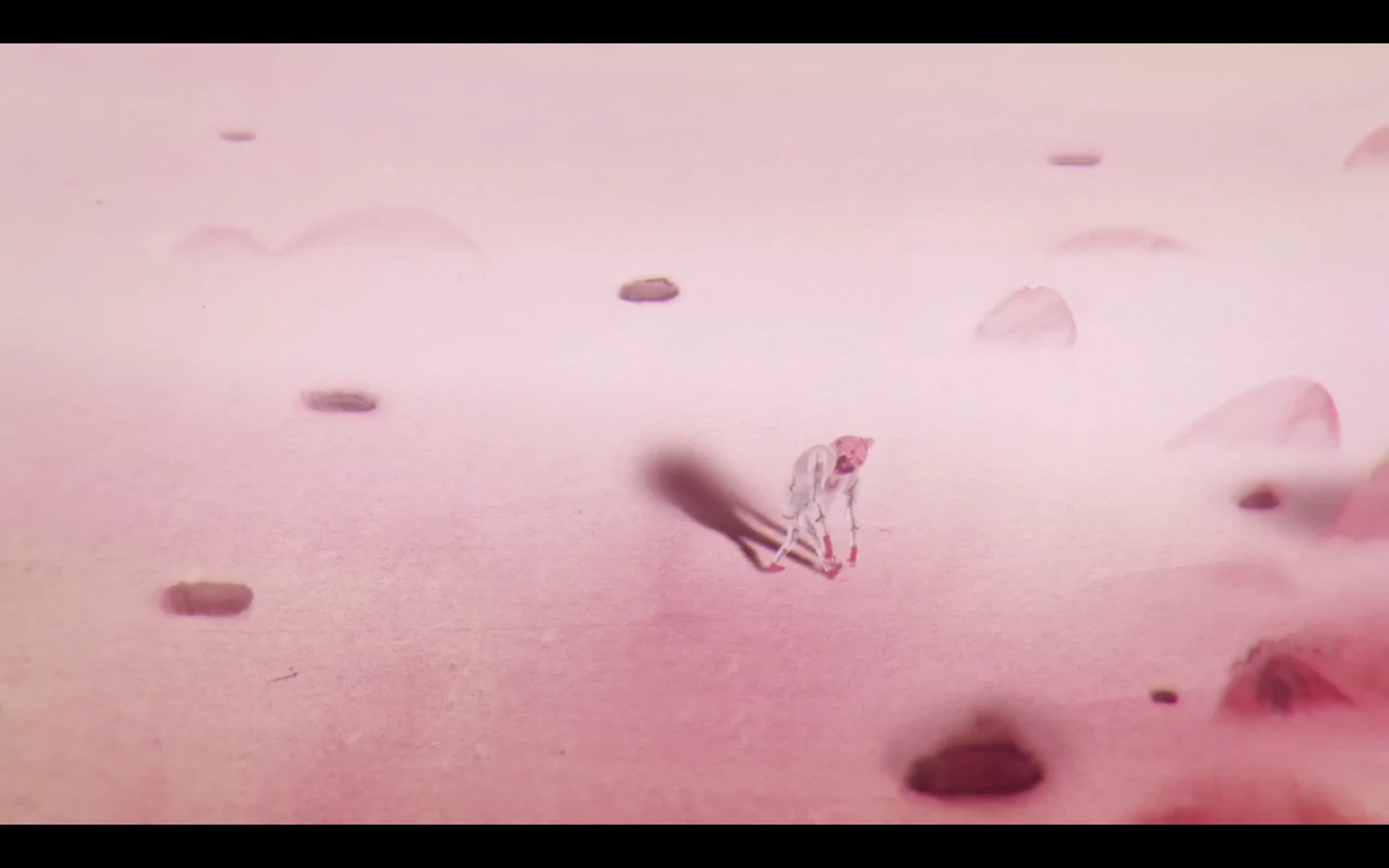
And here is another video with the same effect on the charracter: Yury's Journey Trailer on Vimeo

Heres another example of the shadows:

I would love your help to get to know how to achieve this on after effects. Thanks guys.

This topic has been closed for replies.
Correct answer angie_taylor

If you create a character with 3D  layers, then you can add lights to the scene that are capable of casting shadows. I'd suggest adding an ambient light with a low intensity value to light your scene. Then add a point light and make sure the cast shadows option is switched on. You also need to make sure that your 3-D character  is able to cast shadows. Do this by going to the material options for your 3-D  layers and switch on cast shadows. You also need to going to the material options for the shadow receiving  layers - make sure they are set to receive  shadows. You can play around with the material options to control how the shadows are received by the surface of the  layers. You can also play around with the shadow options of the light.

Hope this helps,

Angie Taylor – Creative Cabin

2 replies

angie_taylor
angie_taylorCorrect answer
Legend
August 29, 2017

If you create a character with 3D  layers, then you can add lights to the scene that are capable of casting shadows. I'd suggest adding an ambient light with a low intensity value to light your scene. Then add a point light and make sure the cast shadows option is switched on. You also need to make sure that your 3-D character  is able to cast shadows. Do this by going to the material options for your 3-D  layers and switch on cast shadows. You also need to going to the material options for the shadow receiving  layers - make sure they are set to receive  shadows. You can play around with the material options to control how the shadows are received by the surface of the  layers. You can also play around with the shadow options of the light.

Hope this helps,

Angie Taylor – Creative Cabin

Roei Tzoref
Legend
August 29, 2017

It's possible and probably was done using Ae. Read about 3D lights and shadows and shadow diffusion parameter. you can type any term in the search field at the upper right corner of your Ae interface.