January 5, 2018
Beantwortet

How to delete the inner color of a mask?
  • January 5, 2018
  • 1 Antwort
  • 346 Ansichten


Hi all,

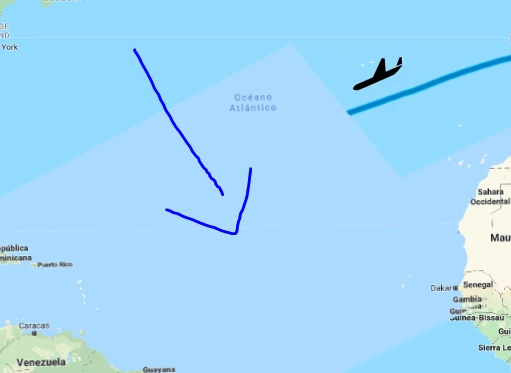
I made a short animation including a mask. When I export the Clip to Premiere Pro, it still shows the inner color of the mask which I'd like to have fully transparent.

But whatever I try, it keeps the color. Also playing with the mask's opacity doesn't help.

Please help

Greetz

    Dieses Thema wurde für Antworten geschlossen.
    Beste Antwort von

    I fixed it by creating a new project. This time the "inner color" (don't know how to call it correctly) went away.

    Thanks a lot anyway, next time I'm going to give you more information + fullscreen

    1 Antwort

    Community Expert
    January 5, 2018

    What happens if you put another layer below the footage with the map? What does the Alpha Channel look like? You haven't given us much to go on and I can only assume user error and inexperience from what you have provided. I am especially suspicious when you say the inner color of a mask because there is no such thing.

    If you can't figure it out we need complete workflow details and screenshots of your entire UI with all modified properties of all layers and your render settings revealed.

    Antwort
    January 7, 2018

    I fixed it by creating a new project. This time the "inner color" (don't know how to call it correctly) went away.

    Thanks a lot anyway, next time I'm going to give you more information + fullscreen