Answered
How to expand mask layer?
How can I expand the mask to touch the guideline? Is there a way to easily adjust the frame edge? Sorry for the silly question.
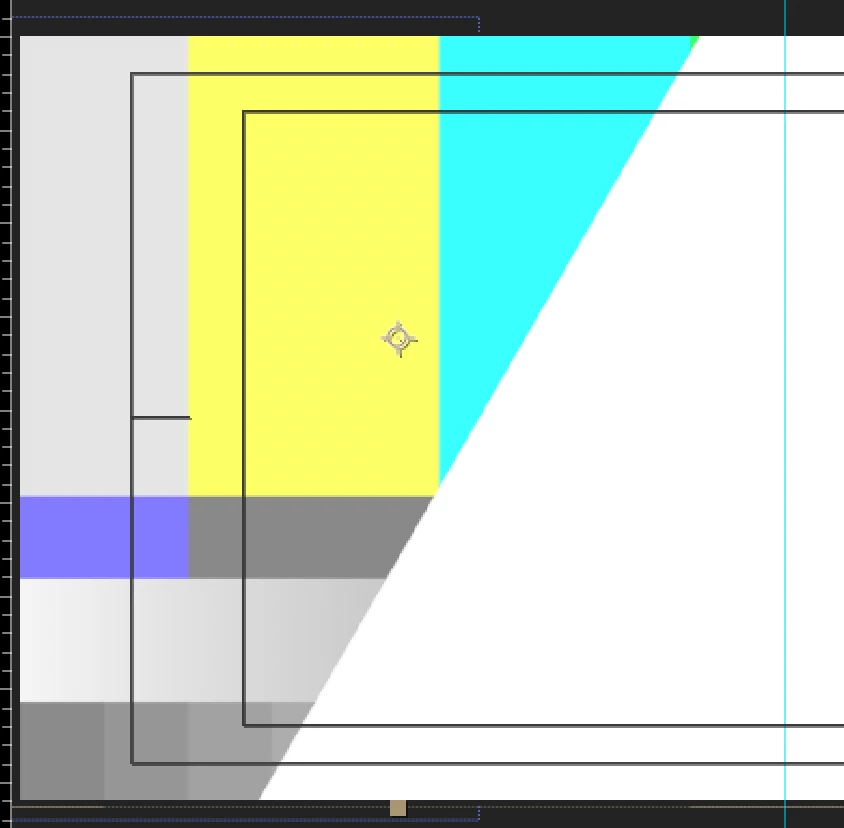
How can I expand the mask to touch the guideline? Is there a way to easily adjust the frame edge? Sorry for the silly question.
Click on the composition to deselect that element, then with the selection tool go directly to the bezier point in the bottom right corner and click on it, so you can select only that point and adjust your mask to the guideline. If you click on the entire element, they will all be selected and you will not be able to adjust the corners independently.
Already have an account? Login
Enter your E-mail address. We'll send you an e-mail with instructions to reset your password.
 AdChoices