Deaf_Guy
Inspiring
May 11, 2017
Answered

How to export irregular shaped comp for GIF?

  • May 11, 2017
  • 2 replies
  • 679 views

I've created a comp in the dimensions of 666x253 (because that size fits my web page perfectly).  The idea is to make the comp then make an animated GIF.

I made all graphics and made the animation and in AE it looks great:
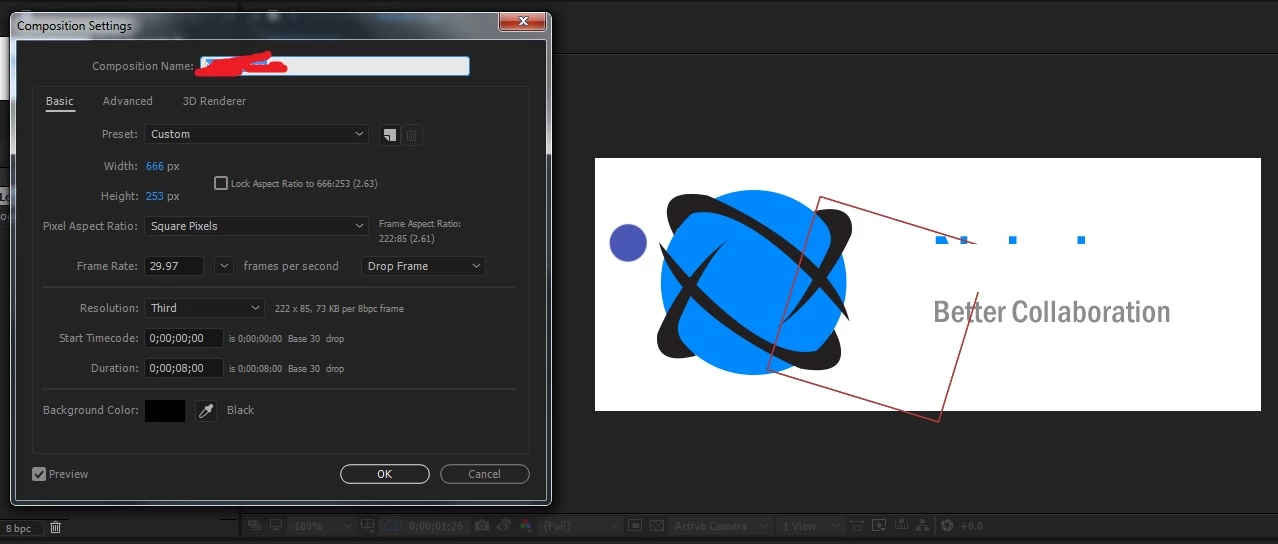
I tried to do that QT rewrap but am getting an error message, so I thought - just export all of the frames as uncompressed PNG's and then bring them into PSD and make the GIF there.

I can't seem to get it to work:
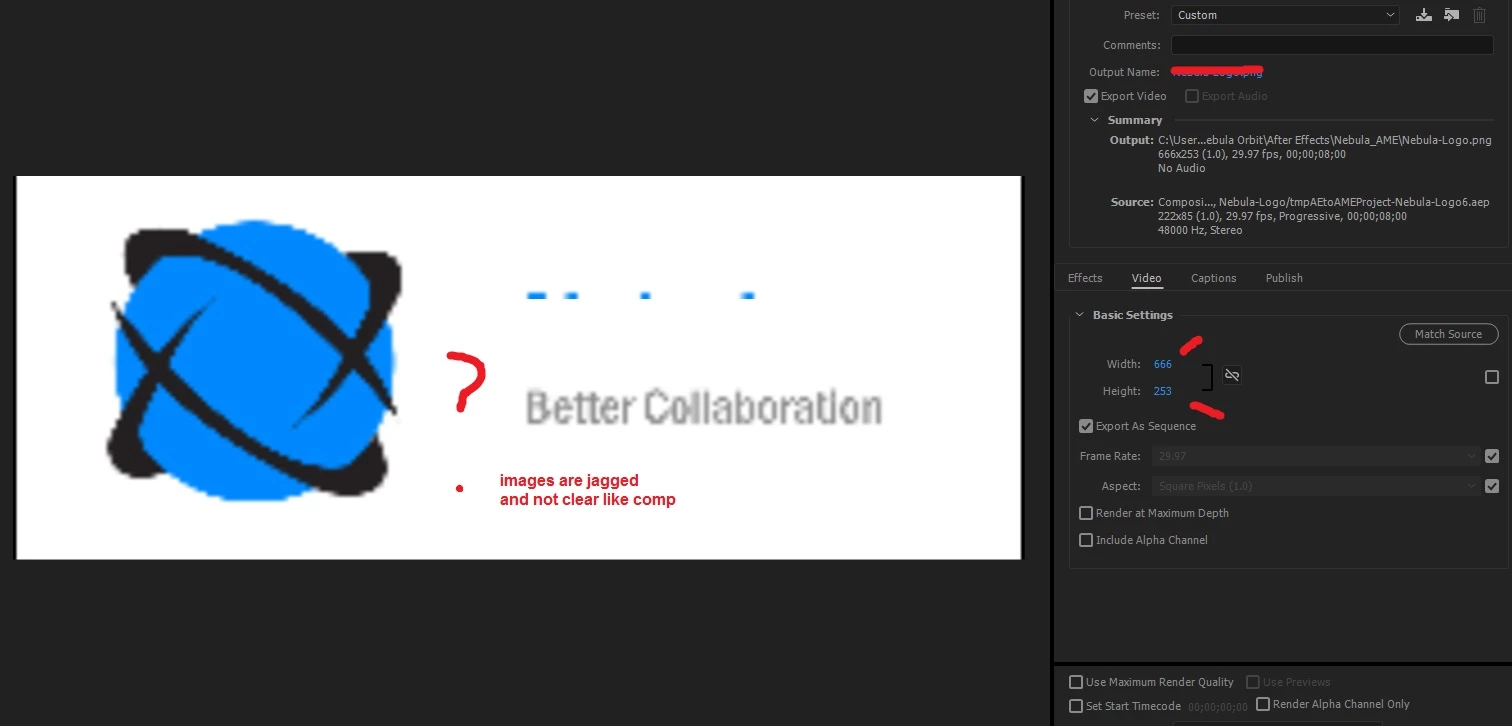
Note the image is pixelly and jagged.  Also when it's in Encoder it keeps wanting to make the dimensions smaller (something like 222x something) so I have to go in and uncheck match and then type in 666x253.  When I do that the result is above PNG's with jaggedy images.

Can someone tell me what I need to do to get this to work?  Thanks.

    This topic has been closed for replies.
    Correct answer Roei Tzoref

    1. render straight from Ae as Quicktime Animation

    2. drag the file to Photoshop

    3. save for web (file->export->save for web)

    4. choose a GIF preset and tweak to satisfaction

    2 replies

    Warren Heaton
    Community Expert
    Community Expert
    May 11, 2017

    If you find you need to do this often, check out GifGun (GifGun - aescripts + aeplugins - aescripts.com).  This script lets you do everything from within AE.

    Of course, you'll save $30 by doing it though PS.  Although, you might be able to get by with the demo version. (It's fully functional, but limits some options.)

    Community Expert
    May 12, 2017

    One advantage to creating a gif in Photoshop is that you can assign a duration to a single frame. GifGun can't do that.

    That means that in many gif's for web banners you can have a graphic or some text hold for 15 seconds using just one frame. Then you use the next 10 or 20 frames for a transition. This will reduce the size of your gif's significantly. A 40 second gif could have under fifty frames instead of 300 or more and you couldn't tell the difference when it was playing back. You'll also get a lot better interpolation of the colors in Photoshop. Just my 2¢...

    Roei Tzoref
    Roei TzorefCorrect answer
    Legend
    May 11, 2017

    1. render straight from Ae as Quicktime Animation

    2. drag the file to Photoshop

    3. save for web (file->export->save for web)

    4. choose a GIF preset and tweak to satisfaction

    Deaf_Guy
    Deaf_GuyAuthor
    Inspiring
    May 12, 2017

    This works beautifully Roei.  Thanks so much.