Known Participant
July 15, 2019
Question

How to fix stuttered, jerky, glitchy footage in After effects.

  • July 15, 2019
  • 1 reply
  • 387 views

So I've been working with after effects for years and never had this issue before with mp4 files so don't get why it's happening now. I shoot with Sony mirrorless cameras(in this case a sony a7riii) and whenever I try to playback footage it would be gltichy/jerky movement below. (But I don't get this issue in adobe premiere)
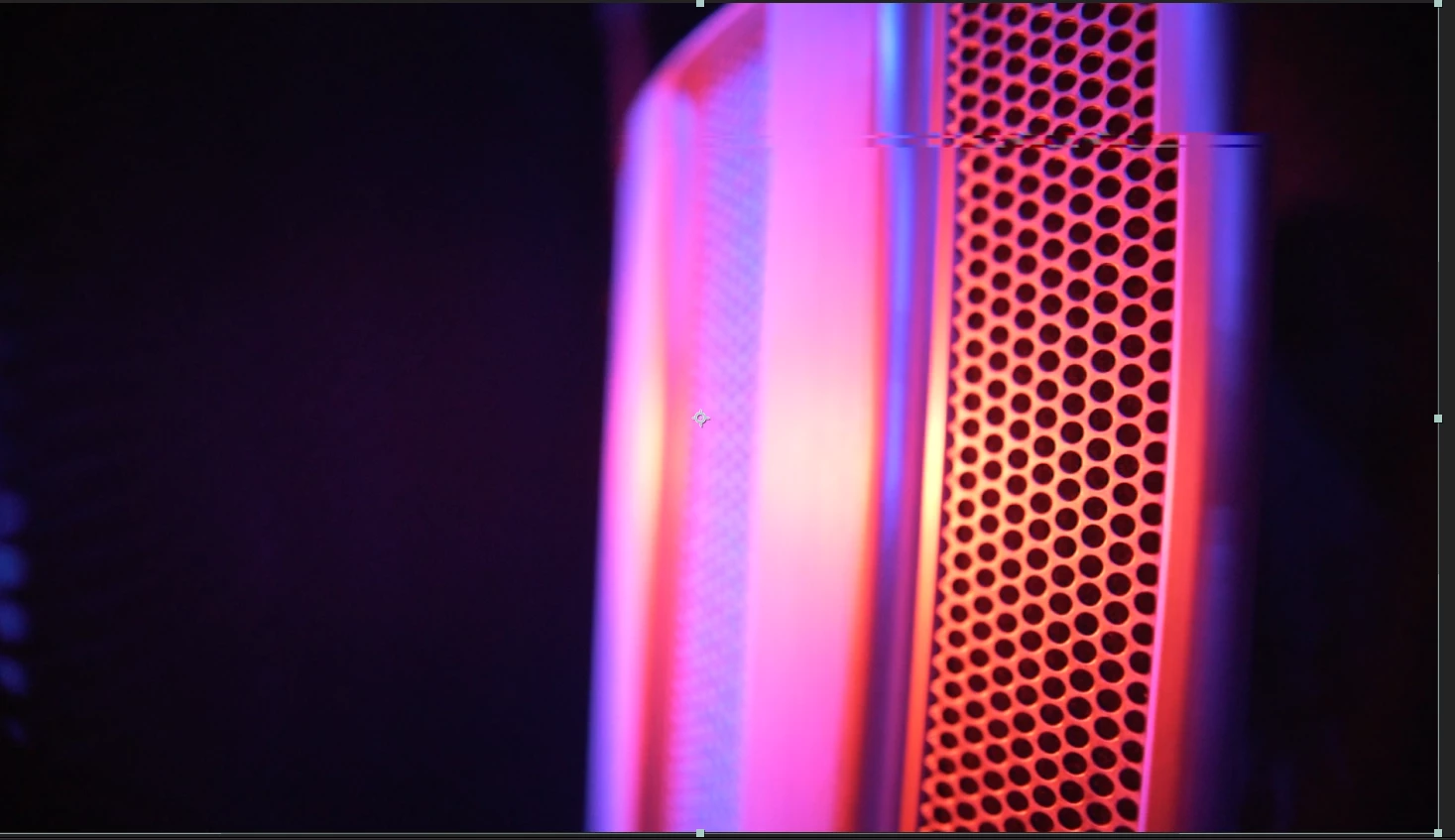
I thought it was a frame rate issue but that wasn't the case. So I converted it to a quicktime file using media encoder and used the "replace footage" feature in after effects to quickly insert it with all effects applied and that solved the issue.
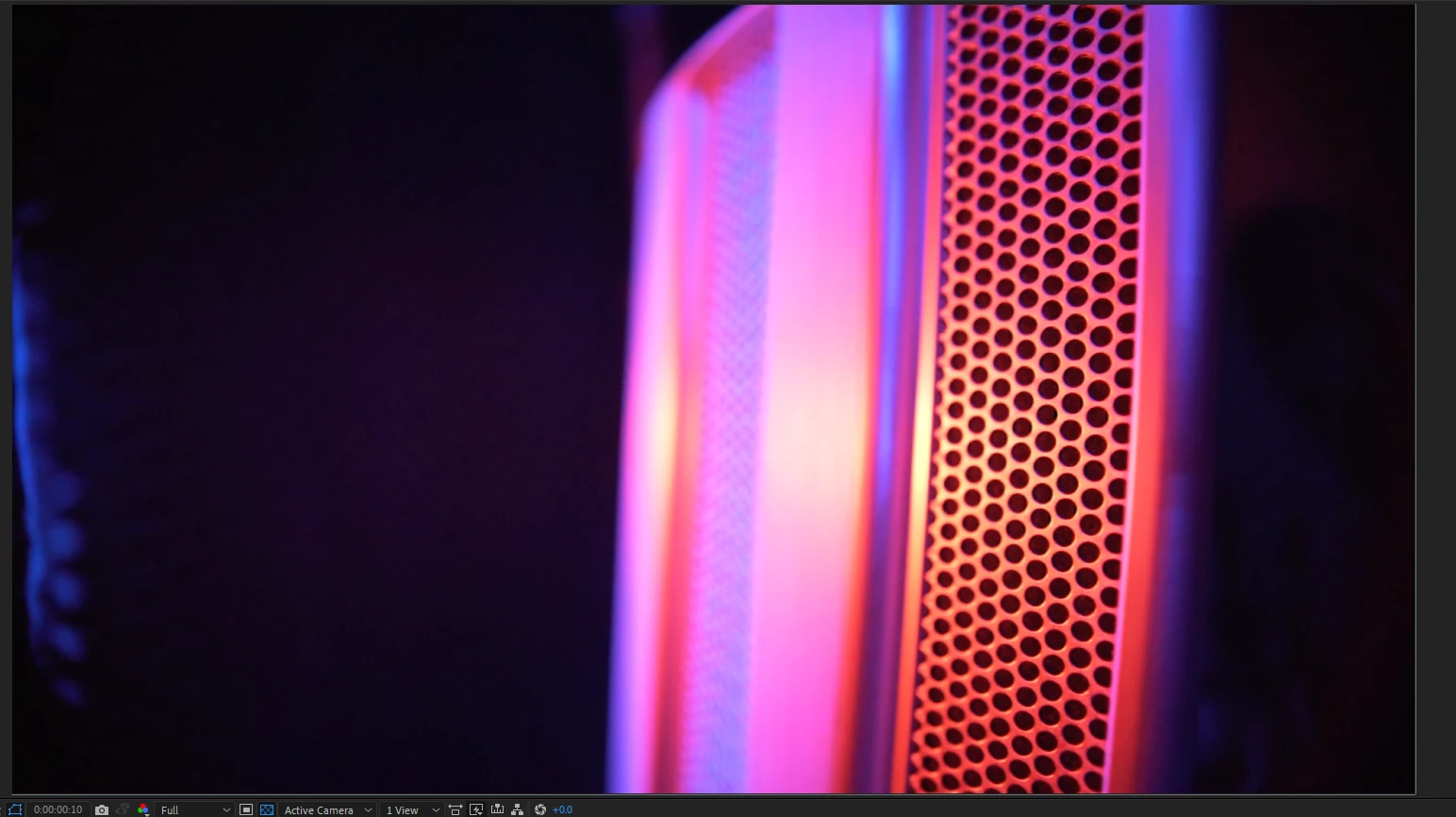
This has bugged me my last 2 projects and there's not much on it online so I thought I'd share my solution in case anyone has had this problem.

This topic has been closed for replies.

1 reply

Community Expert
July 15, 2019

There 90% or more chance the footage you have is some kind of MPEG compression consumer format. Transcoding the footage to a suitable visually lossless production format like ProRez, DNxHR, CineForm (free from GoPro) or some other suitable Mezzanine format. Do not transcode to an h.264 MP4, as you have found, solves the problem.

You can also try changing the settings in your Sony A7RIII and shoot with the maximum data rate and MOV format if you can. The glitches are caused by compression.

Known Participant
July 15, 2019

My shooting settings are

cine4 with pro color mode at 100mbps bit rate with the XAVC S 4K(or HD) codec . There is no other wrapper choice other than mp4. But that can't be the issue as I have edited with the same settings many times before and have only been getting the issue now.

Thanks for the response however.